
Create Any Dragon With an AI Dragon Generator
With an AI dragon generator on Textideo, you can turn a simple text prompt into a detailed dragon image in seconds—no drawing skills required. Describe the species, color, pose, and setting, and watch a fire-breathing wyvern, an Eastern serpentine dragon, or a cute hatchling appear.
Try the AI Dragon GeneratorTrusted by fantasy writers, game developers, and tabletop players—join 2,300+ creators.
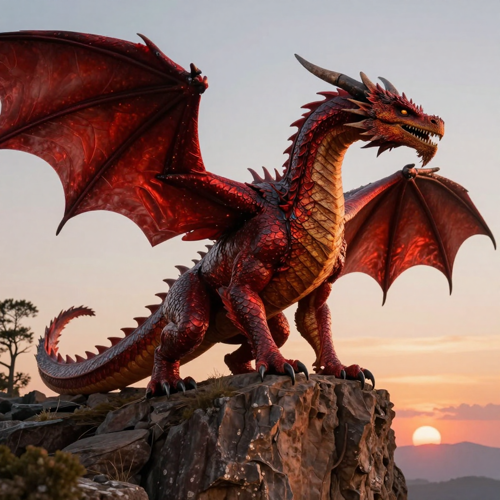
You Imagine a Dragon—Drawing It Shouldn't Be the Hard Part
You have the perfect beast in your head. But turning it into a finished image usually means art school, expensive commissions, or hours in design software you never wanted to learn.
An AI dragon generator removes that wall. Instead of sketching wing membranes or shading thousands of scales by hand, you describe what you see—and get a detailed dragon image back in seconds. The hard part becomes the fun part: refining the idea.
The Art Skills Gap
Most creators can picture a dragon but cannot render wing membranes, scales, or dramatic lighting by hand.
Slow, Costly Commissions
Hiring an illustrator per creature costs time and money, and revisions stretch a single dragon across weeks.
Software You Never Wanted
Learning Photoshop or 3D tools just to see one idea wastes the energy you wanted to spend creating.
How to Use the AI Dragon Generator
Three steps take you from a sentence to a finished dragon image. The dragon generator keeps the whole process beginner-friendly.
Describe Your Dragon
Type your dragon's species, color, pose, and setting—or upload a reference image. The more specific you are, the closer the AI dragon generator gets to your vision.
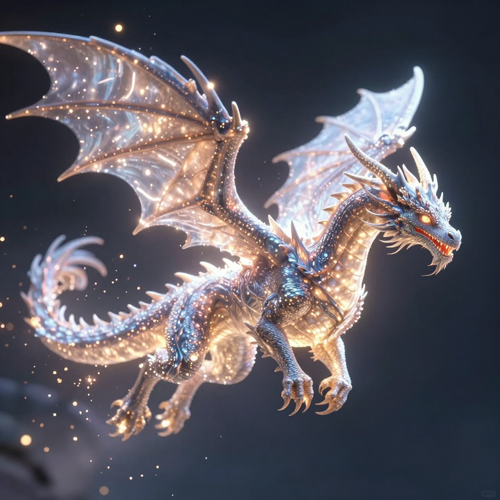
Generate Your Dragon Image
Click generate and the AI dragon generator turns your prompt into a detailed dragon image in seconds. Review the result and pick a favorite to refine.
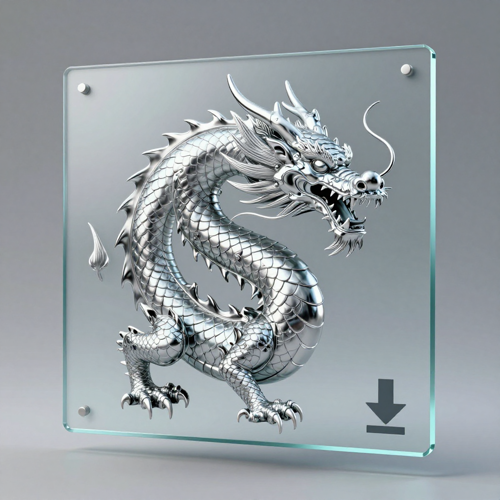
Refine and Download
Adjust the prompt or style, regenerate variations, and download your dragon art in high resolution. Use it for stories, games, merch, or social content.
AI Dragon Generator Use Cases
A dragon image fits more projects than you might expect. Here are the ways creators use an AI dragon generator on Textideo.
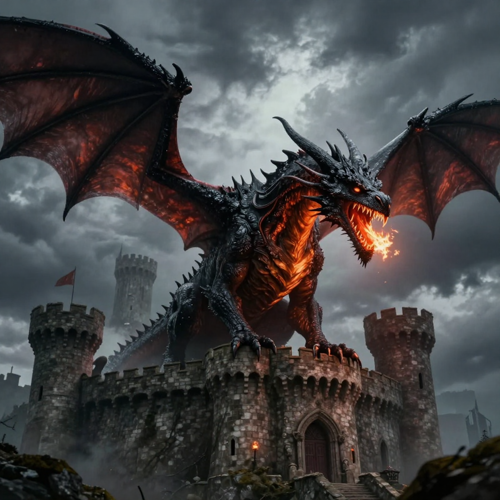
Dragon Art for Books & Worldbuilding
Fantasy writers use the AI dragon generator to visualize creatures from their manuscripts. Keep one dragon consistent across chapters without hiring an illustrator.
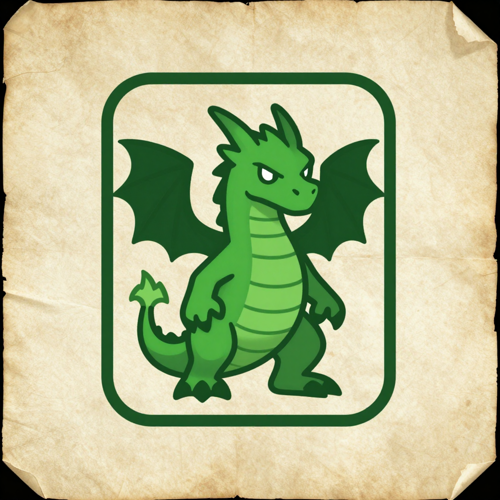
Dragons for DnD & Tabletop
Dungeon masters and players create custom bosses, allies, and tokens. The dragon generator turns a character description into a clear reference sheet in minutes.
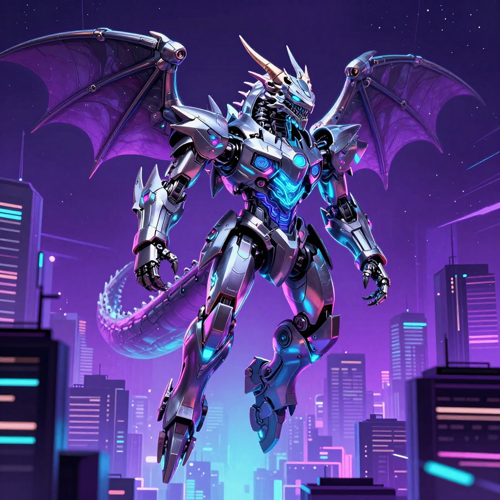
Concept Art for Games & Film
Developers and artists draft dragon enemies, mounts, and mascots. Iterate poses and colorways quickly before moving to 3D or sprite work.
Merch, Avatars & Social Posts
Design dragon logos, stickers, wallpapers, and profile art. The AI dragon maker exports clean, high-resolution dragon images ready for print.
What the AI Dragon Generator Can Create and Do
Turn a text description into a finished dragon image, then refine and export it. Three capabilities cover the whole workflow.
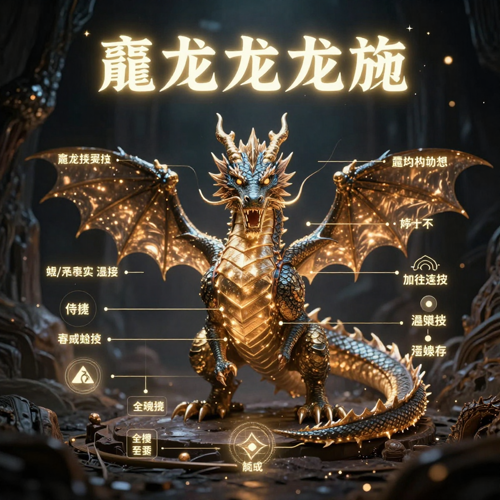
Describe a Dragon, Get Dragon Art
Type what you imagine and the AI dragon generator renders it with layered scales, wing membranes, and dramatic lighting. Results look intentional instead of random.
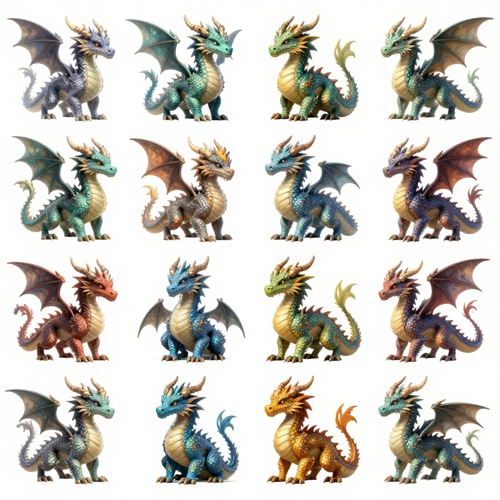
Refine and Explore Variations
Tweak the prompt to adjust colors, pose, or environment and the AI dragon art generator produces new options in seconds. No manual redrawing.
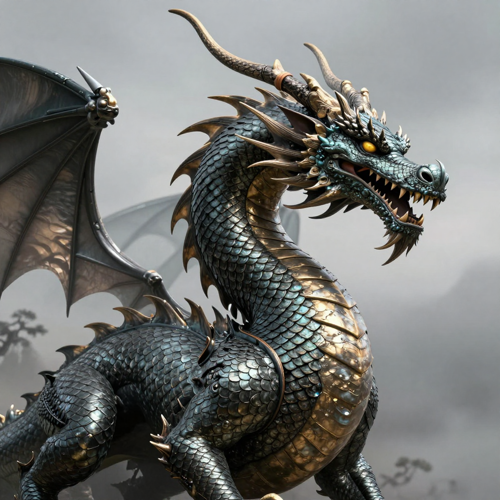
Upscale and Export for Any Use
Sharpen your dragon to high resolution and export it for print, social media, or game assets. Clean, detailed dragon images ready to ship.
Explore AI Dragon Generator Styles
The AI dragon generator on Textideo adapts to any art direction—from cinematic realism to playful cartoons, all from one text prompt.
Realistic & Cinematic Dragons
Generate museum-quality western dragons with believable scales, wing structure, and fire or storm lighting for book covers and posters.
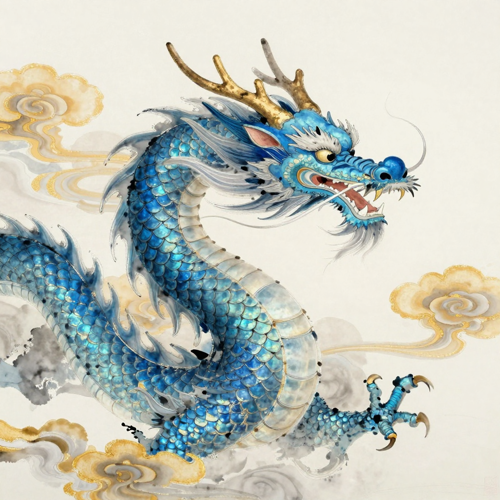
Eastern & Serpentine Dragons
Create flowing Chinese- and Japanese-style long dragons with manes, whiskers, and cloud motifs—both traditional ink-wash and modern looks.
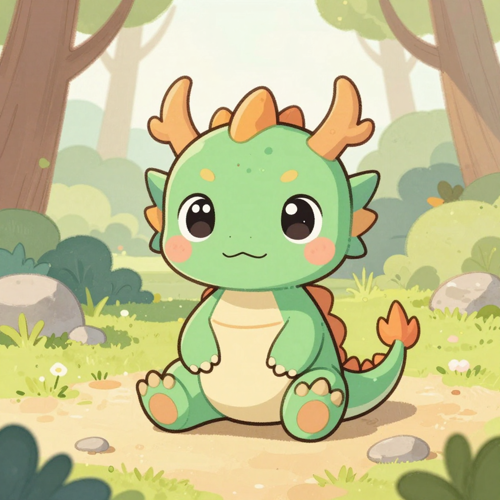
Cute, Chibi & Game-Ready Dragons
Design baby dragons with oversized eyes for kids' content, avatars, and game characters. The AI dragon maker switches styles in a single prompt.
Who Uses the AI Dragon Generator
The AI dragon generator is built for anyone who needs a dragon image but does not want to draw one. These are the creators who use it most.
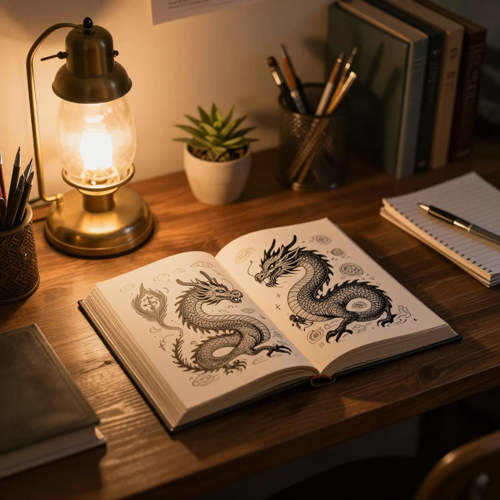
Fantasy Writers & Worldbuilders
Turn manuscript descriptions into consistent dragon illustrations, chapter after chapter.
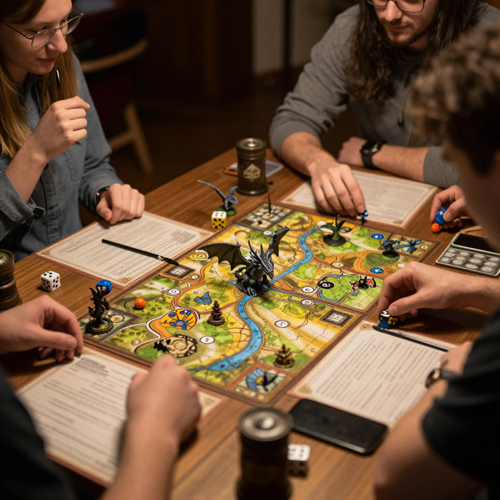
Tabletop & DnD Players
Build custom dragons for campaigns—tokens, character portraits, and battle maps from a short prompt.
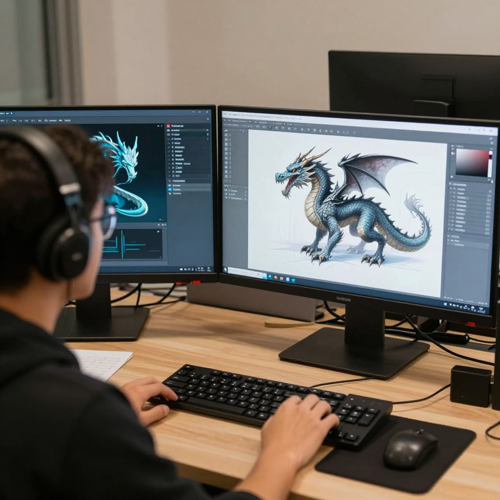
Game Devs & Concept Artists
Move from idea to dragon concept art in seconds and test many visual directions before committing.
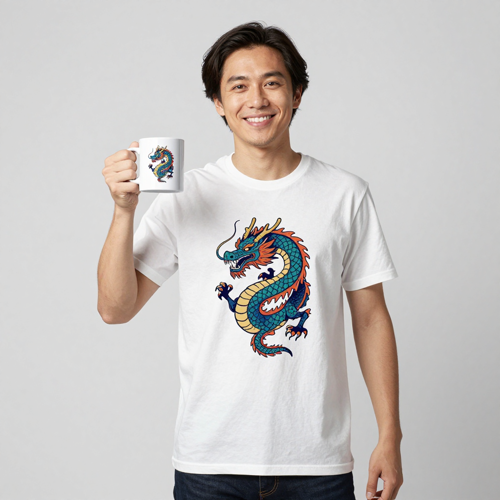
Merch Makers & Creators
Create dragon designs for shirts, mugs, stickers, and posters, then export print-ready images.
Why Use an AI Dragon Generator to Create Dragon Art
Writers, game developers, and creators get a faster way to make detailed dragon images—no 3D software, no waiting on an illustrator.
Create Dragons Without Art Skills
The AI dragon generator handles anatomy, scales, wings, and lighting from a single sentence. No drawing, no Photoshop, no modeling experience.
Control Every Detail
Guide the AI dragon art generator with a prompt: species, palette, pose, environment, and style. Switch from fire dragon to ice dragon by changing a few words.
Keep One Dragon Consistent
Describe a signature look once and reproduce the same dragon across scenes, chapters, or a product series.
Sketch or Photo to Dragon
Hand the AI dragon generator a photo, a logo, or a quick sketch and it returns finished dragon art—you keep the reference's idea while skipping the hours of manual redraw.
Styles for Every Project
Realistic, anime, watercolor, 3D, cyberpunk, ink wash, or chibi—cute, epic, and dark gothic looks in one tool.
High-Resolution Output
Download dragon images without watermarks for book covers, merch, avatars, wallpapers, and social posts.
What Creators Say About the AI Dragon Generator
Real workflows from people who use the AI dragon generator on Textideo for their projects.
"Before, I paid an illustrator per dragon and waited weeks. Now I keep one dragon consistent across my whole series and only redraw when I want to. The AI dragon generator paid for itself in the first book."
"My players love getting a custom dragon token for their campaign in minutes. I describe the boss, generate it, and drop it on the map. No art skills, no excuses for 'the dragon is a blob.'"
"For concept art, the AI dragon generator is my fastest brainstorm partner. I explore ten colorways before I open Blender. It saves my studio real money on early exploration."
Frequently Asked Questions About the AI Dragon Generator
Common questions about using an AI dragon generator—how it works, dragon types and styles, consistency, commercial use, and free options.
What is an AI dragon generator?
+
An AI dragon generator is a text-to-image tool that creates dragon artwork from a written description. You describe the species, color, pose, and setting, and the AI dragon generator returns a detailed dragon image in seconds. It is built for fantasy art, campaigns, book covers, and worldbuilding rather than manual drawing.
How do I create a dragon from text?
+
Type a clear prompt such as 'a crimson western dragon on a cliff at dusk' into the AI dragon generator on Textideo and click generate. The dragon image generator reads your description, builds coherent anatomy with scales and wings, and lights the scene. Refine the wording to adjust colors, mood, or environment.
Can I keep the same dragon across multiple images?
+
Yes. Describe a signature look—body type, palette, horns, and pose—and reuse that wording to reproduce the same dragon in new scenes. The AI dragon generator helps you keep one character consistent across chapters, campaign assets, or a product series.
What types of dragons can I generate?
+
The AI dragon generator can create western fire-breathing dragons, Eastern serpentine long dragons, wyverns, drakes, sea dragons, ice dragons, and fully original fantasy creatures. Mention the type, color, and mood in your prompt and the dragon art generator matches the look.
Can I turn a photo or sketch into a dragon?
+
Yes. Upload a reference photo, a rough doodle, or an existing logo and the AI dragon generator reimagines it as finished dragon art. This is useful for turning a thumbnail idea or a character sketch into a polished dragon image without redrawing it by hand.
Do I need art skills to use a dragon generator?
+
No. The AI dragon generator is designed for beginners and creators who cannot draw. You write a sentence or upload a reference, and the tool handles anatomy, shading, and composition. No Photoshop, 3D software, or illustration experience is required.
What styles can the AI dragon generator make?
+
The dragon art generator covers realistic and cinematic looks, anime, cartoon, watercolor, 3D render, cyberpunk, ink wash, and chibi baby dragon styles. You can shift from a dark gothic dragon to a cute hatchling by changing a few words in the prompt.
Can I use the generated dragon images commercially?
+
Yes. Dragon images you create on Textideo are yours to use for book covers, merchandise, avatars, wallpapers, and social posts. Always review the plan terms for large-scale commercial use, but the AI dragon generator is built so creators can take their dragon art from idea to product.
Is there a free AI dragon generator?
+
Yes. You can start with the AI dragon generator on Textideo without paying to explore prompts and styles. Free access lets you generate, refine, and download dragon images so you can test the tool before choosing a higher-resolution or higher-volume plan.
What is the difference between an AI dragon generator and a dragon maker?
+
The two terms describe the same kind of tool. 'AI dragon generator' emphasizes turning text into a dragon image, while 'dragon maker' emphasizes building a custom dragon step by step. On Textideo, the AI dragon generator and the dragon maker are the same workflow: describe or upload, generate, then refine your dragon.
Explore More AI Generators on Textideo
The AI dragon generator is one of many text-to-image tools on Textideo. Explore related generators and keep your creative workflow in one place.
AI Art Generator
Turn any idea into illustration, concept art, or posters with the general-purpose AI art generator.
Creature & Fantasy Tools
Go beyond dragons—generate other mythical creatures, mascots, and fantasy scenes.
Start Creating With the AI Dragon Generator
Describe your dragon and watch it appear in seconds. No drawing skills, no software, no signup to explore.
Try the AI Dragon Generator