
The face floats over the wrong moment
A generic filter pastes your face onto any video and often drifts off the beat, because nothing ties it to the performance underneath.
The Bulin 47 AI Video turns one photo into a vertical freestyle up to 16 seconds long, with a dembow beat baked in. Built for creators posting to TikTok, Reels and Shorts — no editing, no watermark.
Make My Bulin 47 AI VideoYour first render is discounted — a failed render is refunded automatically.
Pasting a face onto any clip is easy. Making it land on the beat is where every generic filter falls apart.
A generic filter pastes your face onto any video and often drifts off the beat, because nothing ties it to the performance underneath.
Most tools hand you a silent clip and leave you to find the sound yourself, so timing is guesswork and every export sounds different.
When the result arrives in the wrong shape you crop it yourself and lose the framing that made the trend work in the first place.
Creating the clip on Textideo takes a photo, a tap, and a short wait. No app install, no editing skills.
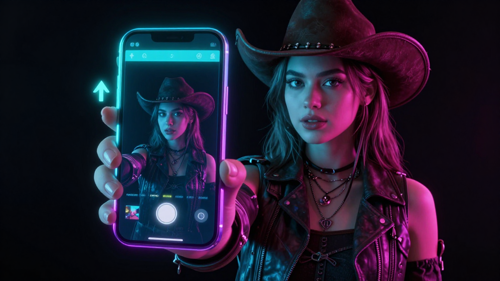
Upload one clear, front-facing photo of you, a friend (with their OK), or even your pet. Faces are tracked from the photo, so a sharp, well-lit picture matters most.
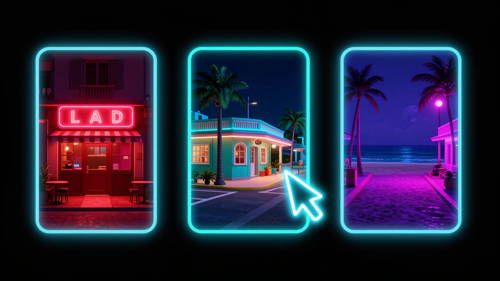
Keep Street Freestyle selected and choose your backdrop — the red-lit restaurant, a street corner, or the seaside promenade. Type the name and line you want on screen, and the beat and camera move stay intact.
Tap make and the clip is ready in a few minutes. Download the vertical MP4 — its own beat is already on it, so you can post as-is or swap in a track you own.
The tool is built for one trend. Upload a photo and the AI drops your face into the viral freestyle frame by frame, keeps everything paced to the dembow beat, and hands you a vertical clip you can post the same day.
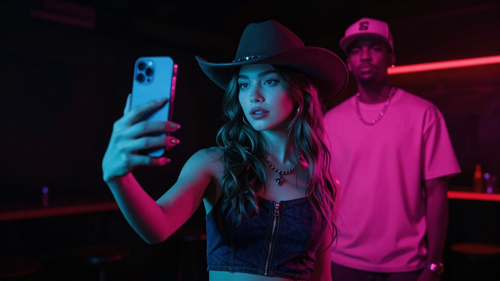
Upload a single clear, front-facing photo and the generator maps your face into the performance frame by frame, following the reference motion. No second photo, no prompt writing, no editing timeline.
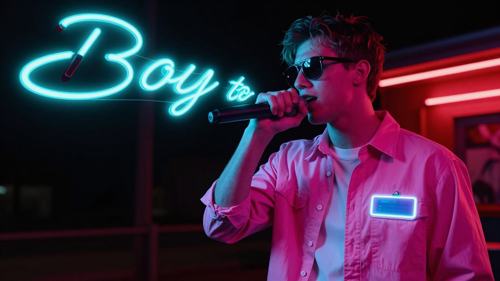
Add your name and a short line before you render, and the Bulin 47 AI Video opens with them on screen. AI handles the pacing so your line lands in time with the beat instead of drifting over the wrong bar.
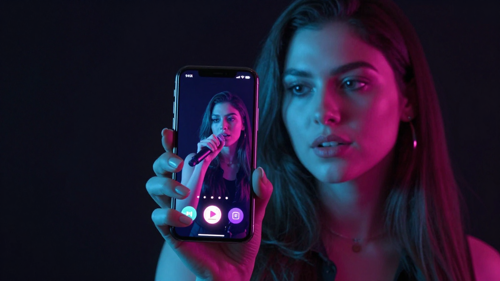
Every render is a 9:16 MP4 with the beat baked in and no watermark. Download and post straight to TikTok, Instagram Reels and YouTube Shorts.
One trend, a few looks. On Textideo you can pick the scene and the vibe, then let AI drop your face into the same viral freestyle frame by frame.
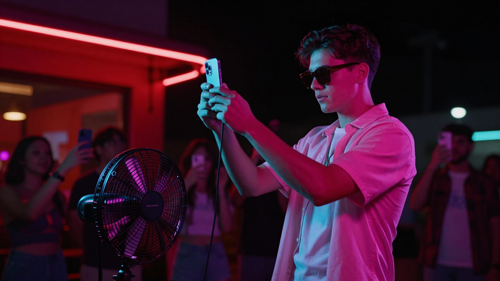
The original look: you in a pink shirt and dark shades outside a red-lit restaurant at night, a fan holding the speaker, the crowd filming on their phones. The clip keeps the exact beat and camera move.
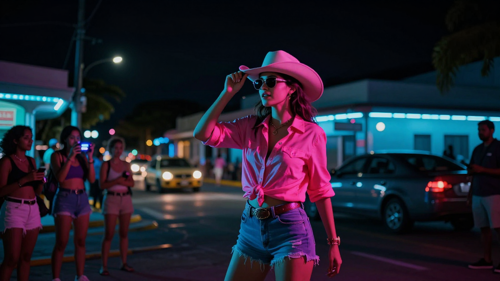
Swap the doorway for a warm street corner with passing cars and neighbors watching. Same freestyle, same audio, your face — just a different backdrop.
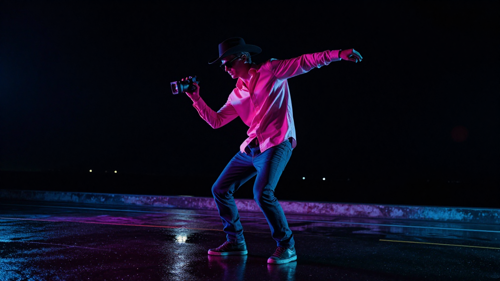
A breezy boardwalk after dark, neon reflecting on wet pavement. Your verse and the dembow beat stay, while the setting does the flexing.
Not sure what to make? These are the formats people are actually posting — and the ones that travel best.
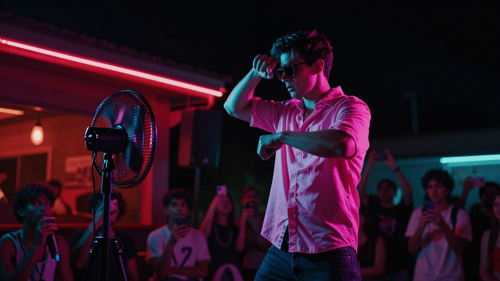
You, in the pink shirt and shades, freestyling outside the red-lit restaurant while a fan holds the speaker. The classic clip and the easiest to start with.
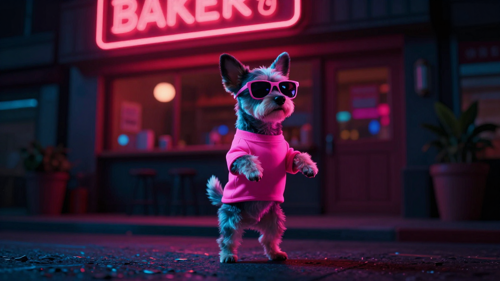
A dog or cat in the pink shirt and shades is the funniest version going. Upload a clear pet photo and let AI do the freestyle.
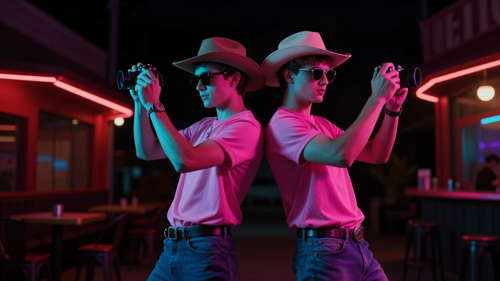
Add a photo of each person, or one photo of both, and freestyle side by side. You stay in frame together for the whole routine.
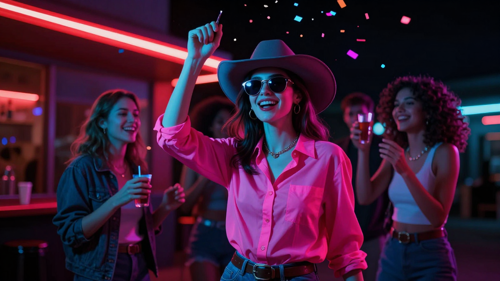
Birthdays, wins, and group-chat milestones become a clip in minutes — a personal post that beats a plain text message.
The Bulin 47 AI Video is for anyone who already knows the trend and wants to be in it. On Textideo, you supply the photo and the scene does the rest.
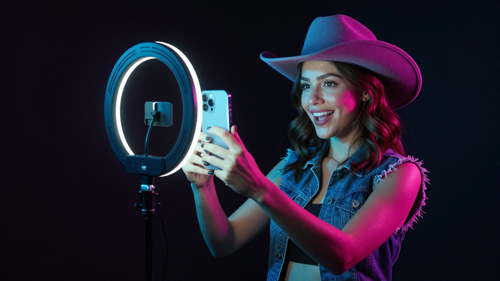
Chase the trend of the month with a fresh clip without filming anything. Post the vertical video the same day the sound is peaking.

Roast a friend or celebrate a birthday by dropping their face into the freestyle. It turns a group chat into a clip everyone reposts.
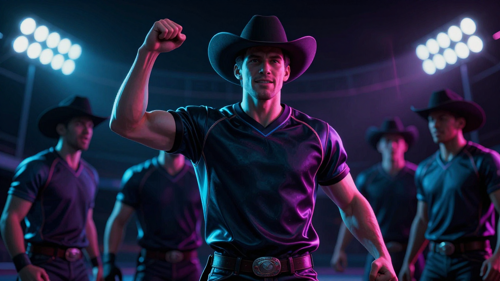
Put a teammate in the suit instead of a famous player. It is the fastest way to make your squad the star of the trend.
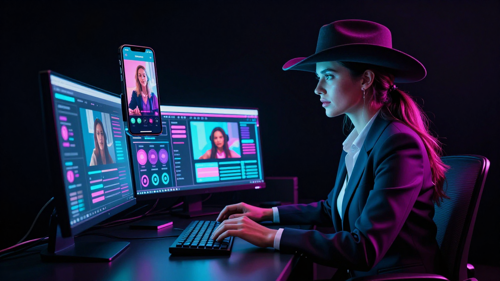
Need on-trend vertical content fast? The clip gives you a ready-made meme format with your client's face, no shoot, no edit.
You could paste a long prompt into a generic video model, or you could tap once. Built for the Bulin 47 AI Video on Textideo, the clip comes out right the first time.
It is a single-purpose tool. Add a photo, pick a scene, tap make. No prompt engineering, no model menus.
AI maps your face onto the reference performance frame by frame and paces the cut to the beat, so your name card and every move still land on time.
Every clip is a 9:16 video built for TikTok, Reels and Shorts — no cropping, no black bars, no re-editing.
Download a clean MP4 with no Textideo or trend watermark, ready to post wherever your audience is.
Credit-based rendering means a failed render is never charged — photos that can't be used are rejected before any credit is spent.
No app to install. Open Textideo on your phone or laptop, make the clip, and download the MP4.
Rated by the people who posted their first clip and came back for a second one.
"I had the clip on my story about ten minutes after uploading one selfie. It came out vertical already, so there was nothing to crop before posting."
"I made one for my brother's birthday and the group chat lost it. The face actually stays locked to the beat instead of sliding off halfway through."
"We ride trends for clients, so speed is the whole job. One photo, one tap, and the vertical MP4 drops straight into the scheduler with no watermark to scrub out."
The questions people ask before they upload the first photo.
It is a single-purpose AI video tool that casts you into the viral street freestyle. You upload one photo, and AI puts your face into a vertical clip that runs up to 16 seconds and follows the original dance, camera move and a dembow beat made for the effect — so it looks like you are the one freestyling outside the red-lit restaurant.
It is a photo-to-video recast, not a text generator. After you upload a clear, front-facing photo, the tool detects your face and body shape, swaps them into the reference performance frame by frame, and lays a generated dembow beat onto the finished clip. The crowd, the speaker and the setting stay exactly where they were in the trend.
Yes. Any clear photo works — you, a friend who said yes, or your dog or cat, which then freestyles in the pink shirt and shades. Do not upload photos of famous people or anyone without their permission. Only the face from your photo appears; the original artist's likeness is not used.
No. The tool builds its own night-time street scene around a dembow beat generated for the effect. Only the face from your photo appears in the finished Bulin 47 AI Video; the artists, their faces and their recorded song are not used. It is an independent fan-made effect, not an official product.
Most run 8 to 16 seconds and export as a 9:16 MP4 with the beat baked in and no watermark. Download and post straight to TikTok, Instagram Reels and YouTube Shorts, or adjust the length and resolution before rendering.
You need neither an app nor any editing experience. It runs in the browser on your phone or computer. You upload a photo, pick a scene, and tap make — the clip is ready in a few minutes.
A generic filter just pastes your face onto any video and often drifts off the beat. This tool is built only for the one freestyle: it locks your face to the reference frame by frame, paces the cut to a generated dembow beat, and outputs a correctly framed 9:16 clip — so it lands on the beat instead of drifting over the wrong moment.
Rendering uses credit packs, and your first video is discounted. A failed render is automatically refunded, so you only pay for clips you actually receive. There is no subscription required to try it, and unused credits are not lost.
Every Bulin 47 AI Video starts with a photo you upload, and it is used to render your clip only — not published or shared without you. Keep the shortest side at least 768 pixels and pick a clear, well-lit, front-facing picture with one person, no sunglasses or heavy filters.
Use one sharp, front-facing photo with even light and your face and upper body visible. Faces are tracked from the photo, so the clearer the picture, the better the result holds your likeness. Avoid group shots, screenshots, or sunglasses.
Other ways to turn a photo or an idea into something you can post today.
Turn one photo into the Bulin 47 AI Video on Textideo. Upload, pick a scene, and download a ready-to-post vertical clip in minutes — your face, a dembow beat made for the effect, no watermark.
Make My Bulin 47 AI VideoRuns in the browser — no app, no editing skills. A failed render is refunded automatically.