
The Household Argument
“Two roommates arguing about whose turn it is to do the dishes”
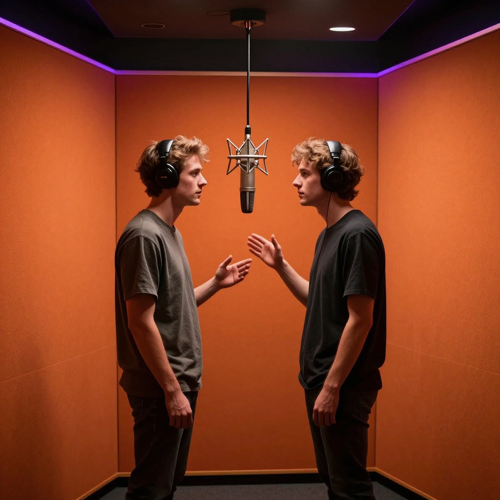
Migos AI is the two-person rap duet trend: one orange booth, one hanging microphone, two people trading verses. Upload a clear photo of each performer, type one line about what the verse is about, and get a vertical Migos AI clip with an original beat — no filming, no prompting, no editing timeline. Available on Textideo.
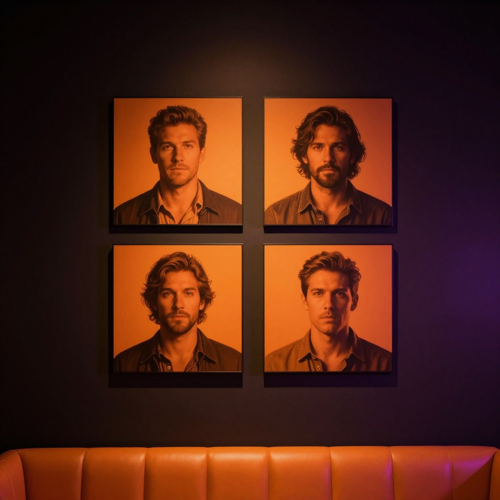
Nobody searches for Migos AI because they want to learn a tool. They search because they have seen the orange booth a hundred times this month and their own attempt at a Migos AI clip came back wrong.
Two people go into a generator and two waxy strangers come out. Halfway through a head turn the identity slips and the clip is unusable — and you only find out after paying for the full length.
The shortcuts that copy the original performance copy its sound with it. That holds up right until a platform mutes your Migos AI clip or a brand account catches a strike, and the evening you spent on it goes quiet.
Trend formats have a short shelf life. Spend it learning a prompt syntax, exporting to an editor and reframing for 9:16, and the sound behind your Migos AI video has already peaked by the time you post.
Anyone can ask a model for two people in a studio. A Migos AI generator is built for one specific shot — the orange booth and the shared microphone — and the difference shows up in the three places these clips usually fail: the faces, the audio, and the time it takes to post.
A generic text-to-video prompt has to invent the room every time, and a room that gets invented is a room that changes. A Migos AI generator starts with the stage already set — orange walls, one microphone on a cable, two marks on the floor — so your photos and one topic line are the only variables.
Less invention means fewer surprises: the same framing, the same camera move and the same booth in every take you generate.
Identity drift is the complaint that comes up most with this trend: faces go waxy, or swap, or slip halfway through a turn. A Migos AI workflow that is not also reimagining the room can spend its capacity on the thing you actually care about — the two people on the mic.
You assign left and right performer positions yourself, so each photo lands where you meant it to and both faces hold through the movement rather than only in the opening frame.
A clip generated here arrives with a verse written from your topic, plus the beat and the vocal to go with it. Nothing from the original performance is used, and no artist's voice or likeness goes into the output.
That is the difference between a Migos AI video you can post on a brand account and one you have to hope nobody listens to too closely.
Pick 5, 10 or 15 seconds, and 9:16 vertical — or square and landscape when the clip has to sit in a story, a deck or a feed post — before you generate.
The habit that saves the most time: render the shortest Migos AI length first, check that both faces hold through the turns, then spend the longer length on the take you actually intend to publish.
Your generations stay in your own library. That matters more than it sounds when the clip contains family photos, a client's face, or an inside joke that was never meant for a wider audience.
You decide what gets downloaded and what gets deleted, and a Migos AI project stays yours from the first generation to the final export.
No timeline, no prompt engineering, no editing software. A Migos AI clip goes from two photos to a postable vertical file in one sitting — this is the whole workflow.
Choose who goes in the booth — you and a friend, you and your partner, two family members, or two pets. One clear, front-facing photo each with the face unobstructed is the input that decides whether a Migos AI video looks right.
Separate portraits beat one picture of both people together, because you can then assign the left and right positions yourself.
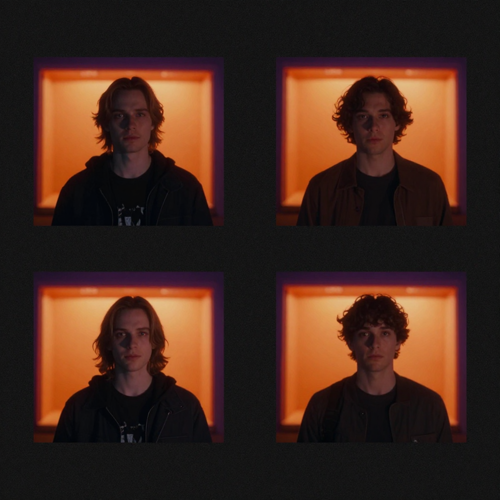
Pick the stage — the orange Hotel Lobby-style room, a studio booth, a luxury lobby or a street cypher — then set 5, 10 or 15 seconds and the aspect ratio.
A Migos AI clip defaults to 9:16 vertical for TikTok, Reels and Shorts, with square and landscape there when the same clip has to live somewhere else.
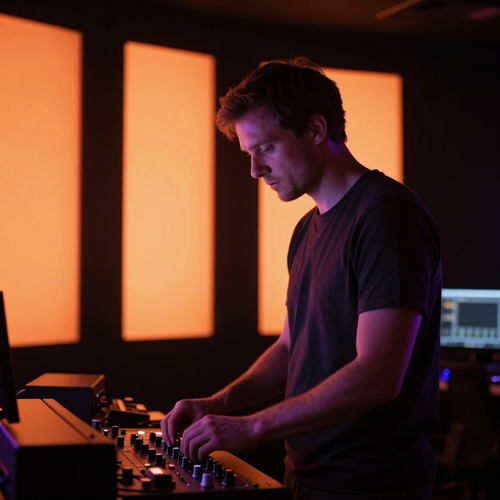
Type a single sentence about what the verse should be about — whose turn it is to do the dishes, forty years of marriage and still arguing over the remote. The workflow writes the rap from it, then builds the beat and the vocal to match.
Short, specific and slightly petty beats broad: two names and one concrete detail give a Migos AI verse something to be funny about.
Watch the take and re-roll with a better photo if a face drifts, rather than rewriting the topic — the picture is doing most of the work.
Then download the vertical Migos AI file, add the trending sound from your platform's own audio library, and post it with a trend hashtag.

The verse is only as funny as the line you hand it. Broad topics produce broad rap; two names and one specific detail produce a Migos AI clip people send to each other. These are the shapes that work.
Four finished Migos AI videos, four different reasons for making one. What changes between them is the cast and the topic line — the booth, the microphone and the workflow are identical.
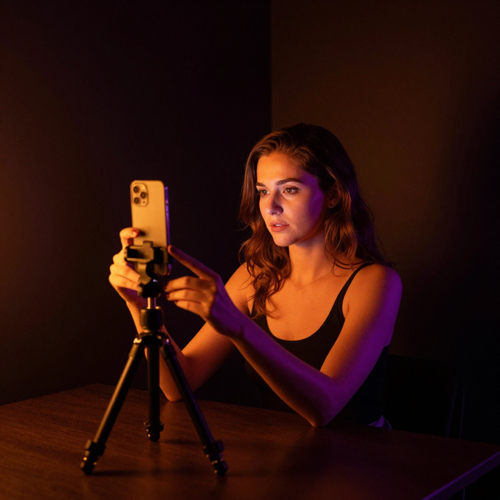
One creator, two photos of herself and her roommate, one line about the rent. The Migos AI take went up the same evening it was generated.
What it needed: the shortest length first, to check both faces held through the turn before spending a longer render.

Two people who would never have agreed to be filmed, put in a Migos AI booth from photos that were already on a phone.
What it needed: a topic line specific enough to rhyme — forty years, one remote, no resolution.
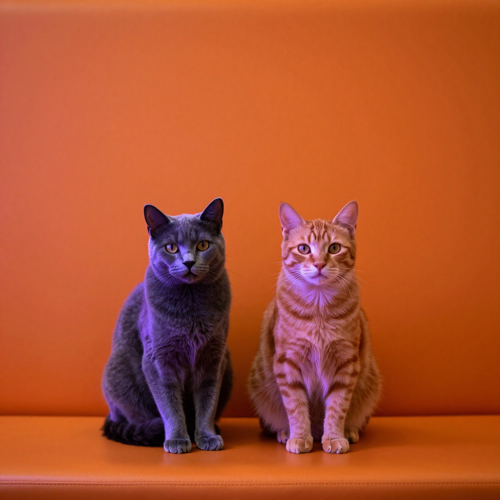
The version that travels furthest: one grey cat, one ginger cat, one song about who owns the windowsill.
What it needed: two separate photos facing forward, so both animals stayed recognizable instead of blending into one.
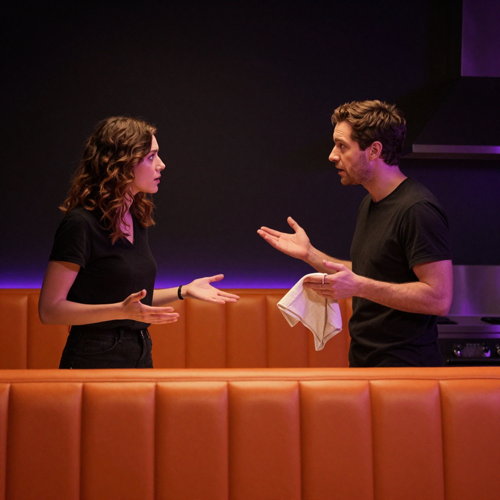
A household dispute about the dishes, argued in rhyme by the two people actually having it.
What it needed: nothing beyond the two photos and the grievance — which is the whole point of the format.
Two very different groups search for Migos AI: creators who need to publish on the trend today, and people who want to win an argument with a friend. Both get the same booth, and both get a finished clip out of two photos.
Trend formats have a short shelf life, and a Migos AI video is one you can finish the same day you notice the trend. Two photos in, vertical clip out, nothing to edit in between.
The useful property for anyone publishing daily is repeatability: the stage never changes, so output volume is limited by how many duos you can cast rather than by how long an edit takes.
Most people looking for Migos AI are not chasing reach — they want to settle something. A running argument, a shared grievance, a joke only the two of you get: put it in the topic line and let the verse say it.
The result reads as a keepsake rather than a post, which is why these are the Migos AI clips that get saved and re-watched.
Two animals in a Migos AI booth is the version that keeps outperforming the human ones, and it needs nothing extra — one clear photo per animal, both facing the camera, and a topic about who runs the house.
It travels because it needs no translation: no language, no context, just two pets apparently trading bars.
A Migos AI video lets a small account post like a person. Two team members trading lines about the office fridge reads as content, not advertising, and that is the whole advantage.
Keep the topic specific to the trade — the Monday rush, the delivery that never arrives, the customer who always orders the same thing — and the clip earns its reach instead of buying it.
The booth is a fixed stage with an open cast list. These are the four shapes people come back to, and each one changes the video completely without changing the setup.
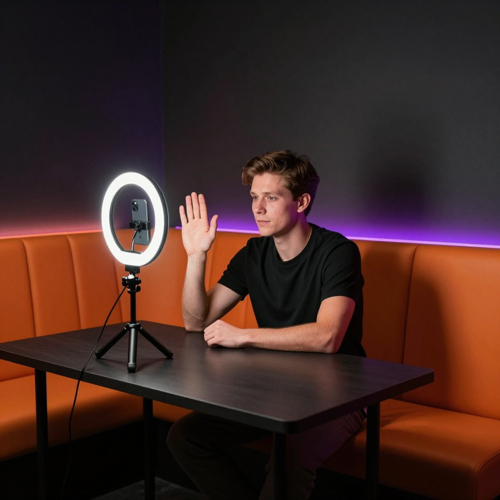
One booth, a different duo every day. Because the stage is constant, a Migos AI series costs the same per post as a single clip and gives the feed more than one entry to catch.
Creators run a new pairing each morning rather than trying to make one take carry a whole week.
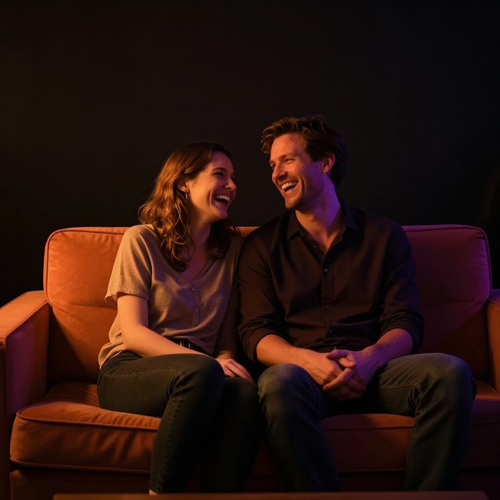
The most common first Migos AI video: two people who already have a running argument, and a verse that finally says it out loud.
These get sent privately more often than they get posted, which is a fair outcome for a clip that took two photos to make.

Two pets, one grievance. A Migos AI pet duet is the format most likely to be shared by people who do not follow you.
Keep both animals facing the camera in their source photos and the booth does the rest.
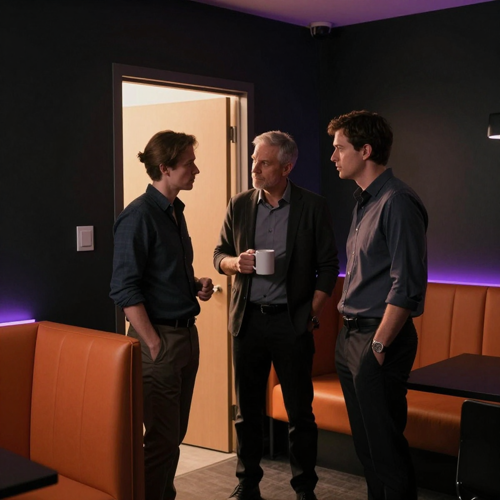
Small teams use Migos AI to post like people instead of brands: two colleagues trading lines about the Monday rush.
Specific beats generic every time — the office fridge is funnier than a mission statement.
Different takes want different motion. All six render the same booth from the same two photos — what changes is how the movement reads and how much detail survives the head turn.
Hailuo renders a Migos AI booth with steady, even motion and clean faces — a safe pick for occasion clips you intend to keep rather than post once and forget.
PixVerse leans stylised: punchy movement and saturated booth light, which suits a Migos AI take built for a fast feed.
Hunyuan holds identity tightly through head turns — the property that matters most when both faces have to survive the whole Migos AI take and not just the opening frame.
Pika is the quick-turnaround option: fast enough to check a new Migos AI pairing at the shortest length before you spend a longer render on it.
Sora gives the most literal, filmic booth of the six and takes the longest to return — worth the wait when the Migos AI clip is the main event rather than a daily post.
Gen-4 is the creative read: looser staging and more interpretation of the room. Reach for it when a Migos AI take is a bit rather than a record.
Three different reasons to open a Migos AI generator — a posting schedule, a brand account and a family occasion — and what each of them got out of it.
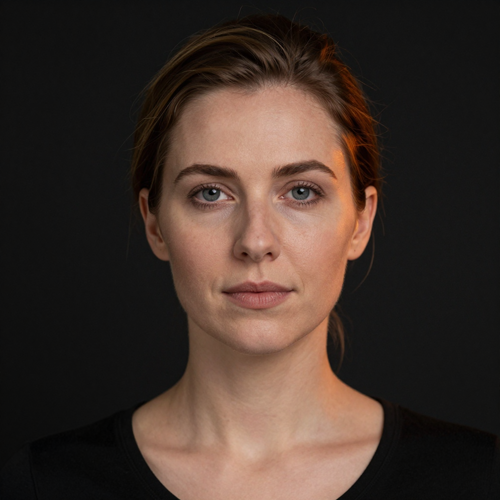
“Before this I was screen-recording other people's takes and trying to reverse-engineer the prompt. My first Migos AI clip came back with both faces holding all the way through the head turn, which is the part that had been failing for me elsewhere. The change in my workflow is small but real: run the short length, check the faces, then render the one I post.”
“We wanted in on the trend without the post reading as an ad. Two baristas, one line about who cleans the espresso machine, and it was done. Before, anything with production value behind it meant a freelancer and a week of back-and-forth. The part I actually care about is that the audio is original — a brand account cannot run a clip built on someone else's song.”

“I put my parents in the booth for their fortieth and gave the topic as forty years of arguing over the remote. Filming them was never going to happen; they would have refused outright. Two photos I already had on my phone did it instead, and they have watched the result more times than they will admit.”
Answers to the questions people actually ask before making a Migos AI clip — how the format works, what photos to use, and where the line on likeness and consent sits.
A Migos AI video is a short vertical clip that puts two people — or two pets — inside a small orange recording booth with one microphone hanging between them, trading rap lines back and forth. The look borrows from the orange-booth performance style associated with Quavo and Takeoff's "Hotel Lobby" session, which is why the format also travels under the name Hotel Lobby AI.
You make one from two photos. The AI supplies the booth, the movement, the verse and the beat, so there is no filming, no prompt engineering and no editing timeline between you and a finished Migos AI clip.
They are two names for the same trend, and both point at the same orange-booth duet format. "Hotel Lobby AI" describes the setting people recognize — the orange studio and the single hanging microphone — while "Migos AI" describes the performance style those clips imitate.
If you are searching for either one, the generator gives you the same result: two faces cast into a booth, taking turns on the mic. Neither name refers to an official product from the group.
Pick one clear, front-facing photo for each performer, tell the generator in one line what the verse should be about, choose a length, and generate. The Migos AI workflow handles the booth, the camera, the head movement and the timing, then hands back a vertical file.
Download it, add the trending sound from your platform's own audio library, and post it with a trend hashtag so people browsing the trend can find your take.
One face per photo, lit from the front, with the head unobstructed. Sunglasses, heavy side angles and group shots are the usual reason a Migos AI video comes back with identity drift, because the model has less to anchor to.
Separate portraits work better than one photo of both people together — you can assign left and right performer positions yourself. If the first Migos AI take looks off, change the photo rather than rewriting the topic; the picture is doing most of the work.
Yes — pets are one of the most shared versions of this trend. Give the generator one photo per animal, each facing the camera, and it will cast them into the booth side by side.
The joke lands because the pets stay recognizable while doing something they obviously cannot do. Keep the topic petty and specific — who owns the couch, who gets the last treat — because that is what the verse has to work with.
No. A Migos AI video generated from your photos comes with an original verse written from your topic and an AI-generated beat and vocal — nothing from the original recording, and no use of the artists' voices or likeness.
That distinction matters if you plan to post commercially or run paid distribution on the clip. Add the sound from your platform's music library at publish time rather than lifting audio from the performance.
Not line by line. With a Migos AI generator you supply a topic — a household argument, a friend-group grievance, an occasion — and the verse is written around it, so every generation produces a fresh set of lines.
Short, specific and slightly petty topics rap better than broad ones. Two names and one concrete detail give the verse something to be funny about; "something funny about us" gives it nothing.
Vertical 9:16 is the default, because a Migos AI clip is built for TikTok, Instagram Reels and YouTube Shorts. Short lengths — around five to fifteen seconds — suit the format: the booth reads instantly and the verse does not need longer to land.
If you are testing a new pairing, render the shortest length first to confirm both faces hold, then move up. Horizontal and square exports are available when the same clip needs to sit in a story, a deck or a feed post.
No. Only upload photos of yourself, your own pets, or people who have agreed to appear in the Migos AI video. Casting a celebrity, an artist or anyone who has not consented into a generated clip is a likeness problem, not a technical one, and it is the fastest way to get a video pulled.
Consent also covers the joke itself. A Migos AI verse built around a private argument is funnier to the two people in the booth than to anyone else, so check before you post it publicly.
No. A Migos AI video is template-driven: you choose the photos, the stage and the length, and the generator handles casting, movement, lip sync and timing. There is no timeline to assemble and no prompt to write.
Most people get a usable clip on the first or second generation. The skill involved is picking good photos and a good topic, not operating editing software.
The booth is one stage. These are the other places in Textideo the same cast can go next.
Two photos and one line about what the verse is about — that is the whole input. Generate a Migos AI clip, download the vertical file, and post it while the sound is still climbing.
Render a short take first to check that both faces hold through the head turns, then spend the longer length on the version you actually want to publish.