
AI Video Person Swap: Change Who Is On Camera, Keep the Shot
An AI video person swap replaces the person in footage you already have — the scene, camera movement, timing and audio stay exactly as filmed. Upload one clip and one clear photo of the new person, then generate a version that is ready to publish. No reshoot, no rotoscoping, no compositing timeline.
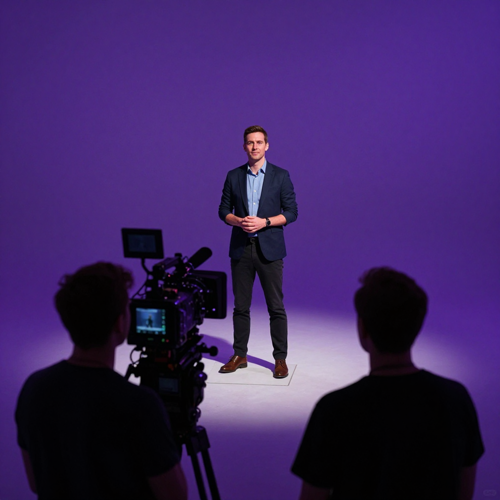 Original take
The Reshoot Problem an AI Video Person Swap Removes
Nobody searches for a person swap for the novelty. They search because changing one person in a finished video currently costs a studio day — and that cost is out of all proportion to the change.
The presenter left, the video did not
You have a cut that still performs and a person in it you can no longer use: rights expired, contract ended, role changed. The standard fix is a new shoot day for a video that was already working.
One market, or five?
The campaign tests well at home. Taking it to four more markets means four more casts, four more studio days, and four chances for the new version to drift away from the one that tested well.
The take is right, the casting is not
Blocking, lighting and delivery are correct and the person is wrong — and you only find out once the edit is assembled. Fixing it means starting the day over rather than starting the frame over.
Everything You Need for an AI Video Person Swap
Three capabilities decide whether a person swap is usable in real work: replacing the whole person rather than a face, holding identity steady across motion, and letting you choose who in the frame gets replaced. Those three capabilities are where an AI video person swap on Textideo concentrates.
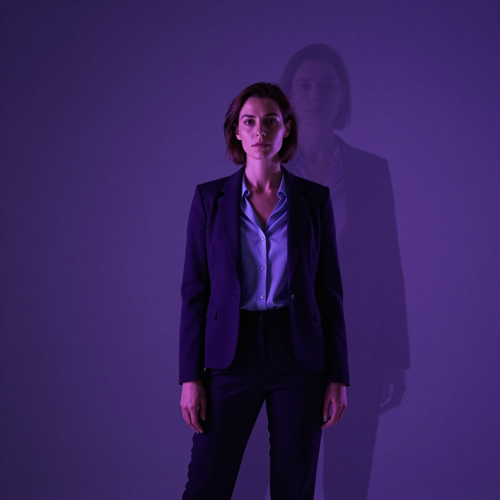
Whole-Person Replacement
An AI video person swap replaces the entire person in frame — face, body shape, hair and clothing all come from the reference photo you supply.
That is what separates it from a face swap: the viewer is not meant to notice a new face, they are meant to see a different person doing the same performance in the same scene.
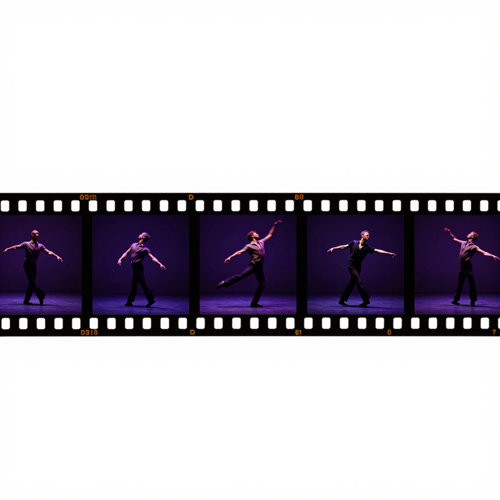
Motion That Holds Up Frame by Frame
The render tracks the performance already in your clip — walking, turning, gesturing, and the timing of the take — instead of overlaying a still image.
The practical test is simple: play it at full speed, then scrub the timeline. Identity should not drift, flicker or change shape when the person moves through the shot.
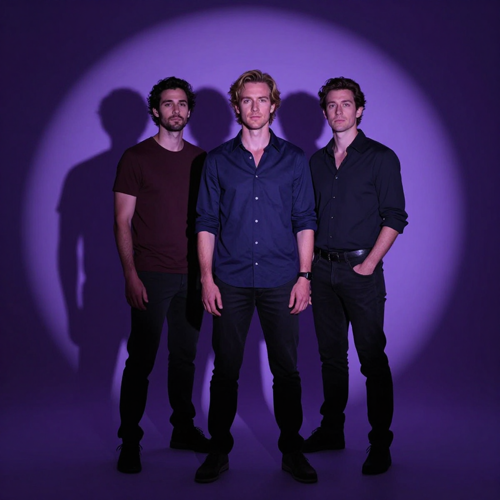
Pick Who Gets Swapped in a Crowded Frame
When several people are in shot, you choose which one the AI video person swap targets rather than re-rendering everyone.
Interviews, group scenes and two-person demos stay usable because you are not masking the whole frame by hand to protect the people who should stay as they are.
Why Choose Textideo for AI Video Person Swap
Recasting a shot should not mean booking a studio, a crew and another day of post. An AI video person swap on Textideo starts from the work you have already shot: keep the take, keep the timing, change who is standing in front of the camera.
Built for Footage You Already Have
Most swap tools want you to start from their template library. An AI video person swap starts from your clip — the set, the blocking, the edit and the audio you already approved stay in place, and only the on-screen person is re-rendered.
Whole-Person Replacement, Not Just a Face
Body shape, posture, hair and clothing come from the reference photo you upload, so the shot reads as a different person rather than the same person wearing a new face. That is the difference between a recast and a gag.
Frame-to-Frame Stability on Moving Shots
The swap is rendered against the motion already in your footage — turns, walks, gestures and head movement included. The test that matters is not a still frame but whether identity holds steady when you scrub the timeline.
Scene-Aware Light and Skin Tone
Lighting mismatch is the fastest way to make a swap look pasted on. The render reads the light direction, colour temperature and shadow behaviour in your scene and matches the new person to it frame by frame.
Audio, Timing and Camera Stay Untouched
The cut you approved does not get re-edited. Background, camera moves, pacing and the original audio survive the swap, so a revised module still cuts cleanly against the rest of a series you did not touch.
Several Video Models in One Workspace
Different clips fail in different ways — fast pans, profile angles, low light, motion blur. Running the same take through more than one model in a single workspace is often the fastest route to a clean result, without moving files between subscriptions.
Who AI Video Person Swap Is Built For
An AI video person swap is aimed at people who already have footage and need the person in it to change — not at people looking for a novelty effect. If you have ever re-shot a video only to replace the presenter, this is the job it was written for.

Marketing and Localization Teams
Run one master concept across several markets without re-booking talent.
An AI video person swap lets a regional team put a local face on an approved script while the product, offer and timing stay exactly as tested — then repeat the process for the next market without going back to the studio.
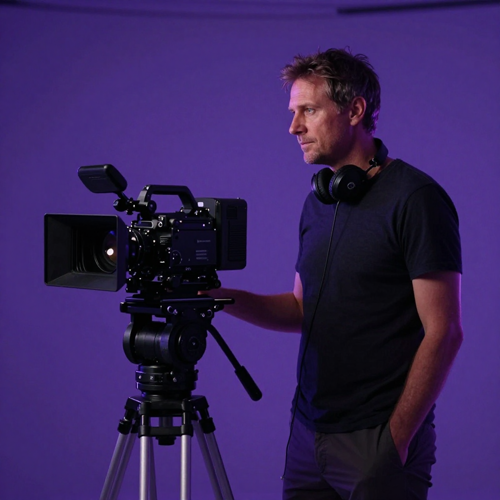
Agencies and Production Houses
Handle recasting, talent changes and client revisions as a post task instead of a production day.
Agencies use an AI video person swap to turn around the version a client asked for after the shoot wrapped, and to keep a finished cut usable after usage rights on the original performer run out.
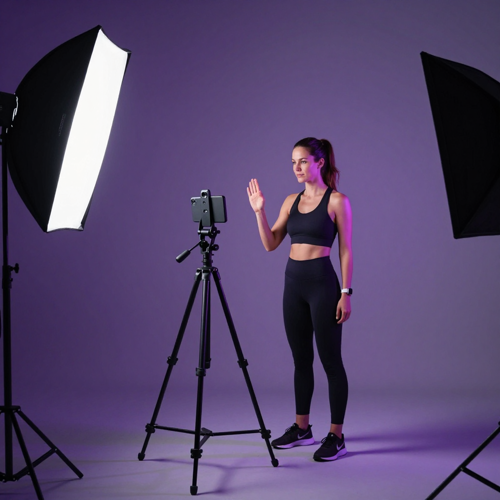
Course Creators and L&D Teams
Keep a training library current without re-recording it.
When an instructor changes or a module needs re-approval, an AI video person swap updates the affected lessons while the pacing, slides and voiceover stay aligned with the rest of the course.
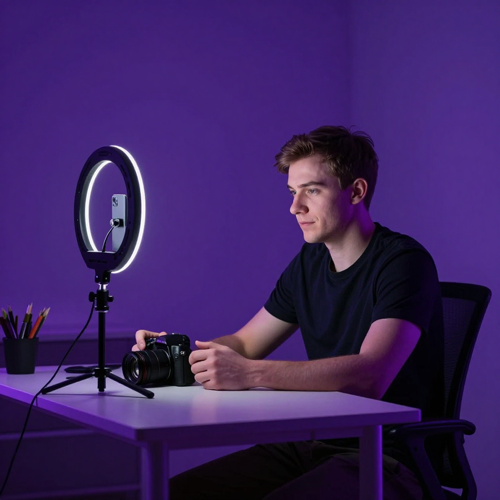
Creators and Small Studios
Get more mileage out of a take that already works.
Small teams use an AI video person swap to build character variants, test a brand-owned presenter, or place an illustrated character into real footage — without a rig, a green screen, or a second shoot day.
Run an AI Video Person Swap in Three Steps
Recasting should not be a production project. With an AI video person swap, a finished clip and one reference photo are enough to produce a new version of the same take.

Step 1 — Upload the Clip and One Clear Photo
Start with the footage you want to recast and one sharp, well-lit photo of the person who should appear in it. A full-body shot works best when you are replacing the whole person; a clean front-facing portrait is enough when the framing is tight.

Step 2 — Choose Who the Swap Targets
If more than one person is in frame, pick the one to replace. Scrub to a frame where they are clearly visible and, where the shot needs it, line the reference pose up with the pose in the video — that single adjustment does more for realism than any post-processing.

Step 3 — Review the Take, Then Export
Watch the result at full speed first, then scrub for seams, identity drift and lighting jumps. When it holds up, export in the aspect ratio the placement needs — 9:16, 16:9 or 1:1 — and drop it into the cut you already approved.
What You Can Do With AI Video Person Swap
The useful question is not whether a swap looks clever — it is whether it saves you a shoot day. An AI video person swap earns its place when the shot already works and only the person in it needs to change.
One Shoot, Several Markets
A campaign filmed once with one presenter can be re-cut for each market with a local face on camera, while the product, set, pacing and call to action stay identical.
This is the clearest case for an AI video person swap: the creative is already proven, and the only variable you want to test is who delivers it.
A Second Life for Finished Footage
Usage rights expire, a spokesperson leaves, a contractor's contract ends — and a video that still performs has to come down. Swapping the person lets you keep the asset in circulation instead of rebuilding it.
Training libraries, onboarding series and evergreen product walkthroughs are the material teams rescue this way most often.
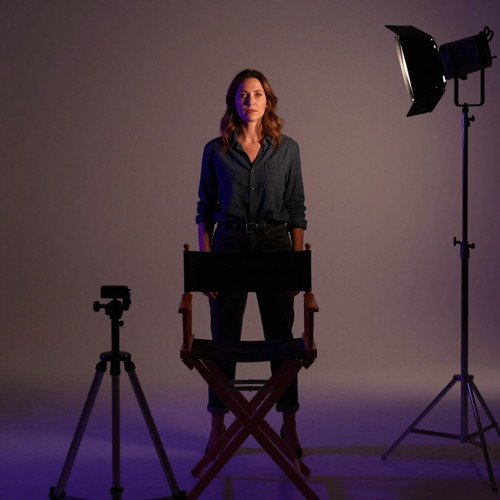
Decide the Cast Before You Book It
Casting decisions are expensive to reverse once a shoot is booked. Running an AI video person swap over a rough take lets you see how a scene reads with different people before committing budget.
Teams use it as a previsualization pass: narrow the field, then spend the production money on the version worth making.
Where AI Video Person Swap Output Actually Goes
An AI video person swap is not a novelty effect looking for a use. These are the four jobs it gets hired for most often — each one starts from footage that already exists.
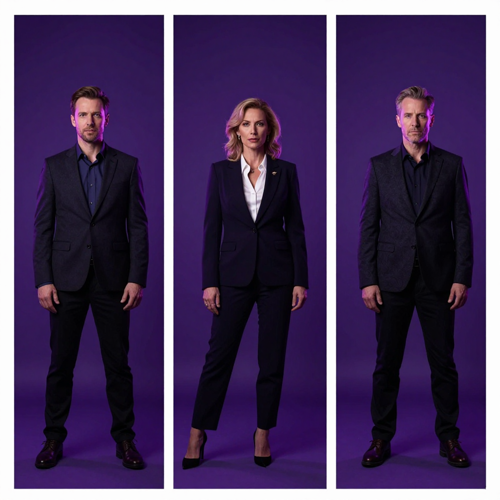
AI Video Person Swap for Regional Presenters
A single approved concept becomes a set of regional cuts, each with a presenter that matches the audience it is aimed at. An AI video person swap keeps the performance, timing and product shots consistent while the face on camera changes.
Teams typically export 9:16 for stories and shorts, 16:9 for landing pages and paid placements, and 1:1 for feed placements — from the same source take.
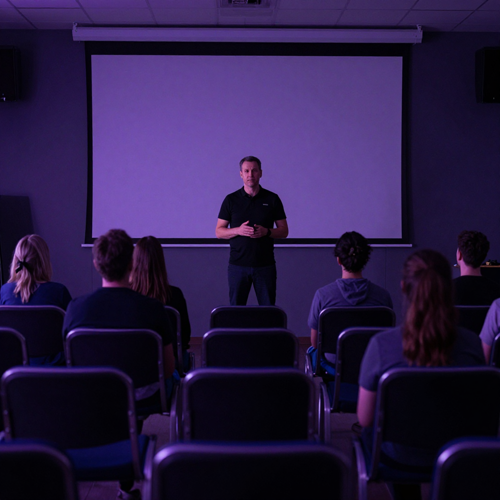
AI Video Person Swap for Training Libraries
Course and onboarding libraries decay when the presenter changes or a policy update lands. Instead of re-recording the whole series, swap the person in the affected modules and keep the rest of the library intact.
Because the original pacing and audio are preserved, the updated modules still cut together with the ones you did not touch.
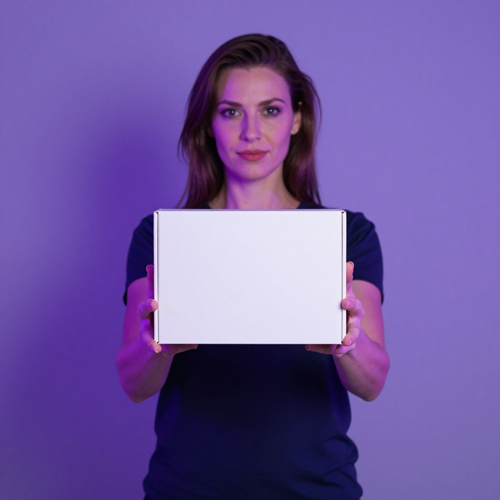
AI Video Person Swap for Product Demos
A product demo is often one good take away from being five usable ads. Keep the demo, the hook and the offer, and run an AI video person swap to produce presenter variants for different customer segments.
This works best when the message is already settled: the swap multiplies a proven creative rather than replacing the work of finding a winning angle.
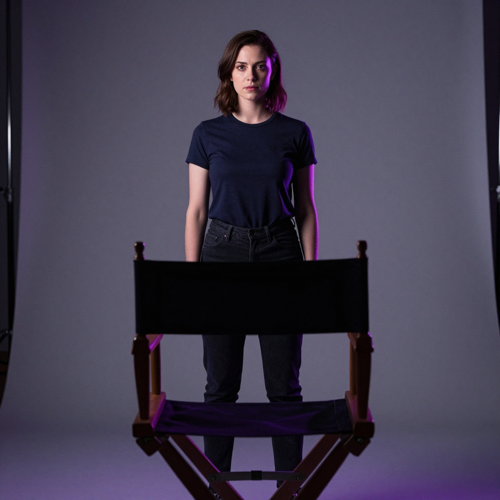
AI Video Person Swap for Casting Tests
Directors and producers use a swap to answer a narrow question early: does this scene work with this person in it? A rough blocking take, a reference photo, and one render is often enough to settle it.
It is also the cheapest way to show a client or a brand-owned character in context before anyone signs off on a shoot.
What Teams Say After Their First AI Video Person Swap
These notes describe the job the swap was hired for and what changed afterwards — not a star rating.
Before this, a fourth market meant another studio day and another round of legal on the same script. We ran the AI video person swap over the approved cut and shipped the local version the same afternoon. What I check now is whether the new cut still edits against the original — it does, because timing and audio never moved.
Our worst jobs are the ones that arrive after wrap: rights expired, client wants a different face. Before, that was a reshoot quote and an awkward call. Now it is a post task we quote in hours. What convinced me was not a still frame, it was scrubbing a walking shot and watching the identity hold.
We refresh part of our onboarding library every quarter and re-recording is always the slowest piece. Before, an instructor change meant re-shooting the whole module. Now we swap the person and keep the slides, pacing and voiceover, so the refreshed module still matches the ones around it.
AI Video Person Swap: Frequently Asked Questions
What is an AI video person swap?
An AI video person swap replaces the person who appears in existing footage with a different person, using a reference photo you supply. The scene, camera movement, framing, timing and audio stay as they were filmed — only the on-screen person changes.
Where a face swap changes identity inside the same head and body, a person swap changes the whole person: body shape, posture, hair and clothing come from your reference image. That is what makes it useful for recasting a shot rather than for a quick novelty edit.
How is an AI video person swap different from a face swap?
A face swap replaces only the facial region and keeps the original head shape, body, outfit and silhouette. An AI video person swap replaces the whole person, so proportions, clothing and hair come from the reference photo as well.
Use a face swap when the performance and body are right and only the identity needs to change. Use a person swap when the shot needs a genuinely different person in it — a new presenter, a new actor, a different body type, or a character that does not exist in real life.
How does AI video person swap actually work?
The system tracks the person already in your clip frame by frame — position, posture, head angle and how the body moves through the shot. It then renders your reference person into that tracked performance, matching the light direction, colour temperature and shadows already present in the scene.
Because the render follows the original motion instead of pasting a still image on top, the result holds up when the person turns, walks, gestures or moves through changing light.
Do I need video editing or compositing experience?
No. You do not need rotoscoping, masking, planar tracking or a compositing timeline to run an AI video person swap on Textideo.
The workflow is upload, choose who to replace, generate. That makes it usable by marketing teams, course producers and small studios who would otherwise hand the job to an editor or book another shoot day.
Can I swap one person in a video that has several people in frame?
Yes. You mark the subject you want replaced instead of re-rendering every face in the scene, which is what keeps group shots, interviews, two-person demos and panel recordings usable.
The genuinely hard case is people crossing behind one another. Where that happens, a shorter and cleaner section of the take will beat a long crowded one.
What reference photo gives the cleanest person swap result?
One sharp, well-lit, front-facing photo of the person, with the whole body visible if you are replacing the whole body. Avoid heavy shadows across the face, hair covering the eyes, sunglasses, and photos cropped at the edges.
It also helps to pick a reference photo shot in lighting that roughly matches your clip. A dim indoor headshot dropped into bright outdoor footage is the most common reason a swap looks pasted on.
What makes an AI video person swap look fake, and how do I avoid it?
Three things break the illusion most often: a lighting mismatch between the reference photo and the footage, identity drift between frames, and visible seams around the hairline or jaw during fast movement.
To reduce all three, start with moderate motion and stable light before attempting fast pans or extreme head angles, keep the reference photo sharp and front-lit, and review the export at full speed as well as frame by frame before you publish.
Does the original audio and background stay the same?
Yes. An AI video person swap is designed to leave everything except the person untouched — the background, the camera moves, the pacing of the edit and the original audio all stay as filmed.
That is the point of the workflow: you keep the take you already approved and change only who is on camera. If you also need the voice to change, pair the swap with dubbing or a lip sync pass rather than regenerating the scene.
Is it legal to swap a person in a video?
It depends on whose likeness you are using and where you publish. Swapping in a real person's face or body without their permission is the line you should not cross, and rules around synthetic media, disclosure and likeness rights have been tightening across platforms and jurisdictions.
A safe habit: get documented permission from both the person in the original footage and the person you are swapping in, keep that record with the project, and add disclosure wherever the platform you publish on requires it. A brand-owned or clearly fictional character avoids most of this risk entirely.
Can I use AI video person swap for commercial or client work?
Yes, as long as you hold the rights to the footage and to the likeness you are swapping in. Teams use an AI video person swap for regional ad variants, refreshed training libraries, product demos with a consistent presenter, and client revisions.
For client work, agree the scope up front: which markets, which channels, and for how long the swapped version may run. Documenting that before you generate is far easier than sorting it out after the campaign is live.
Explore More AI Video Tools on Textideo
An AI video person swap handles one job well: changing who is on camera in footage you already have. These neighbouring tools cover the jobs around it.
Read More From the Textideo Blog
Longer reads on the models and prompting habits behind AI video person swap output.
Start Your AI Video Person Swap
Turn footage you already have into a new version with a different person on camera. Upload a clip and one reference photo, then export a cut that is ready to publish — no reshoot, no studio day, no compositing timeline.
Swap a Person in Your Video