Real questions people ask before rendering this effect — source photos, casts of two, missing audio, credits and consent. One house rule up front: only upload pictures of people who agreed to appear, check how long uploads are kept, and note that independent AI effect tools are not affiliated with the Crazy Frog character's rights holders.
What is Crazy Frog AI Video and how does the invisible moped effect work?
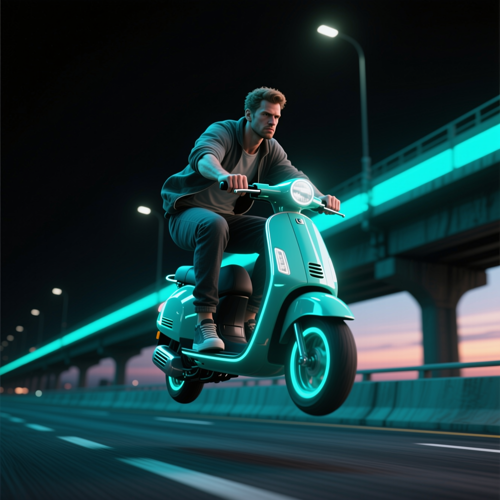
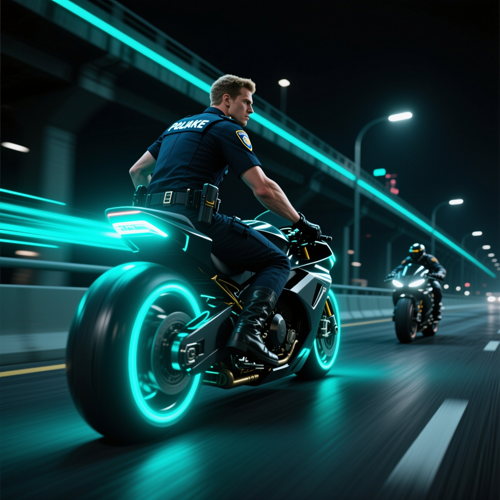
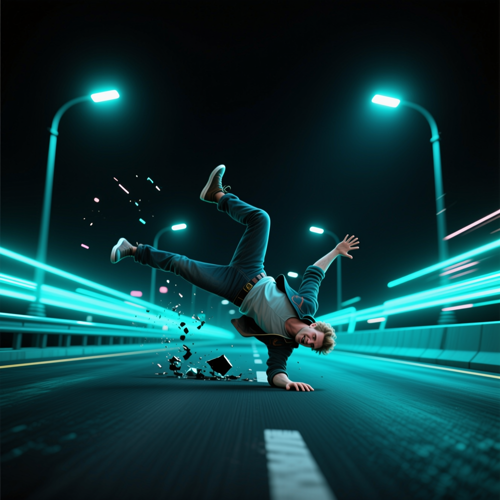
Crazy Frog AI Video is a photo-driven meme effect that puts your subject into the famous moped ride from the 2005 Crazy Frog version of Axel F. The uploaded face becomes the rider, who crouches over a bike nobody can see while a pursuer closes in and the ride ends in a flip and a slide. Rather than staging that sequence yourself, you hand over one portrait and the generator builds the ride around it.
How do I make a Crazy Frog AI video from one photo?
Upload a single well-lit portrait, choose the scene you want, and read the free preview of the opening frame. When the face and the crouch look right, render the clip, download the MP4, and attach your own audio inside TikTok or Instagram Reels before you publish it.
Do I need video editing or animation experience?
No editing or animation background is needed. This effect ships as a preset rather than an editor, so there is no timeline, no keyframes and no prompt to write. If you can attach a picture and click a scene, you can finish the clip.
Can I put two people in one Crazy Frog AI video?
Yes, in the formats that accept a second portrait. Upload one image per slot with a single clearly visible person in each file, and the tool casts the first as the leading rider and the second as whoever gives chase. Reversing the upload order swaps their roles, which is worth trying when the first version does not land.
What makes a good source photo for Crazy Frog AI Video?
Pick a recent shot with one person, facing the camera, evenly lit and unobstructed — no sunglasses, no hair or hands across the face, no heavy filters. Waist-up or full body reads better than a tight crop, because the generator takes the outfit and the stance from the same file it takes the face from.
Does the finished clip include the Axel F ring-ding sound?
Usually not. A rendered clip commonly carries ambient or synth audio rather than the licensed Axel F recording, and each platform treats music differently. Expect to attach the trend sound inside TikTok or Reels at publish time so the squat lands on the beat you are aiming for.
What length and aspect ratio does Crazy Frog AI Video output?
Most versions of this effect return a short vertical clip, commonly around ten to fifteen seconds in a tall frame built for TikTok, Instagram Reels and YouTube Shorts. Some presets offer a landscape variant when you need both riders visible side by side, so check the options attached to the scene you picked.
Can I use a pet photo instead of a person's portrait?
Often yes, and animals are among the most shared versions of this trend. Choose a front-facing shot with good light and a clear view of the head, then use the free preview before you spend anything — pets move differently from people, so results vary more by preset.
Crazy Frog AI Video vs. a CapCut trend template - what is the difference?
An editing-app template hands you the structure and expects you to bring the footage, so you still film the squat and match every cut to the beat. Crazy Frog AI Video generates the ride itself out of a still image, which removes the shoot and the timing work but gives up fine control over individual frames. Use the template when you want precision and the AI effect when you want the clip today.
Is there a free Crazy Frog AI video option, and how do credits work?
Opening the effect and previewing the first frame are normally free; rendering is the step that costs credits. Tools in this category tend to sell one-time credit packs instead of subscriptions, refund renders that fail or get blocked, and do not refund a clip you simply dislike, which is exactly why the preview matters. Read the on-page balance before you commit.