
AI Video Effects
Genjutsu AI Video Generator: Recast Any Shot Without Reshooting
Genjutsu AI Video takes a clip you already own and hands it back with one thing changed, the cast, the wardrobe, the product or the whole location, while every movement, the camera path and the timing stay exactly as filmed. One good take becomes a testing batch instead of a reshoot, and it starts from footage you already have on Textideo.
The problem
The Problem Genjutsu AI Video Removes: One Take, One Version
Four things keep a good clip from becoming more than one version, and Genjutsu AI Video exists because none of them are about talent. None of them need a second shoot day to solve either.
The Take Is Right and the Location Is Not
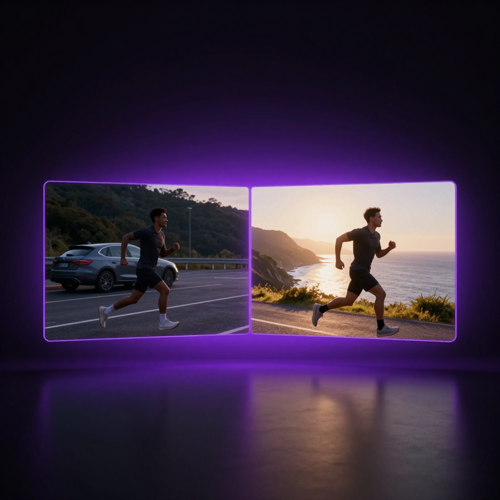
You blocked it well, the movement works and the cut lands. What is wrong is the car park behind the subject, and fixing that used to mean finding another place, another day and another crew.
One Version Is Not Enough Anymore
A single cut rarely covers a campaign. You need the same structure with a different cast, a different market or a different product, and producing each one from scratch costs more than the idea is worth.
Asking for One Change Repaints Everything
Generating from a prompt gives you a new clip, not a new version of yours. The framing drifts, the faces change and the timing moves, so the thing that already worked stops working.
Small Corrections Should Not Risk the Shot
A jacket, a drink, a stray figure in the background. Those are details, but on most tools they are only reachable by regenerating the whole frame and hoping the performance survives.
How it works
Recast a Clip With Genjutsu AI Video in Three Steps
No timeline, no masking, no keyframes. Genjutsu AI Video asks for a take, a name for what should change, and a look at the result before you commit to a batch.

Upload the Take You Already Have
Pick a short clip with one clean action in it. Phone footage, b-roll and last quarter's shoot all work.

Add References and Name What Changes
Supply images for the character, outfit, product or place, then choose motion transfer or object swap.

Generate, Compare and Export
Scrub the recast against the source, keep the version that holds, and export it for the channel it was made for.
Features & benefits
What Genjutsu AI Video Gives You Control Over
Two directions and one input method. Genjutsu AI Video runs motion transfer to keep the performance and rebuild the world, object swap to change the element you name and preserve everything else, and references or presets to do the describing either way.
Keep the Motion, Rebuild the World Around It
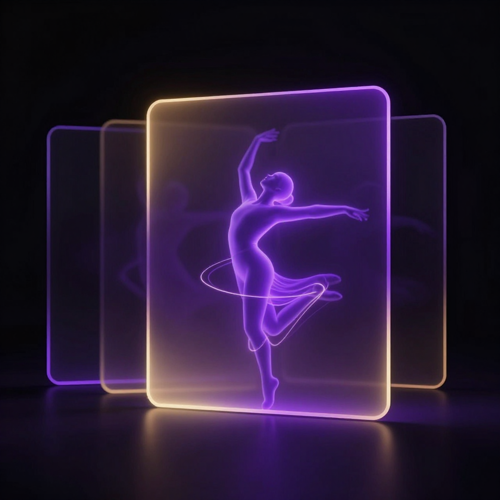
Motion transfer treats your clip as a reusable performance. The acting, the blocking, the camera push and the length of the shot are inherited from the source, and everything else — the cast, the wardrobe, the set, the grade — is rebuilt from the references you supply. Use it when the take is good and the world around it is not. Genjutsu AI Video does the staging after the fact, which means a location you could never afford to book is now a reference image away.

Change One Element, Leave the Rest As Filmed
Object swap is the opposite move and the one you will reach for more often. Name the jacket, the drink, the product or the person in the background, supply what should replace it, and every other pixel comes back untouched. Genjutsu AI Video honours the scope of the request, so a single correction no longer puts the performance at risk. Run it on the take that is almost right instead of scrapping that take.
Drive the Change With References, Not Paragraphs
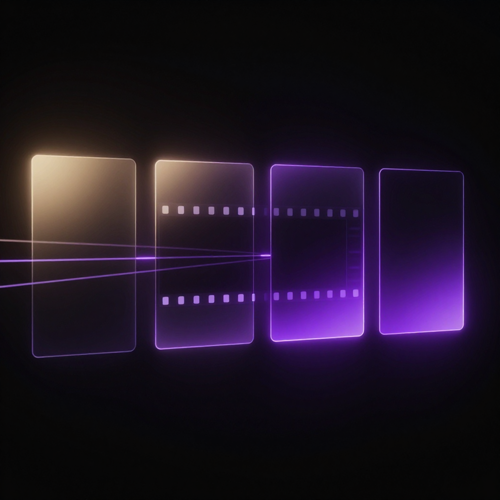
Writing a prompt precise enough to describe a face, a fabric or a storefront is its own skill, and Genjutsu AI Video does not require it. A few reference images carry the specification: this character, this outfit, this product, this street. Presets cover the directions you would rather select than describe, and a short line of text is optional on top. The control is in the material you bring, not in how well you phrase it.
Why choose this
Why Choose Genjutsu AI Video
Six reasons Genjutsu AI Video beats a reshoot: the performance survives, the timing holds, small fixes stay small, and one shoot day keeps producing versions long after it wrapped.
One Take Covers the Whole Batch
The most expensive part of a video is the day you shoot it. Genjutsu AI Video turns that day into reusable material, so the second, fifth and twentieth version come from references rather than from another call sheet.
Timing Survives the Recast
Length, framing, camera movement and the beat of the cut are inherited from the source clip instead of being reinterpreted. Versions stay comparable, which is exactly what you need when you are testing one variable at a time.
Small Fixes Stay Small
Naming a single element changes that element and nothing else. A jacket, a drink or a background figure can be replaced without repainting the performance around it, so a one-detail correction no longer risks the whole shot.
References Do the Describing
Show what you want instead of writing it out. A handful of reference images for the character, outfit, product or place carries more precision than a paragraph, and presets cover the rest when you would rather not write anything.
Characters Hold Across Versions
Feed the same character references into every run and the face, build and wardrobe stay recognisable from version to version. That consistency is what makes a series of recasts read as one campaign or one channel rather than unrelated clips.
Built for Footage You Already Own
Phone clips, old campaigns, unused b-roll and last quarter's shoot all work as sources. Genjutsu AI Video reads the motion that is already there, so the archive you have stops being a cost and becomes raw material.
What it does
What Genjutsu AI Video Changes, and What It Leaves Alone
A recast is not a regeneration. Genjutsu AI Video inherits the length, framing and movement of your source clip and rebuilds only the parts you name, which is why the versions stay comparable instead of drifting apart. Here is what that unlocks once the performance is no longer the thing you have to re-shoot.
Turn One Winning Ad Into a Testing Batch
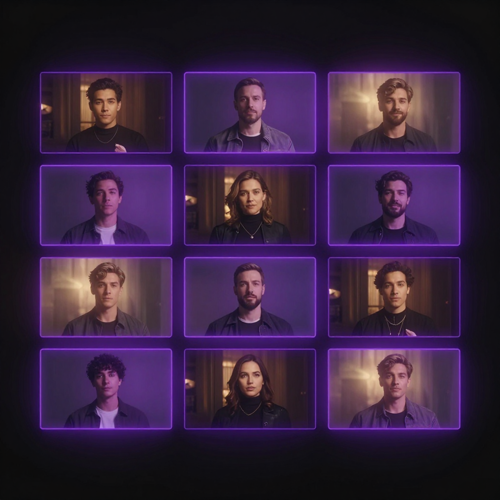
Creative fatigue kills ads long before the offer does. With Genjutsu AI Video you keep the hook, the pacing and the reveal that already tested well, and swap the cast, the wardrobe or the setting underneath them. One proven structure turns into a dozen variants you can put behind small budgets, and the survivors are worth scaling. What used to be a second production day is now a second reference set.
Put the Same Performance in Different Worlds
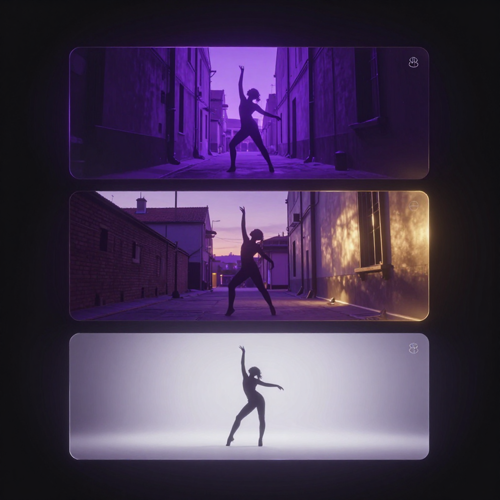
Motion is the expensive part of a shoot, and it is the part Genjutsu AI Video lets you keep. Block the take once, then move it: the same choreography in a neon alley, on a rooftop, in a studio. The camera push, the beat of the cut and the way the subject turns all carry across, so the versions read as one performance staged several ways rather than several unrelated clips.
Localise a Cut Without Re-Shooting It
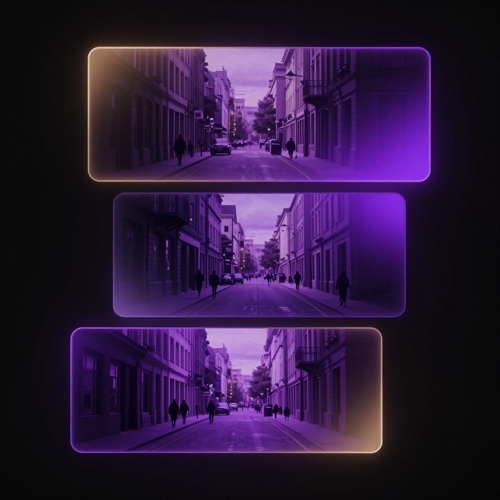
Regional versions usually mean another crew, another street and another day. A Genjutsu AI video recast keeps the edit identical and changes the faces, the wardrobe and the location to match the market, so the thing that already converts stays intact underneath. One master cut, several local realities, and no call sheet to rebuild.
Use cases
Who Uses Genjutsu AI Video
Ad teams fighting creative fatigue, creators who need more versions than they can shoot, product teams with a catalogue to cover, and filmmakers who want to see a location before they pay for it. Genjutsu AI Video meets all four in the same place.
Performance Marketers and Ad Teams
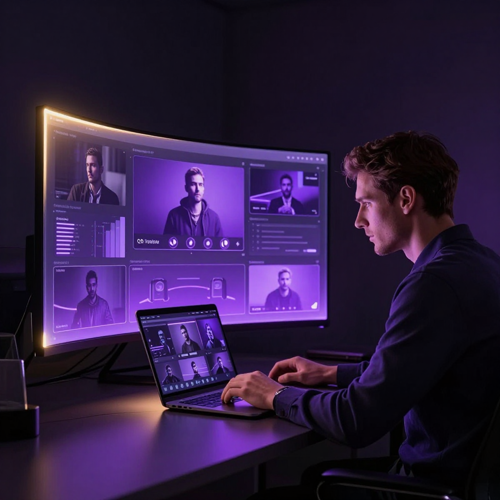
Beat creative fatigue with variants instead of reshoots. When one ad is working and the audience has stopped responding to it, Genjutsu AI Video lets you keep the hook, the reveal and the CTA that tested well and swap the cast, the setting or the product underneath. Launch ten versions behind small daily budgets, cut what misses after a few days, and scale what holds.
Music Video and Short-Form Creators
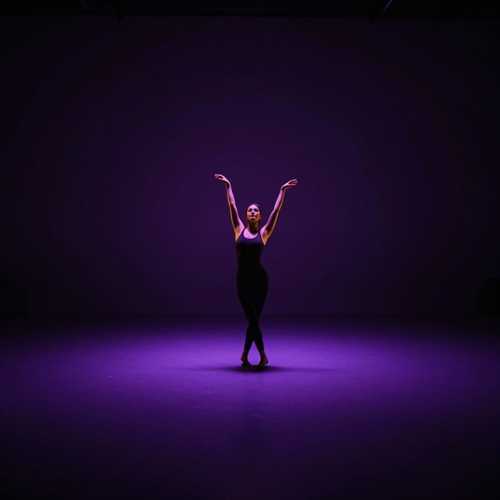
Choreography is the expensive part and it survives a recast. Film the routine once, then restage it across different sets, grades and looks while every cut stays on beat. Genjutsu AI Video gives short-form creators a way to publish a sequence of visually distinct clips from a single shoot day without the movement drifting between versions.

E-commerce and Product Teams
Catalogue video usually scales with the catalogue, which is why most SKUs never get a clip. Genjutsu AI Video breaks that link: one demo take, one product photo per variant, and the same hand movement and camera move carry across every version. Launch ranges get covered on the day they go live instead of three weeks later.
Filmmakers and Previsualisation
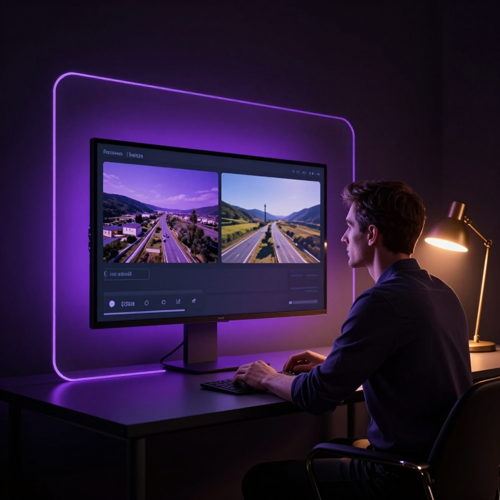
Test the location before you book it. Genjutsu AI Video turns a blocked-out take into a plausible version of the real place, keeping the camera path and the actors' movement so the preview answers an actual staging question. Directors can compare two worlds on the same performance instead of describing the difference in a meeting.
In practice
Four Recasts Genjutsu AI Video Handles Well
Wardrobe swaps, location rebuilds, product variants and full restyles. Four jobs that share one shape, and Genjutsu AI Video handles all of them the same way: the movement is already right, only what surrounds it needs replacing.
Wardrobe and Look Swaps on One Take
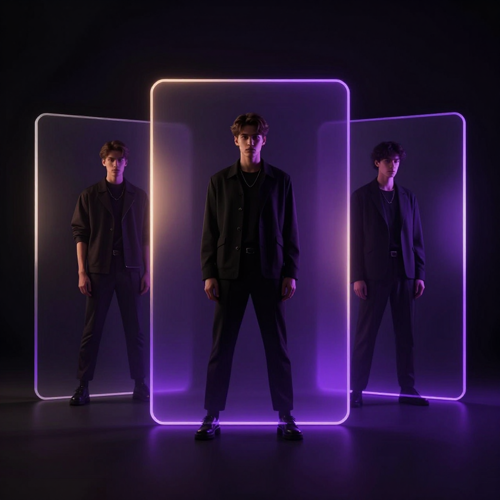
The subject, the pose and the movement stay; the outfit does not. Upload a flat reference of the look you want and Genjutsu AI Video refits the same performance, so a single take can carry several wardrobe options without a costume change or a second shoot. Useful for lookbooks, seasonal swaps and A/B tests where only the clothing should differ.
Location Rebuilds That Keep the Blocking
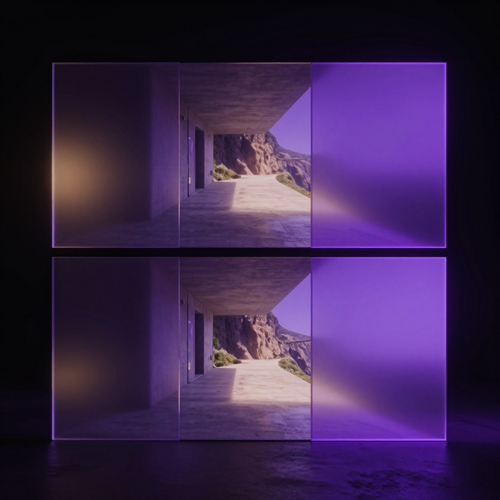
Keep the blocking, replace the ground under it. Genjutsu AI Video rebuilds the setting from reference images while the camera path, the subject and the timing hold, which turns a corridor into a coastline or a car park into a studio. Previsualisation stops being a mood board and becomes the actual shot, ready to show a director or a client.
Product and SKU Variants From One Demo
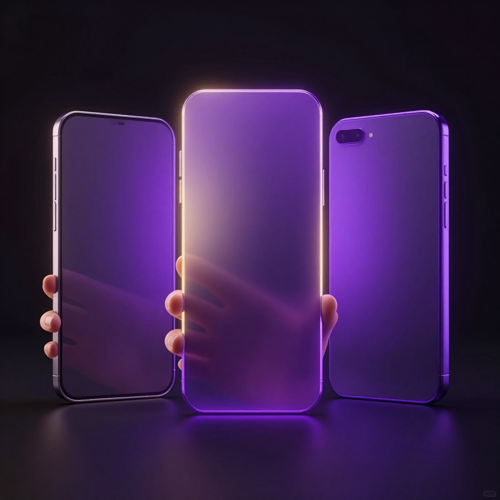
One demo shot, every SKU. Drop a product reference into footage you already filmed and Genjutsu AI Video swaps the item in frame while the hand movement, the camera move and the pacing stay put. Catalogue video stops scaling with the number of variants you sell, and a single good take covers the whole range.
Style Restyles That Keep the Motion
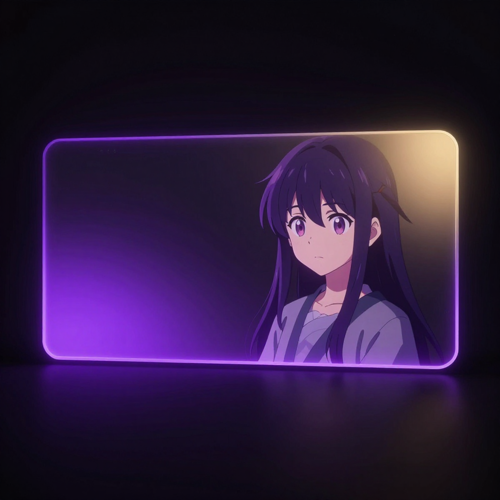
Restyle a finished clip instead of re-animating it. Because Genjutsu AI Video inherits the motion rather than reinterpreting it, a live-action take can be pushed toward illustration, anime or a period grade and come back with the same movement intact. The cut stays on the beat, which is what keeps a restyle watchable rather than uncanny.
Testimonials
What People Say After Their First Genjutsu AI Video Recast
Three situations where the second version used to be the bottleneck, and what changed once Genjutsu AI Video meant the take only had to be shot once.
“We had one UGC cut that carried the account for six weeks and then flatlined. Re-shooting it would have been a two-week production loop, so instead we kept the hook and the reveal and swapped the cast and the setting underneath. Nine variants went live on a Monday. Three of them beat the original, and the whole thing cost less than one shoot day.”

“Choreography is the expensive part of what I do, and I only get it right once per shoot. Now I film the routine a single time and restage it across three or four looks. The cuts still land on the beat because the movement is the same, and my channel finally looks like one body of work instead of four unrelated clips.”
“Our problem was arithmetic. Forty SKUs, one decent demo take, and no way to justify forty shoots. We now reuse the same hand movement and camera move and drop a product photo into each version. The launch range went live with video on day one instead of a month later, and the returns question on every listing dropped.”
FAQ
Frequently Asked Questions About Genjutsu AI Video
Straight answers on how Genjutsu AI Video works, how it relates to Higgsfield Genjutsu, when to use motion transfer versus object swap, and what a recast does to your camera work, your rights and your budget.
1What is Genjutsu AI Video and how does a Genjutsu AI video generator work?
Genjutsu AI Video is a video-to-video workflow that takes a clip you already have and returns it with one part changed. You upload a short take, add a few reference images for the character, outfit, product or place you want instead, and the model rebuilds only what you named. Everything else — the movement of the subject, the camera path, the length of the shot and the timing of the cut — is inherited from the source. That is what separates a Genjutsu AI video generator from a text-to-video tool: you are not asking for a new clip, you are asking for a new version of the one you already shot.
2How is Genjutsu AI Video related to Higgsfield Genjutsu?
Higgsfield Genjutsu is the name Higgsfield gave to this approach when it launched in September 2026, and it ships the same two modes: Motion Transfer and Object Swap. Higgsfield's own launch guide lists a 15-second render at roughly $2.00 in credits at 480p and about $7.20 at 1080p, capped at a 30-second source clip. Genjutsu AI Video describes the same recast workflow, available on Textideo, so searching for either name gets you to the same idea: keep the performance exactly as shot, change the world around it. If what you need is a second version of a take you already like, the workflow is the same whichever label you arrive under.
3What is the difference between motion transfer and object swap in Genjutsu AI Video?
They solve opposite problems and it is worth picking the right one before you spend a run. Motion transfer keeps the people, their movement and the camera work, and rebuilds the setting, wardrobe and visual world around them — use it when the location or the look is wrong. Object swap does the reverse: it targets the one element you name, a jacket, a drink, a face, a product, and leaves every other pixel as filmed. A quick test is to ask which is bigger, the thing you want gone or the thing you want to keep. If the take is good and only the world is wrong, reach for motion transfer; if a single detail is wrong, object swap is cheaper and safer.
4Does Genjutsu AI Video work with footage I shot on a phone?
Yes, and phone footage is the most common starting point. A Genjutsu AI video generator reads the motion in the clip rather than the production value of it, so a handheld shot of a product, a dance run-through or a walk-through of a room carries enough movement to rebuild around. Two things help more than camera gear does: steady framing, because the camera path is preserved rather than corrected, and a clean look at whatever you plan to replace. Shoot the take you can shoot today, then let the recast handle the parts you could not afford to stage.
5How long can the source clip be for Genjutsu AI Video?
Keep the source short. The public launch coverage for Higgsfield Genjutsu describes an input window of roughly 3 to 30 seconds, and that is a sensible range to plan around for any Genjutsu AI video workflow: long enough to hold a beat, short enough that the model keeps every frame consistent. If your take is longer, cut it down to the single action that matters before you upload. One clean movement recast cleanly beats a long shot that drifts halfway through.
6Do I need video editing experience to use Genjutsu AI Video?
No. There is no timeline to learn, no masking to paint and no keyframes to set. The job is describing what should change and supplying reference images for what it should change into, and most Genjutsu AI video generators also ship presets so you can pick a direction instead of writing one out. What does help is a bit of shot discipline: knowing which element you want swapped, and being able to see a reference of the replacement. Editors get value out of it faster, but the workflow does not assume any.
7Can I use Genjutsu AI Video for ads and commercial work?
Yes, with one condition you have to own yourself. Output from a Genjutsu AI video generator is generally yours to publish across organic and paid channels under the platform's terms, and commercial use is the main reason the workflow exists: one proven ad recast into a testing batch, one demo reused across every SKU. The condition is likeness and rights. Because dropping a new face into existing footage is now trivial, get consent before you recast a real person, and check the current terms before client or paid work goes live.
8Does Genjutsu AI Video keep the camera movement and timing exactly?
That is the whole point, and it is also where you should aim your first check. Genjutsu AI Video inherits the length, framing and camera movement of the source rather than reinterpreting them, so the cut lands on the same frame in every version. The practical way to verify it is to put the source and the recast side by side and scrub: if the subject's hands, the camera push and the beat of the cut line up, the transfer held. When a recast drifts, it usually shows up mid-shot rather than at the start, so watch the middle of the clip.
9Is there a free way to try Genjutsu AI Video?
Trial terms differ by platform, so the safest way to start is with the shortest, lowest-stakes clip you own rather than the campaign asset you need to ship. Run one recast, compare it against the source frame by frame, and only then move the real take through the same workflow. One short test tells you more about how Genjutsu AI Video handles your particular footage than any feature list does, and it costs a fraction of a full render.
10What kinds of videos can I make with Genjutsu AI Video?
Anything built on a take you already like. The common ones are wardrobe swaps on a single performance, location rebuilds that move the same action to a different street or set, product and SKU variants that reuse one demo shot across a catalogue, style restyles that push a clip between live action and illustration, and localised cuts that keep the edit while changing the cast and setting per market. Music videos, ad variants and consistent-character content all come out of the same Genjutsu AI video workflow: shoot the motion once, then decide what goes around it.
Explore more
Explore More AI Video Effects and Genjutsu AI Video Neighbours
A recast is usually one step in a longer job. These neighbouring tools pick up where a swapped element or a rebuilt location leaves off.
Read more
Read More From the Textideo Blog
Longer pieces on spotting a recast, and on choosing a model when a Genjutsu AI Video shot has to hold detail across every version.
Get started
Recast Your Next Shot With Genjutsu AI Video
Bring one clip you already shot and leave with several finished versions. Genjutsu AI Video holds the performance, the camera path and the cut, then rebuilds the cast, wardrobe, product or location around them. Start on Textideo with a take you already have.