
AI Group Photo: Put Everyone in One Real Frame
An ai group photo takes one portrait of each person and builds a single scene where everybody stands together under one light. Faces stay recognisable, spacing and height stay believable, and nobody has to book a studio or agree on a date. Upload the portraits, name the scene, and download the shot the calendar never produced.
Rated useful by teams and families rebuilding one picture on Textideo No credit card required - no sign-up - export one full-size frame before you share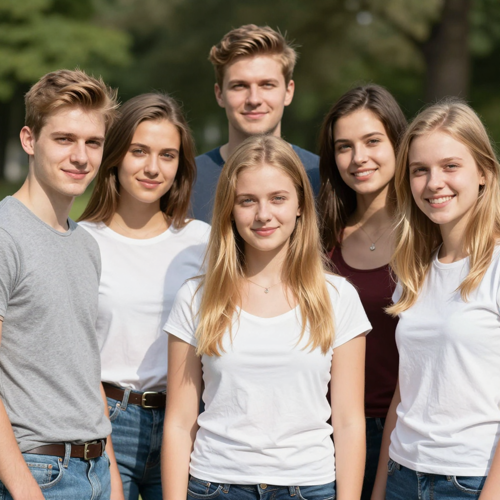
Build an AI Group Photo Without Booking a Studio
Three freelancers on three continents, a cousin who moved abroad, a teammate who left last spring — one portrait each is all it takes. The result puts them in one frame with matching light and a believable height order, and it never asks anybody to travel.
Open the group photo toolThe Hard Part With Most AI Group Photo Attempts
Cut-and-paste composites fail in the same three places every time, and viewers spot all of them instantly.
Three Steps to One AI Group Photo
One portrait per person, one written scene, one download. No stacking, no masking, and no group thread hunting for a date.
Upload One Portrait per Person
Choose clear, front-facing files, one person to a photo, with broadly similar lighting across the set. Two to six people is the practical range, and agreement from each of them comes before anything else.
Name the Scene and Layout
Write what you want in plain words: four colleagues standing outside the office in flat daylight, five relatives in a row indoors, everyone seated around one table. Say who stands where whenever that order matters.
Check Each Face, Then Export
Study every person individually rather than the group as a whole, since one drifting face is the normal failure. Re-run with a sharper source portrait when that happens, then download the file at its full size.
AI Group Photo Controls Worth Naming
Three details decide whether a composite reads as real, and each one is set with words rather than sliders.
AI Group Photo Situations People Actually Need
Four frames that keep coming up, and what one generated scene changes about each of them.
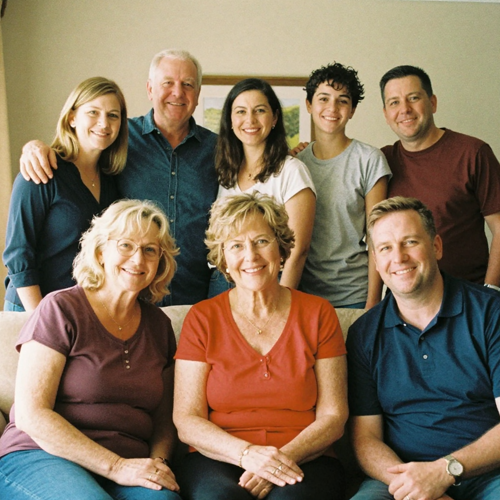
The Reunion That Missed Two People
The weekend happened, but one cousin was on a night shift and your brother's flight was cancelled. Their portraits join the row at the right height and in the same warm light, so the picture finally holds everybody who should have been there.
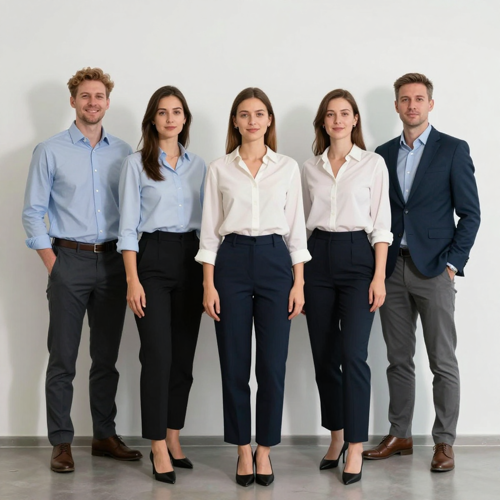
The Remote Team Row
Six headshots from four time zones become one line-up for the About page, the deck and the holiday card, which retires the grid of video-call screenshots nobody has ever liked.
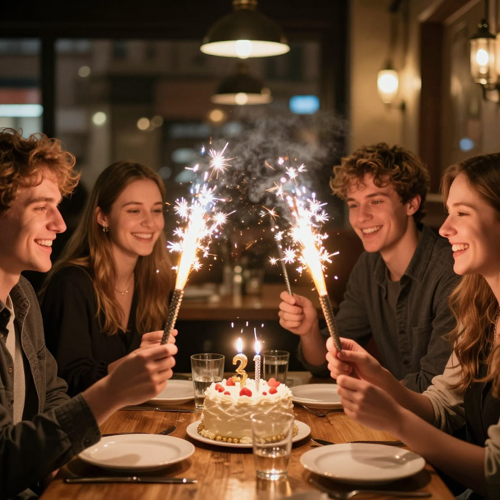
The Friend Who Left Early
There is always somebody missing from the birthday shot because they were parking the car. Adding their portrait afterwards costs less than pretending that gap does not bother you.
AI Group Photo Source Portraits Compared
Four kinds of input file and how each behaves during generation.
Who Struggles to Get an AI Group Photo Right
Four situations where the picture everybody wants was never really possible to take.
Distributed Teams
Nobody shares an office, so the team page has been a row of tiles for two years. One generated line-up fixes the About section without asking six people to book flights.
Families Across Countries
Reunions rarely line up with everyone's leave, passports and budgets at once. Adding absent relatives to the picture that did happen beats gambling on another attempt next year.
Event Organisers and Alumni
Somebody always misses the formal shot at the conference dinner. Completing the record afterwards keeps a group's history intact instead of leaving one empty chair unexplained.
Small Shop Owners
A five-person shop rarely has one frame where everybody is present, happy with their hair and facing the right way. One generated picture covers the website, the printed menu and the window sign.
AI Group Photo Numbers Worth Knowing
- Slack
- Etsy
Why This AI Group Photo Reads as One Room
Composite failures are easy to spot: wrong scale, mismatched light, shimmering edges. Rendering the whole scene at once avoids every one of them.
AI Group Photo Scale That Holds Up
Every face enters one generated scene, so light direction, shadow length and colour temperature agree across the frame. Nothing sits pasted on top of anything else and nobody ends up a head taller than the person beside them.
Light Matched Across Every Face
A window on the left in one source and an overhead office tube in another used to be fatal. One key light governs the finished row, so nobody sits visibly brighter or warmer than their neighbour.
Three or Four Faces Stay Sharpest
Small parties keep the most detail per person, while five or six still work when each source portrait is clear and front-facing. Likeness softens gradually as attention spreads, which is worth knowing before you plan a shot of eleven people.
AI Group Photo Consent Comes First
Upload photos only of adults who agreed to appear, and say it is an AI-made picture whenever it goes somewhere public. That boundary is what keeps a harmless reunion frame from turning into somebody else's complaint.
Backgrounds That Fit the Occasion
Family row, team line-up, graduation shot, wedding party or a loose candid grouping: the setting is part of the instruction, so the room gets generated around everyone instead of borrowed from one person's holiday snap.
Print-Ready AI Group Photo Downloads
High-resolution exports handle frames, About pages and holiday cards without obvious upscaling artefacts. Check the file at full size and again at chat-preview size, because spacing errors read very differently in each.
What Creators Say About the AI Group Photo
“Matching source lighting mattered more than matching backgrounds; the faces finally agreed.”
“Four people came out sharp, and adding a fifth was where likeness started drifting.”
“Naming who stands where in the instruction stopped anybody hiding behind a shoulder.”
AI Group Photo Questions, Answered
Ten things people ask before sending in other people's faces.
What exactly does an ai group photo do?
It takes one portrait of each person and renders a single new frame where all of them stand together under one light. Nothing gets pasted: every face, body and shadow belongs to the scene generated around them.
How many people can appear in one shot?
Two to six is the working range, with three or four producing the sharpest likenesses. Larger sets lose detail per face, so splitting into two halves sometimes beats squeezing everybody into a single run.
What kind of portrait should I upload?
One person per file, front-facing, evenly lit and reasonably sharp, with similar lighting across the set. Skip heavy filters and covered faces, because there is no clean feature information left to build from.
Do I need permission to include other people?
From every adult in the frame, yes, and the habit is worth keeping even for private pictures. Uploading colleagues or relatives who never agreed is the fastest way to turn a kind gesture into a complaint.
Will everybody still look like themselves?
Likeness holds best in small sets built from clear portraits and softens slightly with each added face. That is why checking each person one at a time matters more than judging the group as a whole.
Can I choose who stands where?
Write the arrangement into the instruction: left-to-right order, who sits and who stands, how close everybody should be. Leaving it unsaid usually produces one person half-hidden behind somebody else's shoulder.
Can pets join an ai group photo?
A clear pet portrait can be included as one more participant, although animals sit at an awkward scale more often than people do. Name the size and where the pet should sit, or expect an oversized dog in the front row.
Is the finished picture usable in print?
High-resolution exports cover frames, decks and printed cards. Check the file at print size and once more as a chat preview, because soft edges and tight spacing read very differently depending on where you look.
How is this different from pasting faces into a photo?
Cut-and-paste keeps whatever light the source had, so somebody always looks grafted in. Generating one scene builds the same fall of light and the same depth around everybody, which is why it survives full size. A manual edit also drags along hand-matched colour and canvas widening so everyone fits, hours of retouching for one usable frame.
Should I say the picture was made with AI?
Any time the frame could pass for a documentary photograph, yes. One short line prevents the awkward question later, especially on company pages where clients assume every team photo was actually taken.
Build One AI Group Photo Today
Collect one clear portrait from each person who agreed, write the scene and the left-to-right order in plain words, then check every face before exporting. Smaller sets always beat squeezing in the whole guest list.
No credit card required - no sign-up - export one full-size frame before you share