
AI Image Upscaler: Make a Small Photo Big Without Turning It to Mush
An image upscaler answers the question every small photo raises: where do the extra pixels come from? A plain resize stretches what you already have into soft edges, while an AI image upscaler rebuilds texture, grain and boundaries that survive full zoom. The whole workflow runs on Textideo, with no plugins and no reshoot to book.
Rated on the two things that decide an upscale: whether the edges hold at full zoom, and whether the faces are still the same people No credit card required - start with one photo - your uploads stay yours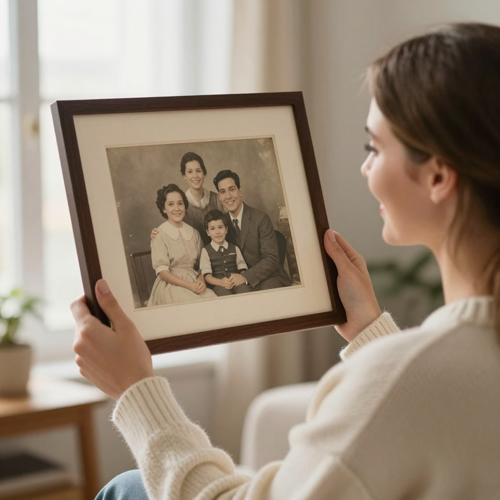
The Photo Is Fine. It Is Just 600 Pixels Wide.
Every enlargement hides the same arithmetic: double the width and height, and you owe the file four times the pixels it owns. An image upscaler pays that debt by predicting what the missing pixels should look like, so brick stays brick, skin keeps its pores and a sign keeps its letters. Start from the photo you already have instead of booking a reshoot or a stock license.
Upscale a Photo NowThe Hard Part With an Image Upscaler Is Trusting New Pixels
Enlargement fails in a handful of predictable ways, and none of them show up in the preview thumbnail.
Run an Image Upscaler in Three Steps
Upload, choose the scale, inspect. The judgment lives in the third step, and no tool should take it from you.
Upload the Original, Not a Copy
Start from the camera roll, the scan or the original export, the file recompressed the fewest times. An image upscaler amplifies whatever it is given, damage included, so the cleanest source wins before any model runs.
Pick the Scale the Job Needs
Match the output to the destination: a listing grid, a print canvas, a wallpaper. Smaller factors stay truer; bigger ones trade fidelity for pixels. When in doubt, run the modest number first.
Inspect at Full Size, Then Export
Open the result at 100 percent and read it like an editor: eyes, text, high-contrast edges, flat skies. If it holds, export and ship it, and keep the original for the day someone asks what changed.
What an Image Upscaler Should Add, and What It Must Not
A good enlargement is an act of restraint, not a magic button. Three capabilities decide whether it survives the zoom.
What a Good Image Upscaler Result Looks Like
Judged the only way an enlargement can be: at full zoom, beside the original, by someone who knows the scene. These are the jobs an image upscaler gets most.
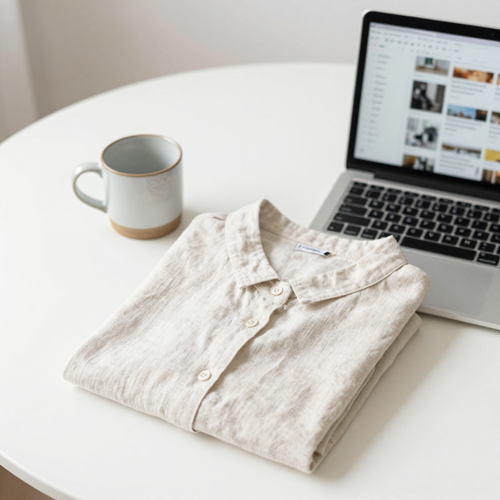
The Marketplace Listing
A phone photo of a candle or a ceramic mug, headed for a marketplace grid. The image upscaler rebuilds the glaze and the weave of the backdrop so the listing survives the zoom test.
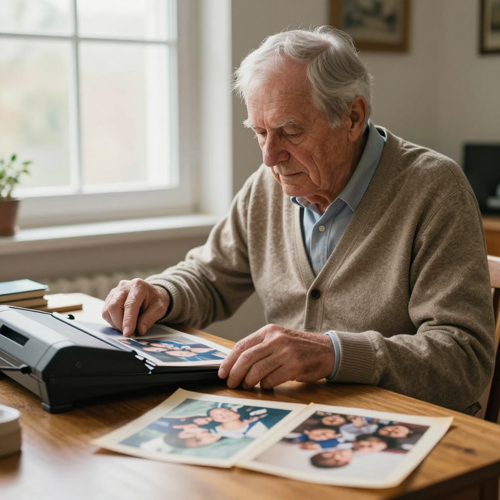
The Family Scan
A 1990s print, scanned small, going on a birthday canvas. Enlargement rebuilds grain and edges without redrawing faces into people who never stood in that garden.
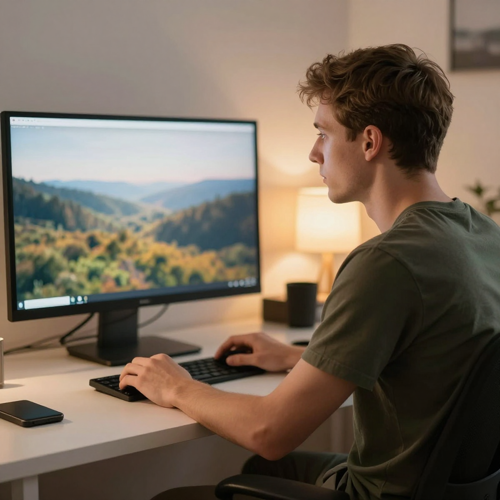
The Wallpaper Piece
An illustration or an AI render that only exists at social-media size. A generative pass turns it into poster or wallpaper material, invented texture included, and here that is the point.
Input Types the Upscaler Reads
Almost anything a browser can open is a candidate. Four starting points cover most of the work.
Who Struggles When a Photo Is Too Small to Use
The people searching this term already own the right photo. The image upscaler is the bridge between that file and the size the job needs.
Marketplace Sellers Who Need an Image Upscaler
Listings live and die on the zoom test. An upscaled product photo keeps its edges and texture through the marketplace's own re-compression, without staging a new shoot.
Family Album Keepers
One print exists, it is small, and a birthday needs a canvas. Enlargement fills the gap without re-staging a moment that has passed.
Print and Poster Buyers Using an Image Upscaler
The photo is right; the wall is bigger than the file. Upscaling bridges the gap before the print shop's resolution warning stops the order.
Designers and Content Teams
Mood boards, banners and backgrounds assembled from mixed sources. A consistent upscale pass lets small assets sit beside large ones without cheaper edges.
The Image Upscaler Workflow at a Glance
- Shopify
- Amazon
- Etsy
Why an Image Upscaler Beats a Plain Resize
Interpolation spreads existing pixels thinner. Prediction adds new ones that hold up at full zoom, and that difference decides whether an enlargement ships.
New Pixels, Not Stretched Ones
A resize averages what exists and looks mushy at 4x. An image upscaler predicts the missing detail, so edges and texture survive the bigger canvas.
Compression Damage Gets a Cleanup
JPEG blocks and chat-app mush amplify badly at larger sizes. The upscale pass rebuilds clean edges as it grows the file, not the damage.
The Image Upscaler Runs in the Browser
The image upscaler runs on Textideo in the browser: nothing to install, no hardware to own, no license to justify.
Honest About Invented Detail
Good tools admit the new texture is predicted, not recovered. That honesty keeps portraits, documents and listings out of trouble.
Scale to the Job, Not the Maximum
2x for prints and listings, 4x for graphics and scans, and more only when the canvas demands it. Restraint is part of using the tool well.
One Photo, Many Sizes
A single pass feeds a thumbnail, a banner and a print file from one source, keeping the same look across every channel.
What People Do With an Image Upscaler
“Our best product photo came from a four-year-old phone in evening light. The upscale kept the weave of the linen and the glaze on the ceramic, and the listing finally survives the zoom test.”
“The only photo of my parents' wedding was a four-inch print. It now hangs as a framed enlargement on my sister's wall, and the faces are still exactly the faces.”
“I stopped throwing away small AI renders. One bigger pass turns them into poster material, and invented texture is a feature when the image was invented to begin with.”
Straight Answers on Using an Image Upscaler
The questions people type before they trust an image upscaler with a photo they cannot replace.
What is an image upscaler?
It is a tool that increases a photo's pixel dimensions while trying to keep it sharp. A classic resize interpolates: it averages the pixels you have, which reads as blur. An AI image upscaler is trained on millions of small-and-large image pairs, so it predicts plausible detail for pixels that were never recorded. The output is bigger and usually sharper; whether it is truer is a separate question.
What do 2x, 4x and 8x actually mean?
The factor multiplies width and height, not the pixel count: 4x means sixteen times the pixels. 2x is the workhorse for prints and listings, 4x suits graphics, scans and artwork, 8x belongs to wallpaper-scale decoration on a clean source. Start low, inspect the image upscaler result at full zoom, and climb only if the job needs more.
Can an image upscaler rescue old or compressed photos?
Partly, and the limit matters. Scans, screenshots and chat-saved photos carry blocky compression artifacts, and a careful upscale pass cleans those while it enlarges. What it cannot do is recover detail the print never held: a crease across a face gets a plausible rebuild, not the truth. Keep the original beside the export and judge with your eyes.
Why do faces sometimes look wrong after upscaling?
Because faces are where invented detail shows first. A model that has never seen this smile at high resolution may smooth the skin to wax or nudge the features toward a generic face. Inspect the eyes, teeth and hairline at full zoom, choose a smaller scale factor, and treat any pass that changes the person as a failed one.
Does upscaling keep text readable?
Not reliably, and this is a trap people learn the hard way. AI upscaling can produce crisp-looking, text-shaped pixels that dissolve into nonsense letters when someone actually reads them. For documents, signs and screenshots, run a conservative pass and read the result yourself, or retrace the text as a vector layer. Never treat an upscaled plate or receipt as evidence.
Is an upscaled photo good enough to print?
For most personal and decorative prints, yes. Printers want roughly 300 dots per inch at final size, and a print canvas needs far more pixels than a phone snapshot holds — exactly the gap an image upscaler fills. Inspect the export at full size before sending it: halos and waxy skin announce themselves on screen, not on the proof.
Does an AI image upscaler add real detail or invent it?
It invents it, plausibly. The model guesses high-resolution texture from patterns learned in training, which is why fur and brick look wonderful while rare objects drift. For products, portraits and anything documentary, favor fidelity and verify. For art and wallpapers, the invented texture is the point.
What source photo gives the best upscale?
The original file, always. Messaging apps, email and social platforms recompress images in transit, and upscaling amplifies whatever damage is already there: noise, blocking, softened edges. Pull from the camera roll or the scan, never a chat thread, and never a screenshot of a photo when the photo itself exists.
Should I use a free, paid, local or cloud image upscaler?
Decide along two axes: privacy and how much invention your images can tolerate. Local tools keep photos on your machine with no per-image cost but need capable hardware; cloud tools bring stronger models but you upload your files. Free tiers cover clean sources and modest 2x jobs. Damaged scans, tiny faces and print runs are where paid plans earn it.
Can I use upscaled images commercially?
Usually, with two conditions. First, you must hold the rights to the source photo: upscaling does not launder someone else's picture into yours, and a stock license or client agreement still governs use. Second, check your tool's terms for commercial output. For listings and ad creative, keep the source license on file beside the export.
Ready to Enlarge Your First Photo?
Upload the photo you already have, pick the scale the job needs, and read the result at full zoom before you trust it. The image upscaler on Textideo adds the pixels — you keep the judgment, the original file and the rights.
No credit card required - start with one photo - your uploads stay yours