
AI Crying Effect Video Maker: Turn A Photo Into Tears
Upload a single photo and the AI crying effect video does the rest — a calm face wells up, a lip trembles, and tears trace the cheeks. Post the teary clip to TikTok, Reels, or Shorts on Textideo without cameras, actors, or editing tools.
Try The AI Crying Video Maker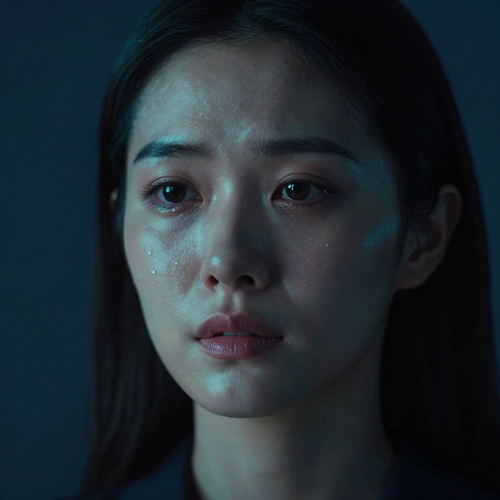
Rated 4.8 / 5 by 2,300+ creators
The Hard Part
The Hard Part Of An AI Crying Effect Video
Most people want the teary clip but hit the same wall before they ever post it.
Real Tears Are Hard To Film
On-cue crying rarely looks genuine, and reshoots eat the whole afternoon without a usable take.
Actors And Setups Are Awkward
One joke should not require a camera crew, makeup, or a willing friend who can cry on demand.
Editing Tears Takes Skill
Hand-animating tears on a timeline is slow, and the result still looks pasted on rather than real.
How It Works
How To Create An AI Crying Effect Video
Turning a still portrait into a crying clip takes three quick moves. Upload, generate, and download — no filming, no editing timeline, no actors.
Upload A Photo For Your AI Crying Video
Upload one front-facing portrait with both eyes visible and even lighting to start your crying video.
Generate The Crying Clip
The AI turns your photo into a teary scene — welling eyes, a trembling lip, and tears that roll down — at the intensity you choose.
Download And Post
Download your vertical AI crying video, add your own caption and track, then share it on TikTok, Reels, or Shorts.
Features
Create An AI Crying Effect Video In A Few Clicks
A single photo turns into a brief, emotional clip where the smile fades and genuine tears appear. The teary result works for TikTok trends, heartfelt edits, and funny reaction memes on Textideo — no cameras, actors, or editing software.
Turn One Photo Into An AI Crying Video
An AI crying effect video starts from a single photo. Upload a clear, front-facing portrait with both eyes visible, and the face is animated into a teary, emotional clip on Textideo — welling eyes, a trembling lip, and tears that roll down the cheeks. The AI crying video keeps the person recognizable, so the result reads as the same face rather than a generic filter. No camera, makeup, or editing skills required.
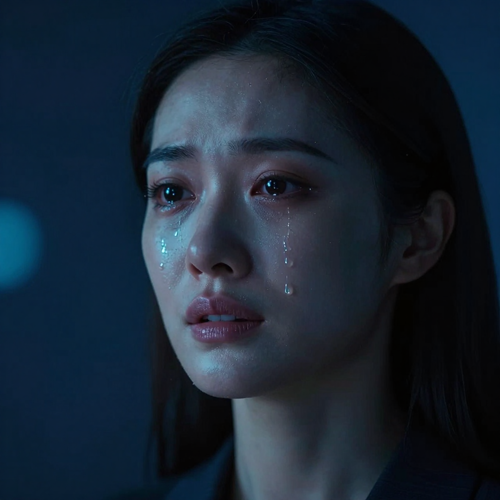
Control The Tears In Your AI Crying Effect Video
Not every moment needs a full sob. With an AI crying effect video on Textideo you can set the cry intensity from a single glistening tear to an emotional overload, then add teardrop animations, rain overlays, slow-motion beats, and a gloomy filter for the mood you want. The AI crying video engine matches the tears to the face's lighting, so they catch the light like real moisture instead of pasted-on droplets.
Export Your AI Crying Video For TikTok, Reels And Shorts
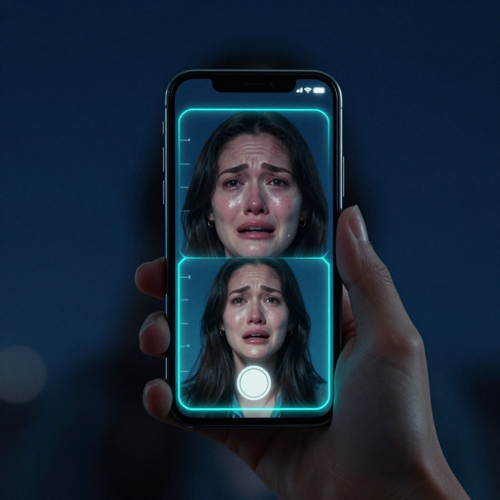
Most AI crying videos are made for short-form feeds. your AI crying effect video exports in vertical 9:16 on Textideo, sized for TikTok, Instagram Reels, and YouTube Shorts, with no watermark burned in. The clip arrives clean, so you can mute the built-in sound and drop in your own trending track, then write the caption that makes the joke land — because the fun usually lives in the caption, not the cry.
Styles
Create Memorable Clips With An AI Crying Effect Video
Creators get a teary, emotional scene from one portrait — believable tears and a slow walk-away beat built in. The result is ready to share as a TikTok trend, a reaction meme, or a heartfelt edit for short-form feeds.
Build The Viral Walk-Away AI Crying Video
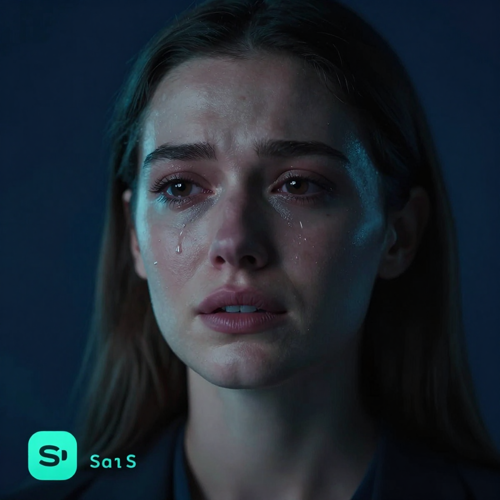
The most shared AI crying effect video follows one beat: a smile, welling eyes, then a slow turn and walk away. Make that clip from a single photo on Textideo, then write the caption that flips the mood from sweet to absurd.

Make Tears Look Real In An AI Crying Effect Video
A good AI crying video matches each tear to the face's own light, so the moisture catches the glow instead of looking pasted on. Set the cry intensity from a single glistening drop to a full meltdown, and let the emotion build at the pace you choose.
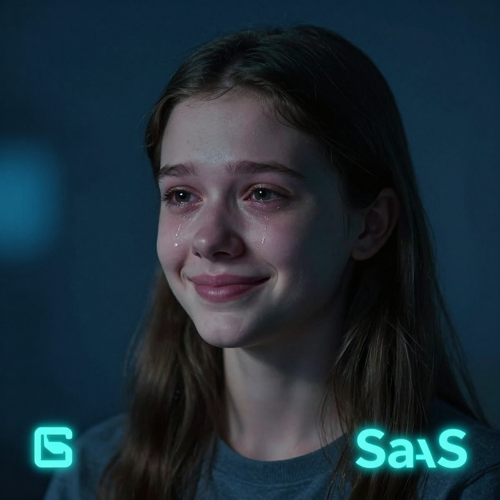
Explore AI Crying Effect Video Scenarios
From a heartbreak edit to a funny 'my phone died' sob, an AI crying effect video adapts to any joke. Generate emotional clips, pet-crying memes, and character reactions for TikTok, Reels, Shorts, and other short-form platforms.
Gallery
Create Different Styles Of AI Crying Effect Video
An AI crying effect video generator helps creators produce teary portraits, emotional reaction clips, and funny crying memes for different platforms, audiences, and content goals. Explore multiple crying video styles — from realistic tears to exaggerated sob challenges — ready for TikTok, Reels, Shorts, and social feeds.
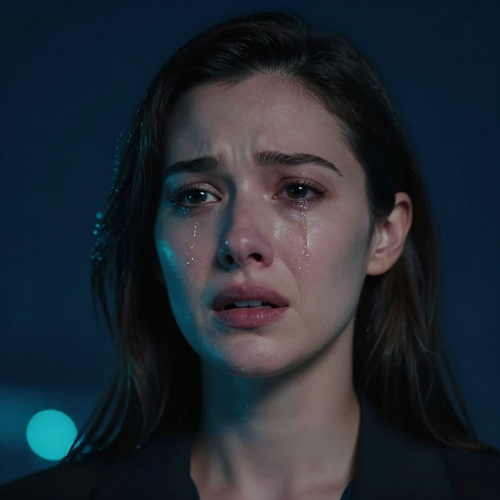
Realistic Tears In An AI Crying Effect Video
One portrait becomes a clip with welling eyes, a trembling lip, and tears on the cheeks. The animation stays faithful to the original face, so viewers see the same person — not a swapped filter.

Funny Sob Challenge AI Crying Videos
Make the joke land with a crying video built for the sob-challenge trend. Start from a calm selfie, let the smile break, and export a vertical clip where the caption carries the punchline.

Pet AI Crying Videos And Memes
An AI crying effect video works on cats and dogs too — glossy eyes, a tear down the fur, then a slow turn away. Upload a clear pet photo and post the reaction meme with whoever agreed to take part.
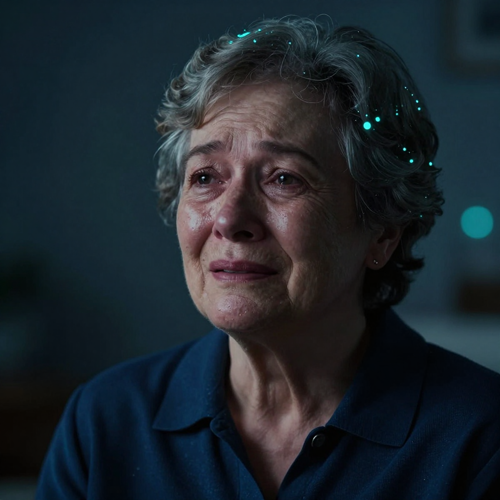
Heartfelt AI Crying Video Edits
Use an AI crying video for softer moments: a memory edit, a goodbye bit, or a sympathetic reaction. The slow emotional build works for tributes and storytelling as well as jokes.
Who It Is For
Who Uses An AI Crying Effect Video
From a trending sob to a brand's relatable reaction, one upload becomes a shareable teary clip. People use the AI crying video maker for jokes, tributes, and creative edits on Textideo.

Social Media Creators Using AI Crying Effect Videos
Make AI crying videos for TikTok, Reels, and Shorts. An AI crying effect video helps creators post the walk-away trend, reaction memes, and emotional edits with a recognizable face and a caption that lands.

Marketers And Brands
Build a memorable moment with a crying clip. Brands use an AI crying video for relatable reactions, launch jokes, and 'we hear you' bits that feel human instead of corporate.

Friends And Everyday Users
Turn a group chat joke into a clip. An AI crying effect video lets anyone make a funny sob from a friend's photo (with their okay) and post it as a lighthearted reaction meme.

Digital Artists And Editors
Explore new emotional styles fast. Digital artists use an AI crying video to prototype character reactions, test mood beats, and drop teary frames into larger edits.
Why Choose
Why Choose An AI Crying Effect Video
An AI crying effect video makes it easy for anyone to turn a photo into a teary, shareable clip — no camera, no editing skills, no actors required.
Create An AI Crying Video From One Photo
Turn a single front-facing portrait into a crying video. No filming, no setup, no studio required.
Keep The Face In Your AI Crying Effect Video
The AI animates the same face, so the result reads as the real person rather than a swapped filter.
Control The Cry Intensity
Set the emotion from a subtle tear to a full meltdown, then add overlays and slow-motion for the mood.
Export Your AI Crying Video For Short-Form Feeds
Download your AI crying video in 9:16 for TikTok, Reels, and Shorts, ready to caption and post.
Works For Pets And Characters
Make a cat or dog cry too, or build character reactions for stories and edits.
Simple And Private Creation
Upload, generate, download — an easy online workflow without installing software.
Creators Say
What Creators Say About The AI Crying Effect Video
Creators report shareable results within a week of their first upload on Textideo.
"One selfie became the walk-away clip my group chat would not stop sharing."
"The pet-crying meme from a single photo got more replies than anything I filmed that month."
"I pitched a relatable brand reaction in an afternoon instead of booking a shoot."
FAQ
Frequently Asked Questions About AI Crying Effect Video
Got questions before your first teary clip? This section covers how the AI crying video generator works, what photo to upload, and how crying clips fit TikTok, Reels, and Shorts on Textideo.
What is an AI crying effect video and how does it work?
An AI crying effect video is a short clip where a face goes from calm or smiling to teary and emotional, created by artificial intelligence from a single photo. The AI crying video generator reads the eyes and lighting in your upload, then animates welling eyes, a trembling lip, and tears rolling down the cheeks. You upload a portrait, press generate, and download the finished clip — no filming or editing required.
How do I make an AI crying video from a photo?
To make an AI crying video on Textideo, upload one clear, front-facing photo with both eyes open, pick a scene or mood, and generate. The AI crying effect video builds the emotional beat for you — the smile fades, the eyes redden and fill, and tears spill over — then you download the vertical clip and post it with your own caption.
Can I control how hard the person cries (cry intensity)?
Yes. A good AI crying effect video lets you set the cry intensity, from a subtle single tear to an emotional overload or full meltdown. You can also stack teardrop animations, rain overlays, slow-motion, and a gloomy filter. The AI crying video matches each tear to the face's existing light, so a gentle sob and a dramatic cry both look believable.
What kind of photo works best for an AI crying video?
Use a clear, front-facing portrait with both eyes visible and even lighting. The AI crying effect video places the tears around the eyes, so sunglasses, heavy filters, or a turned-away face make the result look off. A calm starting expression also turns teary more naturally than an already-extreme grin. High-resolution photos give sharper, more glistening tears.
Is an AI crying effect video the same as the TikTok crying filter?
No. The TikTok or Snapchat crying filter is a live-camera overlay that adds a sheen of tears while you record. An AI crying effect video is generated from a still photo into a full scene — usually a slow push-in where the smile breaks and the person turns away. If you want the viral "walk-away" clip, you need an AI crying video generator, not the in-app filter.
Can I make an AI crying video with my cat or dog?
Yes. An AI crying effect video works with pets too: the animal's eyes grow glossy and fill, a tear runs down the fur, and it turns and pads away. Upload a clear photo where the whole pet is visible, keep the joke between you and whoever agreed to take part, and post it as a reaction meme or a soft sympathetic bit.
What aspect ratio and length should a crying trend video be?
Most AI crying videos are vertical 9:16 and about six to ten seconds long, which fits TikTok, Instagram Reels, and YouTube Shorts and loops well. An AI crying effect video in that shape leaves room for a caption at the start, where the joke usually lives. Export vertical and keep it short so the smile, tears, and exit all fit.
Is there a free AI crying video generator, and will it have a watermark?
Many AI crying video tools let you start free or with sign-up credits, then charge per clip or via credit packs. Whether your AI crying effect video ships with a watermark depends on the plan you use, so check the export options before you generate. Preview the clip on Textideo, confirm the format you need, then download and add your own caption.
Can I add my own music to an AI crying video?
Often yes. An AI crying effect video may arrive with a soft generated soundtrack, but you can mute it in TikTok, CapCut, or Reels and drop in your own trending track. Because the clip exports clean, the music choice is yours — pair a sad ballad with a real heartbreak caption, or a funny sound with an ironic one.
Explore More Video Effects
Start Your AI Crying Effect Video
Turn one photo into a teary, shareable clip on Textideo today — no camera, no editing software.
Try The AI Crying Video MakerFree to try — no credit card required.