
AI zombie video generator
AI Zombie Video Generator: Turn Any Clip Into the Undead
Drop a photo or a short clip into an AI Zombie Video Generator and watch the subject turn into a decaying, glowing-eyed zombie while the original pose, framing and movement stay intact. Make horror shorts, Halloween posts and jump-scare clips on Textideo without learning an editor.
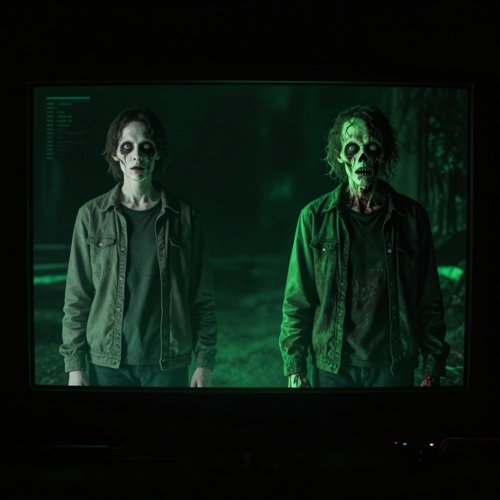
The problem
The Problem a Zombie Video Generator Solves
Before AI, a single rotting clip meant prosthetics, software and a crew. A zombie video generator removes all three so the scare is one upload away.
A Zombie Look Meant a Makeup Kit and a Crew
Real decay used to mean prosthetics, a camera operator and a shoot day you had to book. Most people who wanted one scary clip never started, because the costume cost more than the idea was worth.
Editors Turn a Fun Scare Into a Project
Learning timeline software to rot a selfie kills the moment. The trend is already moving while you are still keyframing the eye glow, and by the time the clip is done the scare feels late.
Stock Zombies Never Look Like You
Generic horror footage shows someone else's monster. A clip only lands with your own audience when the rotting face is the one they recognise, and stock cannot do that for a single upload.
The Trend Moves Faster Than a Reshoot
Halloween and zombie challenges peak for a few weeks, then vanish. Waiting on a production loop means missing the window entirely, and the clip arrives after everyone stopped scrolling for it.
How it works
Make a Zombie Video in Three Steps
No timeline, no masking, no keyframes. A zombie video generator asks for one upload, a look, and a preview before you share.

Upload the Photo or Clip You Want to Rot
Pick a clear, centered image or a short video of a person, a pet or a group. Selfies, full-body shots and friend photos all work.

Pick a Zombie Look and Let the AI Decay It
Choose a zombie style or preset. The generator adds grey-green skin, hollow eyes and a shambling stance while keeping the face yours.

Watch, Download and Share
Preview the undead clip, export it and post it to TikTok, Shorts, Reels or your Halloween feed in seconds.
Features
What a Zombie Video Generator Controls
Three things a zombie video generator puts in your hands: face mapping that keeps the subject yours, image-to-video that turns a still into a moving zombie, and one-take batching for groups and pets.
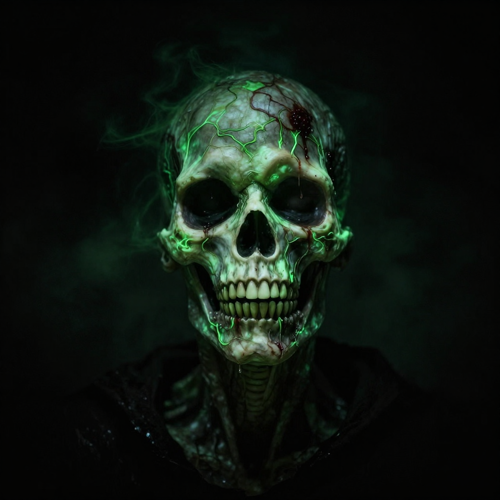
Map the Decay Onto Any Face
Zombie face mapping keeps the person recognisable while it greys, greens and rots the skin, so a zombie transformation still reads as the same person. A zombie video generator recognises the face you uploaded and applies hollow glowing eyes and cracked texture exactly where a real decay would show. Use it when the scare has to be you, not a random monster.
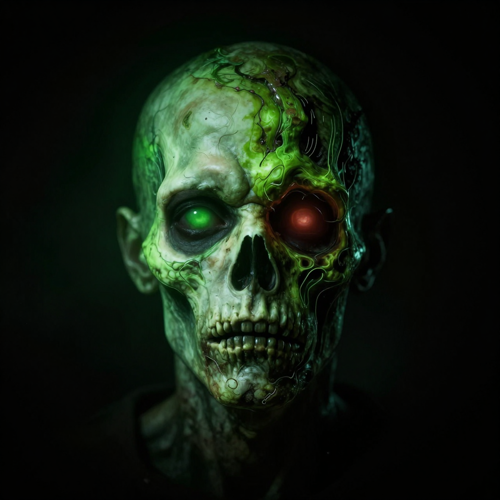
Turn One Photo Into a Moving Zombie
Image-to-video turns a still selfie into a shuffling, lunging zombie clip with dangling arms and an unnatural gait, no animation skills required. A zombie video generator reads the posture in your photo and animates the rot around it, so the subject moves like the undead instead of standing still. One upload becomes a finished clip you can post.
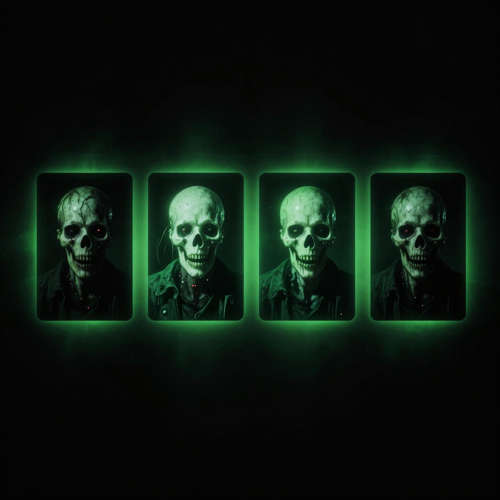
Batch a Whole Cast or a Pet
Transform one person, a couple, a group or a cat or dog into zombies in a single take, because a zombie video generator recognises every subject in the frame and decays them together. Presets cover the common looks so you can pick a direction instead of writing a prompt. The whole crew goes undead before you finish your drink.
Why choose
Why Choose This Zombie Video Generator
Six reasons a zombie video generator beats a makeup kit and a camera crew: no editor, the face stays yours, one upload becomes a video, pets and groups work, it ships vertical, and it is ready before the trend moves on.
No Editor, No Makeup, No Crew
A zombie video generator skips the three things that used to make a zombie clip expensive: software, prosthetics and a camera team. Upload a photo and the rot is handled for you, so the only step between you and the scare is a tap.
The Face Stays Yours
Good zombie transformations keep the subject recognisable while the skin decays. A zombie video generator maps the rot onto the face you uploaded, so a turned selfie still reads as you, which is what makes the scare land with your own audience.
One Upload Becomes a Video
Image-to-video means a still photo turns into a moving, shuffling zombie rather than a frozen portrait. A zombie video generator adds the unnatural gait and dangling arms, so you walk away with a clip, not just a picture, ready for TikTok or Shorts.
Pets and Groups Welcome
One photo of a couple, a friend group or a pet is enough. A zombie video generator finds every subject in the frame and decays them together, so the whole household or crew goes undead in a single take instead of one lonely portrait.
Built for TikTok, Shorts and Reels
The output keeps your original aspect ratio and exports in formats these feeds expect, so a zombie video generator clip drops straight into a vertical post. No reformatting, no black bars, no second app before you publish.
Halloween-Ready in Seconds
Timely content loses value the longer it waits. A zombie video generator finishes most transformations in under a minute, which is why it fits same-day Halloween posts and trend replies where the moment passes if you hesitate.
What it unlocks
What a Zombie Video Generator Unlocks With One Photo
A zombie video generator is most fun when you see the range it can rot. The same upload becomes a selfie that starts shambling, a three-beat turn from normal to undead, or a pet that joins the outbreak. Here is what a single photo unlocks once the decay engine has hold of it.
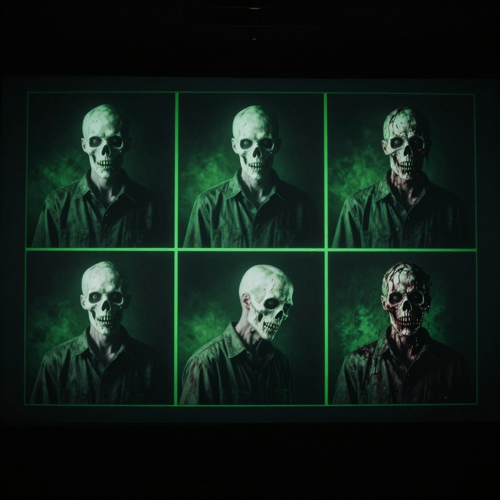
From Selfie to Shambling Horror
Upload a normal portrait and get a moving zombie that keeps your face while the skin greys, greens and cracks. A zombie video generator adds hollow glowing eyes and a slack, shuffling gait, so the clip reads as you, only rotted. Perfect for profile drops and Halloween reveals.
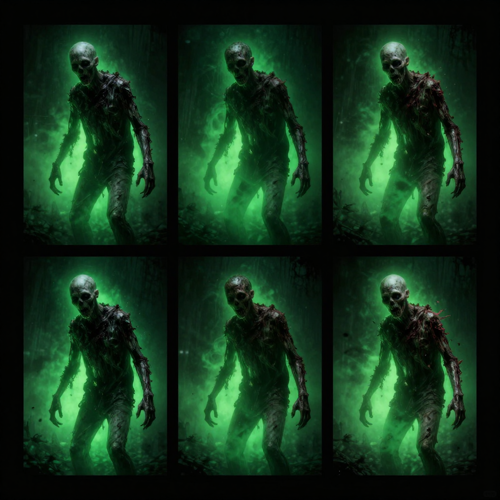
Stage a Three-Beat Turn
Show the same person normal, half-turned and fully undead inside one continuous clip. The zombie video generator holds the framing across all three beats, so the transformation lands as a single scary moment rather than three unrelated stills. Creators use it for reveal edits and reaction bait.
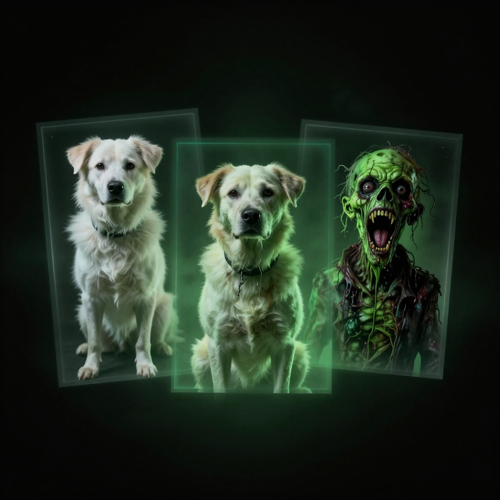
Rot the Family Pet Too
Drop a dog or cat photo into the zombie video generator and the snarling green undead version comes back with the animal still recognisable. Whole-household outbreak clips travel well, because a pet zombie is unexpected enough to stop a scroll. One upload, one breed, fully turned.
Who it is for
Who Uses a Zombie Video Generator
Horror creators, seasonal marketers, friend groups making memes and indie filmmakers previsualising scares. A zombie video generator meets all four with the same one-upload workflow.
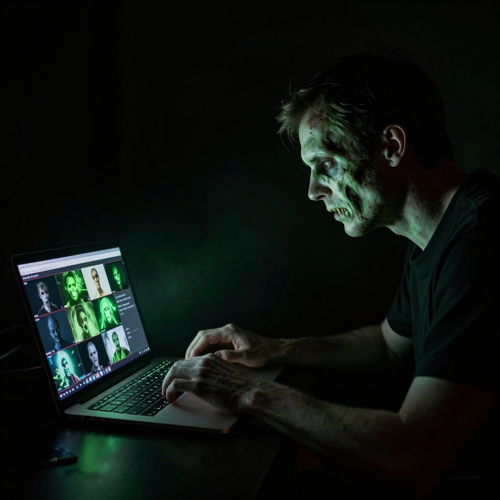
Halloween Creators and Horror Channels
The zombie trend moves fast and rewards the first people to post a fresh scare. A zombie video generator lets a horror channel rot a selfie, a pet or a friend group in under a minute, so the feed stays current through October without a makeup kit. Turn one idea into a week of clips.
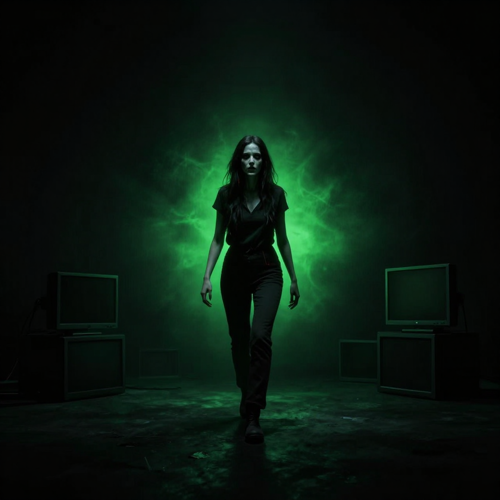
Marketers Running Seasonal Campaigns
Brands ride Halloween for a reason: the audience is already in the mood to share scares. A zombie video generator turns a product photo or a spokesperson still into an on-theme clip that fits the season without a shoot day. Launch a zombie version of your ad and let the costume do the work.
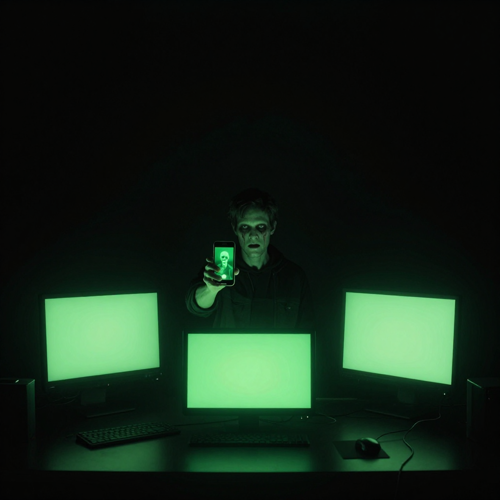
Friends Making Joke and Meme Clips
Group chats live for the unexpected drop. A zombie video generator takes a group photo and turns the whole crew undead, or rots one unlucky friend while everyone else watches. No editing skills, no setup, just a clip worth sending. The joke lands faster than any filter.
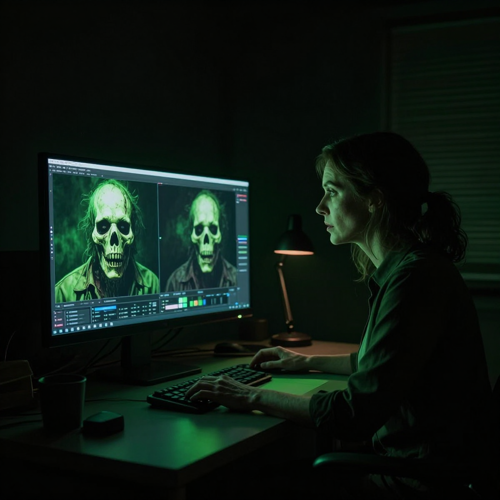
Filmmakers and Indie Horror Makers
Indie horror lives on atmosphere you cannot always afford to shoot. A zombie video generator previsualises a decayed look, a horde scene or a three-beat turn on a real photo before the camera rolls, so the pitch shows the scare instead of describing it. Test the rot on a still first.
Effects
Zombie Video Generator Effects You Can Make
Decay-skin close-ups, foggy horde scenes, Halloween party transformations and photo-to-zombie before-and-afters. Four effects a zombie video generator handles from a single upload, each built for a different kind of scare.
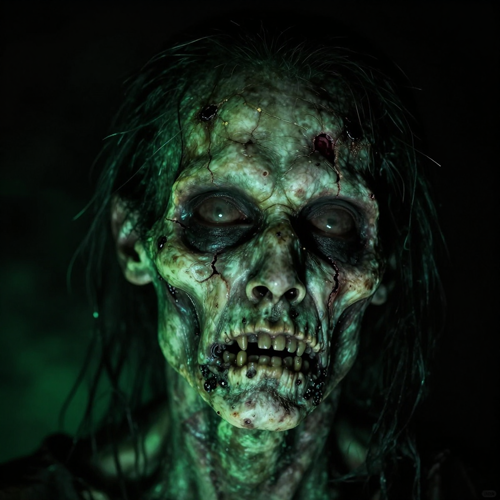
Decay-Skin Close-Ups
An extreme study of rotting zombie skin: grey-green decay, exposed cracks and pale bone highlights under a sickly glow. These decay close-ups are what sell a zombie transformation, because the texture reads as rot rather than a flat green tint. Use them when you want the scare to feel physical.
Foggy Zombie Horde Scenes
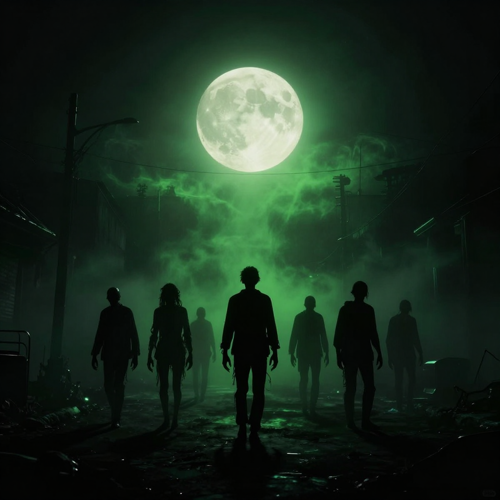
A small horde shuffles through fog on a dark street, lit by sickly green haze and bone-white moonlight. A zombie video generator scene like this sets a clip in a world, not just on a plain background, which is why it works for short horror sketches and mood pieces.
Halloween Party Transformations
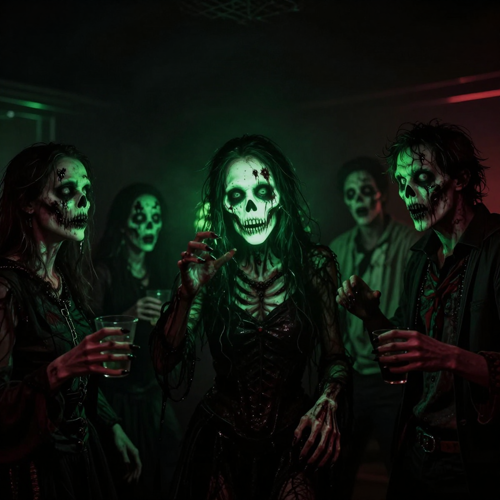
A Halloween party mid-transformation, costumed friends glowing green and crimson under pulsing lights. Seasonal clips like these are the most shared use of a zombie video generator, because the trend peaks exactly when everyone is already dressing up and posting.
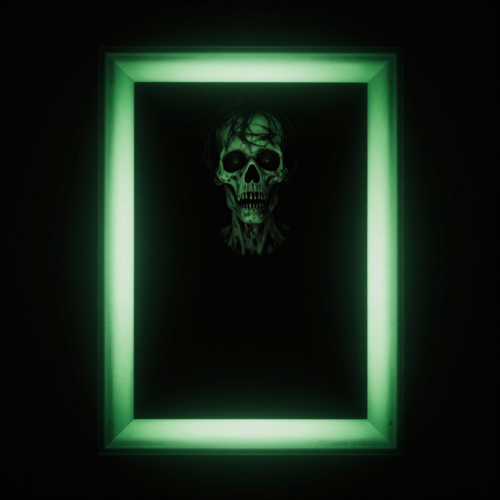
Photo-to-Zombie Before and After
A normal photo sits beside its rotted twin, identical pose, same face, only the skin turned. The before-and-after is the cleanest proof a zombie video generator works, and it is the format that performs best as a swipe or a reveal on Reels and TikTok.
Testimonials
Zombie Video Generator Reviews
Creators, marketers and filmmakers already rot their uploads on Textideo. Here is what changed after they stopped reaching for the makeup kit.
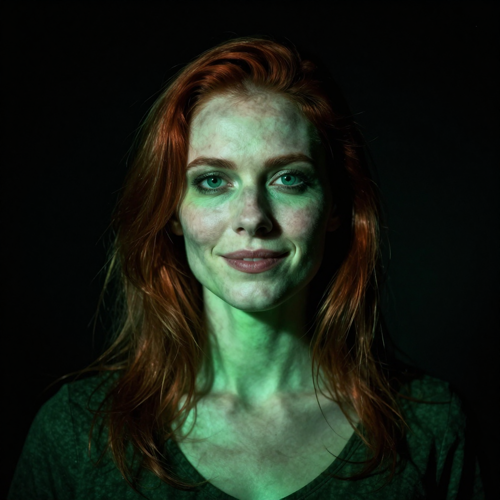
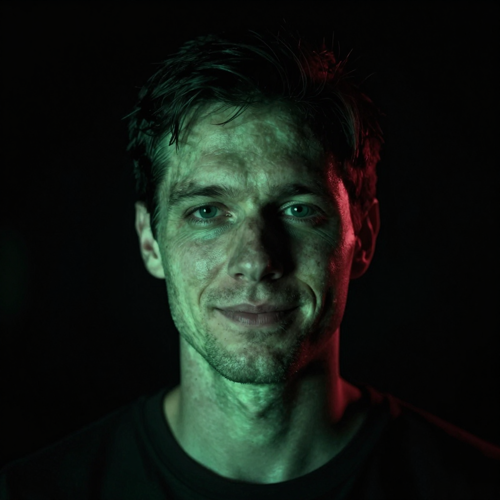
I used to spend two hours in greasepaint for one scare, and the clip still needed editing after. Now I rot a selfie on Textideo in under a minute and the face is still mine, just grey and glowing. My October output tripled and I actually posted every day instead of crashing after the first idea.
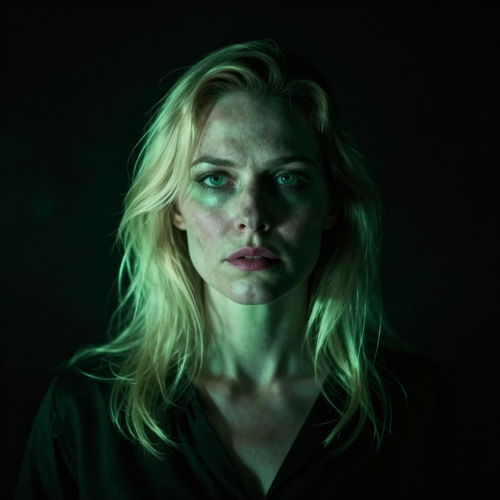
Our Halloween push needed a zombie version of the spokesperson without a second shoot. The zombie video generator turned one still into an on-theme clip that matched the campaign, and the crimson lighting sold it as intentional. We shipped the ad the same afternoon the brief landed.
I previsualise decayed looks before the camera rolls now. A zombie video generator takes a photo of the actor and shows the rot, so the pitch is a clip instead of a paragraph. Investors get the scare immediately, and I waste fewer shoot days guessing what the monster should look like.
FAQ
Frequently Asked Questions About the Zombie Video Generator
Straight answers on how a zombie video generator works, whether you need prompts, how pets and groups transform, sound effects, speed and the difference between a zombie filter and a zombie video effect.
?What is an AI Zombie Video Generator and how does it work?
An AI Zombie Video Generator is a tool that takes a photo or a short clip you already have and turns the subject into a decaying, glowing-eyed zombie while the original pose, framing and movement stay intact. You upload one image of a person, a pet or a group, choose a zombie look, and the generator adds grey-green skin, hollow eyes and a shambling stance. A zombie video generator like the one on Textideo does the rotting for you, so you get a finished horror clip without editing software or prosthetics.
?How do I turn a photo into a zombie video?
Open the zombie video generator on Textideo, upload a clear, centered photo or a short clip, then choose a zombie style or preset. The AI maps the decay onto the faces it finds, greys and greens the skin, hollows the eyes and adds an unnatural, shuffling motion. Most zombie transformations finish in under a minute, after which you preview the clip, download it and share it. You never write a prompt unless you want to steer the look further.
?Do I need to write prompts to make a zombie video?
No. A good zombie video generator is built for people who have never opened an editor. You upload an image and the AI handles the entire zombie transformation automatically, recognising every subject in the frame and decaying them together. Prompts are optional and only used when you want to push the rot, the lighting or the scene further than the preset already does. The whole point is to skip the technical work and keep the scare.
?Can an AI zombie video transform multiple people at once?
Yes. A zombie video generator recognises every person in a photo and applies the zombie transformation to each one, so a couple, a friend group or a whole family can go undead in a single take. Full-body and centered shots give the cleanest result, because the AI can read posture and limbs before it rots them. Group shots are a favourite for Halloween posts, where the whole crew needs to match the costume.
?Can I turn my pet into a zombie too?
Yes, pets work too. A zombie video generator treats a cat or dog photo the same way it treats a person, snarling the mouth, greying the fur and adding glowing eyes so the family pet joins the outbreak. Single-pet and pet-plus-owner shots both work, and the AI keeps the animal recognisable while it turns. Pet zombie clips are some of the most shared horror shorts on social feeds.
?What kinds of images work best for a zombie transformation?
Full-body, well-lit, centered images give the most convincing zombie transformations, because the AI can read the body before it decays it. One clear subject per shot works best, though groups are supported. Avoid heavy motion blur and crowded backgrounds, since the generator needs to tell the person apart from the scene. The original aspect ratio is kept, so shoot the frame you actually want to post.
?How do I add horror sound effects to my zombie video?
Sound effects are optional and off by default. When you generate your zombie video, you can switch on spine-chilling audio so growls, ambient dread and a low horror hum ride under the clip. The effect adds a layer of realism that plain silent rot cannot, which is why it pairs well with jump-scare and Halloween content. Leave it off if you plan to score the clip yourself.
?How fast can I make an AI zombie video?
Most zombie transformations finish within seconds to a minute depending on server load and the length of the clip. Because a zombie video generator works from a single image rather than a full edit, there is no timeline to render and no project to export. The speed is what makes it useful for timely Halloween content and same-day meme replies, where the moment passes if you wait.
?Is there a free AI Zombie Video Generator I can try?
Many zombie video generators offer a free trial, demo credits or a limited free tier so you can rot a photo before paying. On Textideo you can start a zombie video generator run from a single image and see the transformation before committing to higher resolutions or longer clips. A free test on your own photo tells you more about the look than any feature list does.
?What is the difference between a zombie filter and a zombie video effect?
A zombie filter usually means a static photo effect: upload a selfie and get a decayed portrait with no movement. A zombie video effect, by contrast, animates the rot, adding a shuffling walk, dangling arms and unnatural motion so the subject actually moves like the undead. If you want a still scare for a thumbnail, a filter is enough; if you want a clip for TikTok or Shorts, you want the video effect. You get the moving, animated version on Textideo.
Explore more
Explore More Zombie Video Generators
Keep the scare going. Browse the rest of the Textideo effects library and the tools creators pair with a zombie video generator.
Start now
Start Your Zombie Video Generator Now
Upload one photo and watch it rot on Textideo in under a minute. No editor, no makeup, no crew, just the undead version of you.