
MP4 to MP3 Converter – Extract Audio from Video Instantly
This MP4 to MP3 converter lets you extract audio from video files in seconds, including MP4 videos, YouTube downloads, lectures, and recorded meetings. Unlike traditional software, it runs directly in your browser and focuses on fast, stable audio extraction without quality loss. This tool is commonly used as a video to audio converter, YouTube to MP3 converter, and online audio extractor for everyday content workflows.
Key Features of This MP4 to MP3 Audio Extractor
This MP4 to MP3 converter and audio extractor is built for real-world video to audio conversion workflows, including YouTube to MP3 extraction, long video processing, and bulk MP4 to MP3 conversion for offline listening and content reuse.
YouTube to MP3 & Video Audio Extraction Support
This MP4 to MP3 converter also works as a YouTube to MP3 audio extractor for converting online videos, lectures, podcasts, and screen recordings into MP3 files. It supports video to audio conversion for offline listening and content repurposing, while maintaining stable speech clarity even from compressed video sources.

Optimized for Long Video Conversion (Up to Large Files)
Unlike basic online audio extractors, this MP4 to MP3 tool is optimized for long-form video to MP3 conversion, including webinars, online courses, Zoom recordings, and interviews. It supports large file processing through cloud infrastructure, ensuring stable performance for high-duration MP4 to MP3 conversion tasks.
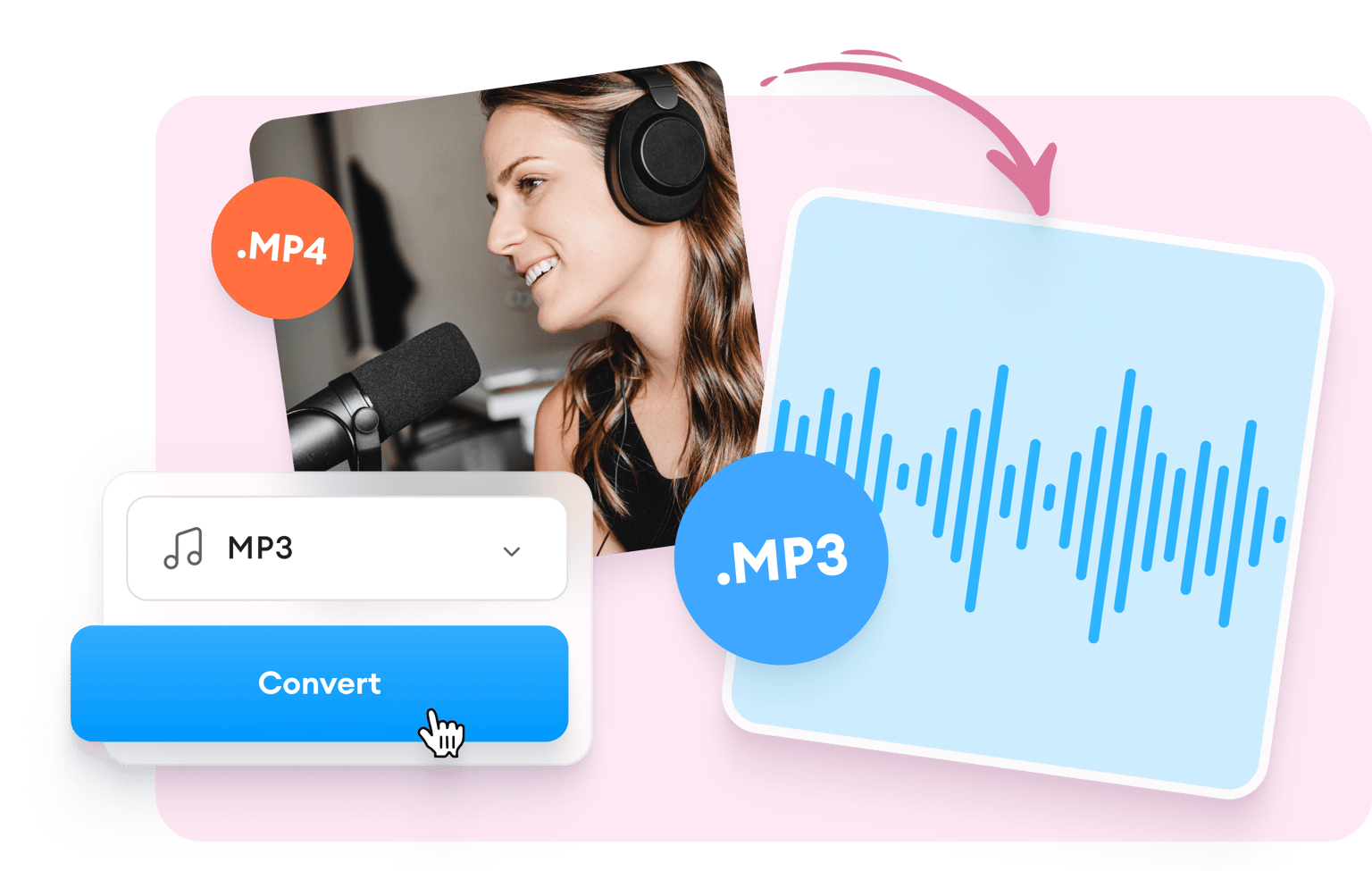
Smart Audio Extraction Engine (Format Awareness)
The system automatically detects whether the source is speech-heavy or music-based during MP4 to MP3 conversion. It adjusts audio extraction parameters to preserve clarity, reduce noise, and improve output quality, making it suitable for both video to audio conversion and content repurposing workflows.
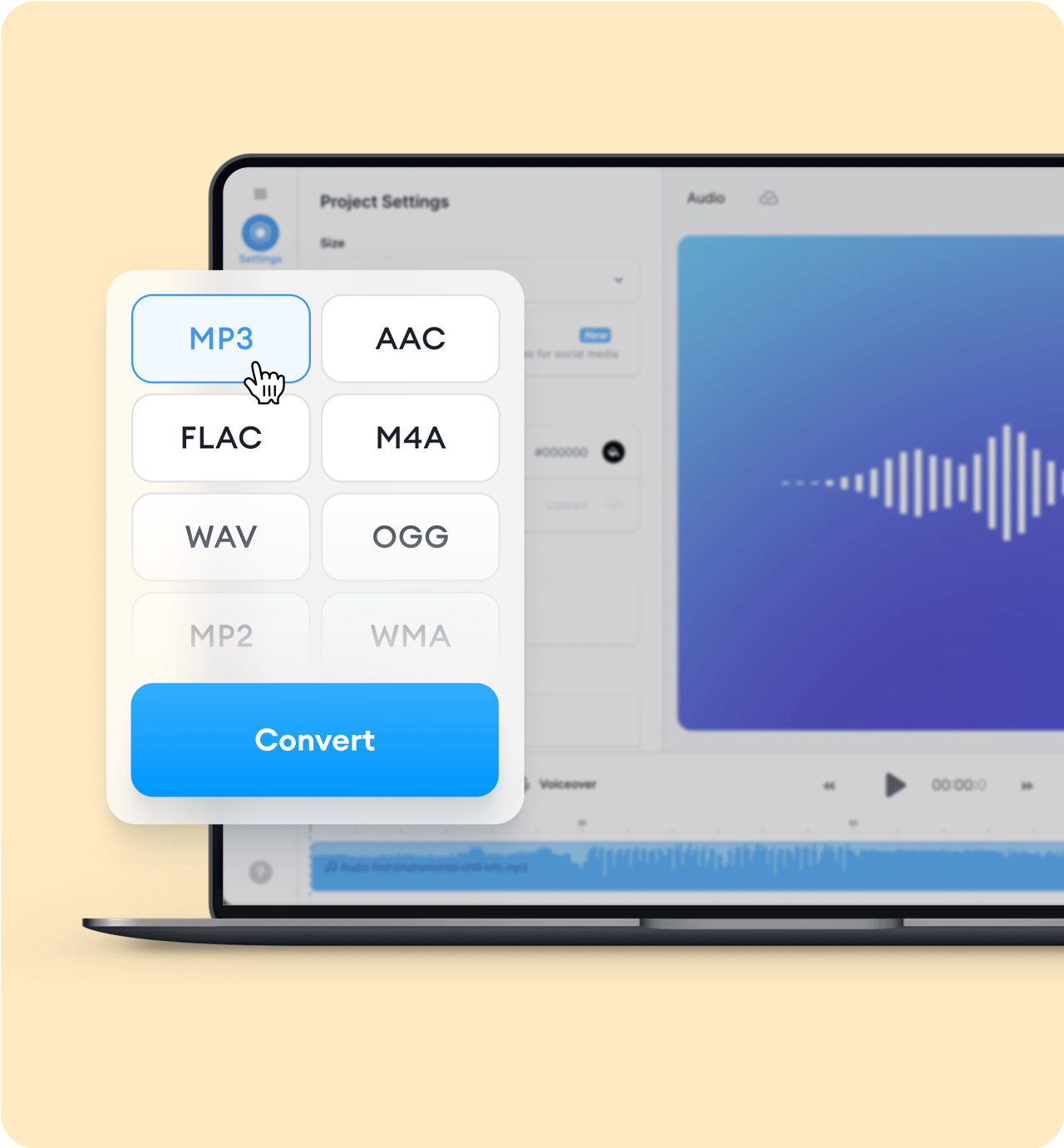
Real Use Cases of MP4 to MP3 Conversion
This MP4 to MP3 converter is used in real workflows to extract audio from video, convert MP4 to MP3 files, and repurpose video content as reusable audio across platforms like YouTube, TikTok, podcasts, and online learning systems.
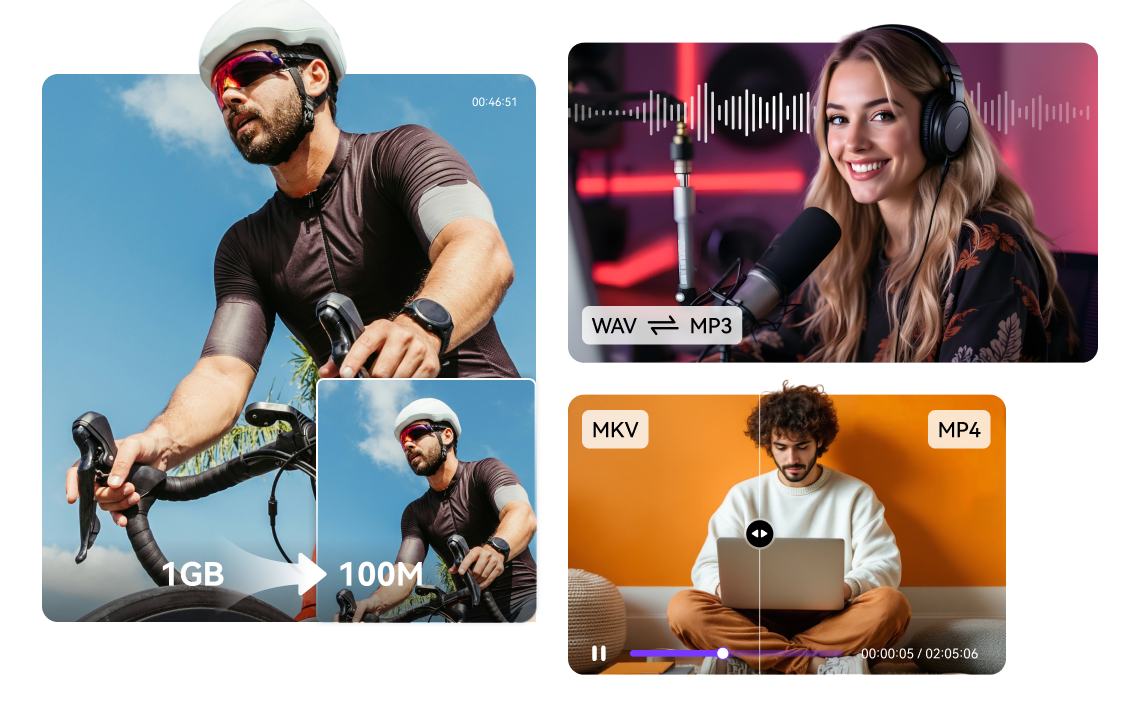
Convert YouTube Videos to MP3 for Offline Listening
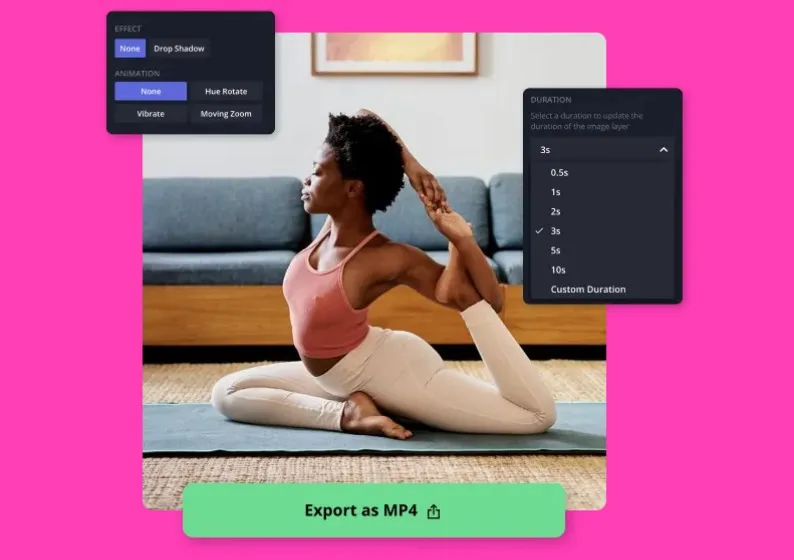
Video to Audio Conversion for Content Repurposing
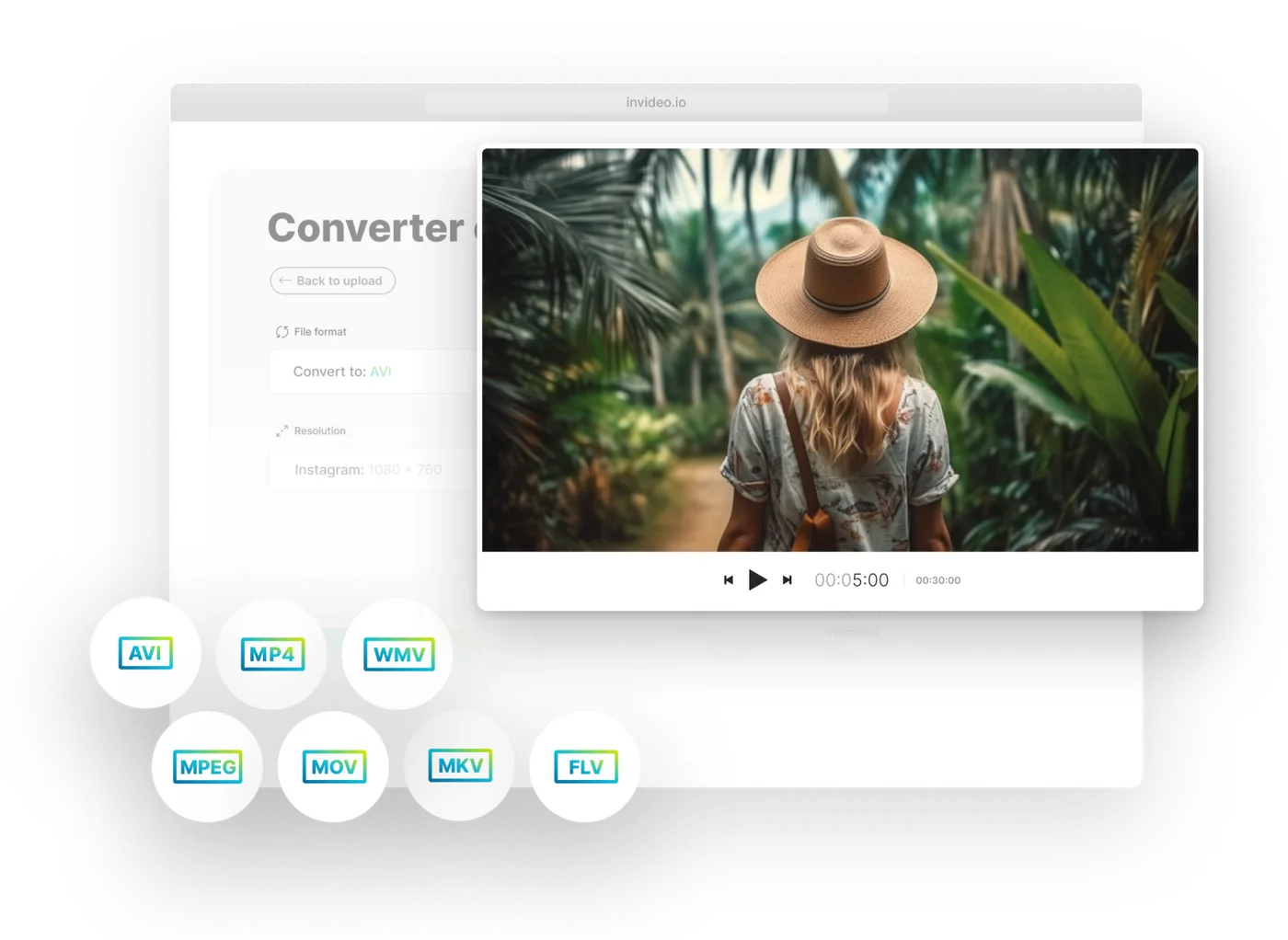
Audio Extraction for AI Video and Editing Workflows
Who Uses This MP4 to MP3 Converter
This tool is widely used by creators, students, marketers, and developers who need fast video-to-audio conversion without installing software.
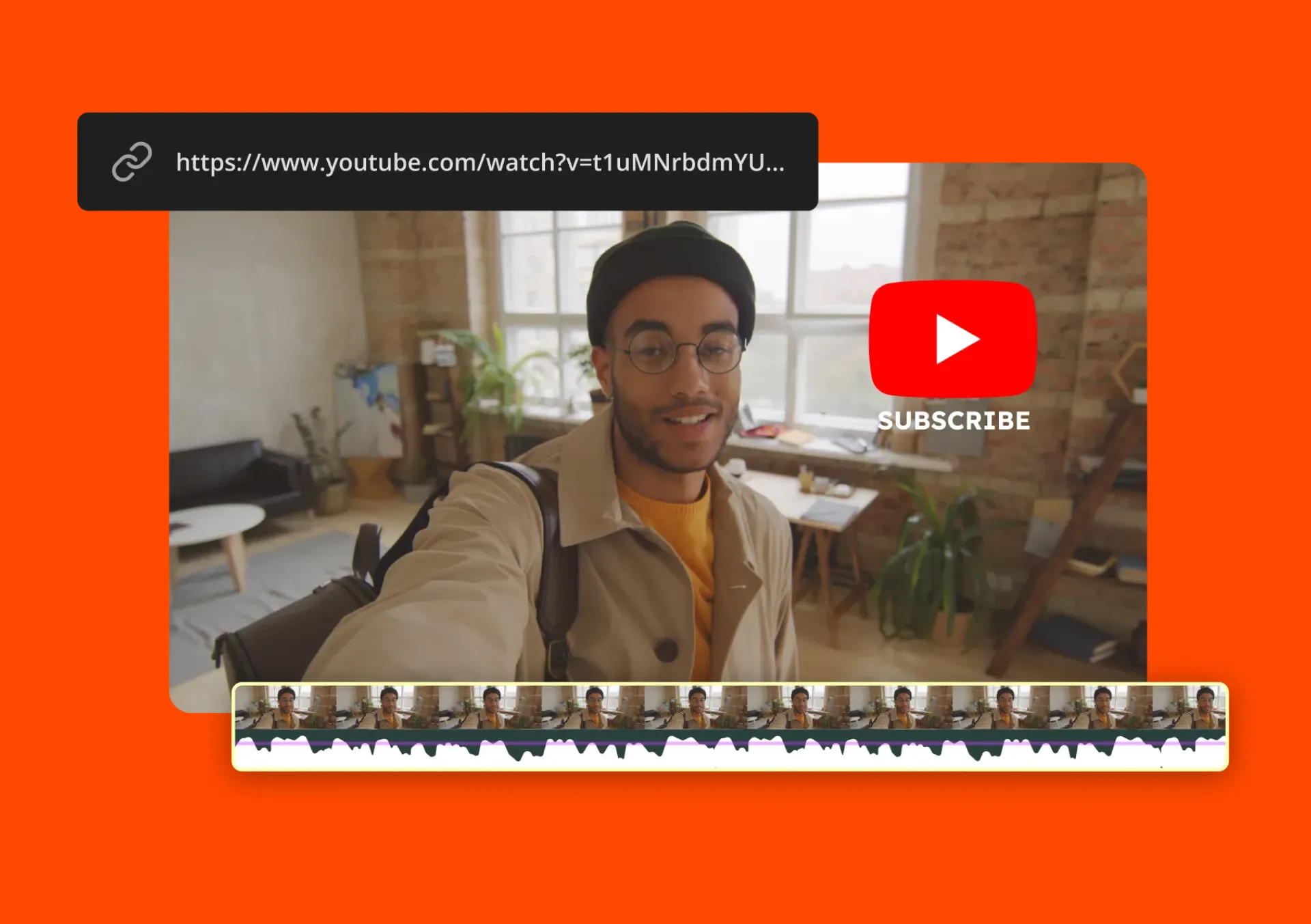
Content Creators & YouTubers
Creators use this tool to extract background audio, voiceovers, or dialogue from videos for reuse in editing or social media content.
Students & Online Learners
Students convert lectures, online courses, and recorded classes into MP3 files for offline listening and revision.
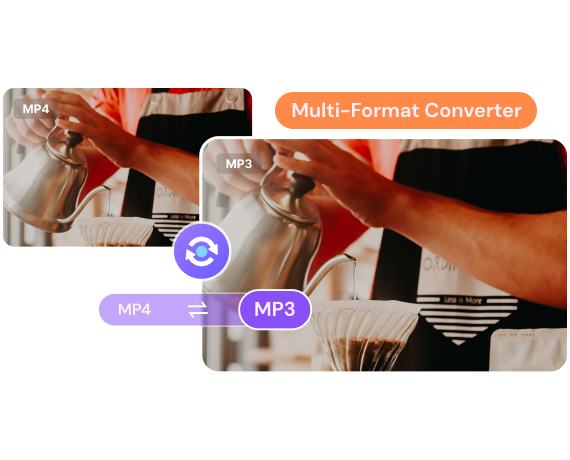
Marketing & Growth Teams
Marketing teams use audio extraction to repurpose campaign videos, ads, and promotional content into reusable audio assets.
Developers & Automation Workflows
Developers integrate this MP4 to MP3 converter into automation pipelines for media processing, indexing, or AI-driven content workflows.
Why Choose This MP4 to MP3 Converter
This tool focuses on real usability, combining fast processing, large file support, and reliable audio extraction without unnecessary complexity.
No Installation Required MP4 to MP3
Works directly in the browser. No software, no plugins, no setup required.
Fast Audio Extraction Engine
Built for fast MP4 to MP3 conversion, including large video files and long recordings.
Supports YouTube & Video to Audio Conversion
Works as a YouTube to MP3 converter and general video audio extractor for multiple content sources.
Secure Processing with Auto File Deletion
Files are automatically removed after processing to ensure privacy and data safety.
Consistent Output Quality Across Devices
Ensures stable audio results whether you are using mobile, desktop, or tablet.


MP4 to MP3 Conversion Use Cases and Scenarios
This MP4 to MP3 converter is widely used as an online audio extractor for converting MP4 to MP3 files in everyday workflows. It helps users extract audio from video content, turn video into MP3 format, and reuse audio across learning, entertainment, and business scenarios.

YouTube Audio Extraction for Offline Listening
Users use this MP4 to MP3 converter to extract audio from YouTube videos and convert them into MP3 files for offline listening. A typical use case is saving long YouTube videos, podcasts, or interviews as audio-only content for later playback without video.
TikTok & Short Video Audio Reuse
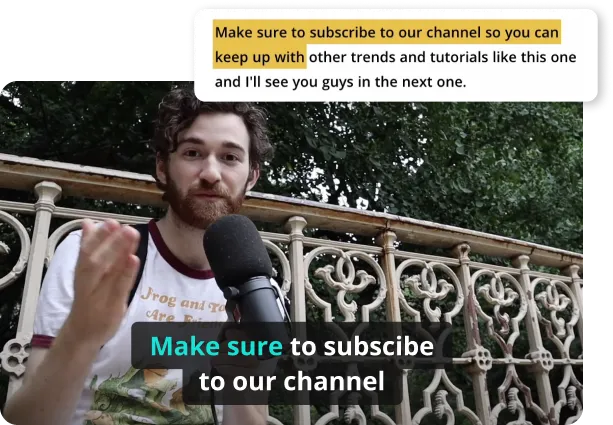
This video to MP3 converter is also used for extracting audio from TikTok, Instagram Reels, and other short videos. Users rely on MP4 to MP3 conversion to reuse soundtracks, background audio, or spoken content for remixing and creative editing.

Online Learning Audio Conversion
With this MP4 to MP3 converter, users can convert online courses, webinars, and lecture videos into MP3 audio files. This makes video to audio conversion useful for offline study, especially when users want to extract audio from educational videos for repeated listening.
Business Training Audio Extraction
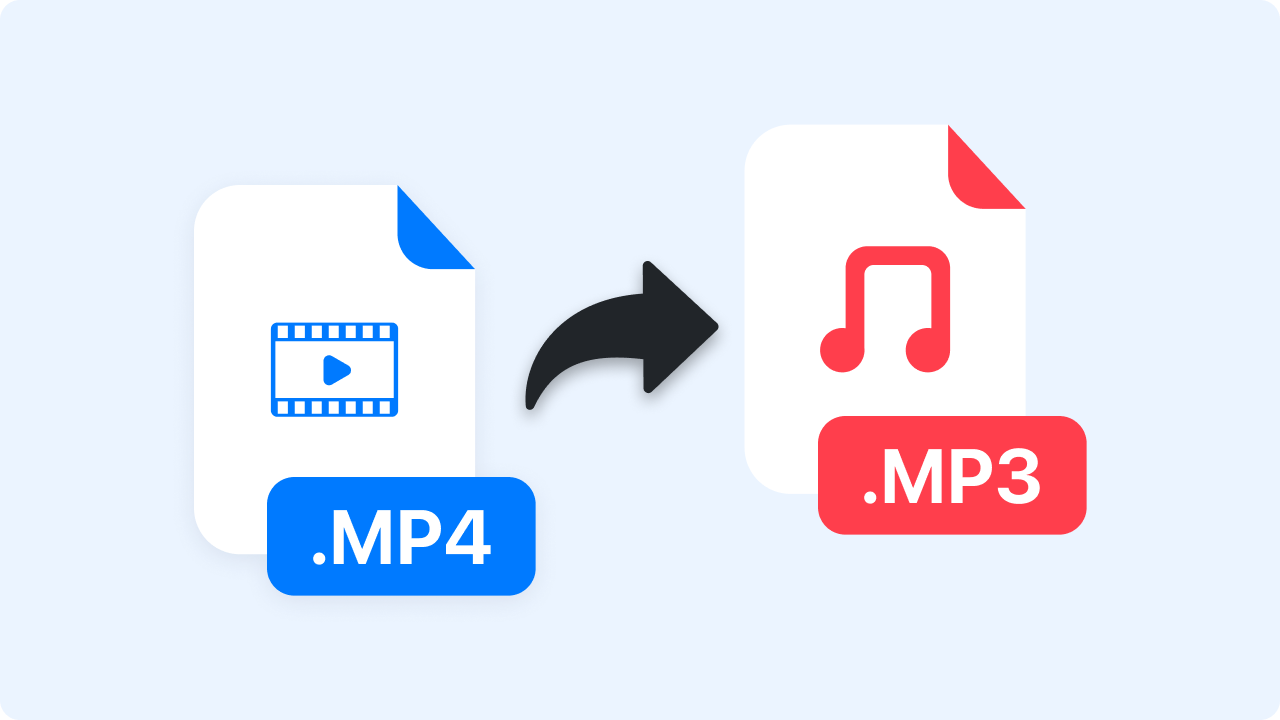
Companies use this audio extractor to convert MP4 to MP3 format for training materials, onboarding videos, and internal learning content. Video to MP3 conversion helps teams build reusable audio libraries from existing video resources.
How to Convert MP4 to MP3 in 3 Simple Steps
We have streamlined the MP4 to MP3 conversion process into three clear, intuitive steps—making it easy for anyone to extract audio from video files quickly and reliably.
Frequently Asked Questions About MP4 to MP3 Converter
Explore answers and insights to help you make the most of our MP4 to MP3 converter. Whether you're new to video-to-audio conversion or looking to optimize your workflow, this section guides you through key considerations, tips, and best practices.
To convert an MP4 to MP3 using our web-based tool, simply drag your video file into the designated upload area. Our server-side engine instantly begins isolating the audio stream from the video container, ensuring a seamless transition. This MP4 to MP3 solution is perfect for users who need a quick, reliable extraction without the hassle of installing bulky desktop applications or third-party plugins.
The quality of an MP4 to MP3 extraction largely depends on the bitrate you choose during the conversion process. By selecting our 320kbps high-quality setting, you can ensure that the sonic depth and clarity of the original recording are preserved. While MP3 is a compressed format, our professional-grade MP4 to MP3 encoder minimizes data loss, making it ideal for music enthusiasts and podcast creators who prioritize crisp sound.
Security is a cornerstone of our service, especially when handling private MP4 to MP3 tasks. We utilize end-to-end SSL encryption to protect your data during the upload and download phases, and all files are automatically purged from our cloud servers after 24 hours. You can use our MP4 to MP3 utility with total confidence, knowing that your intellectual property and personal privacy are never compromised.
Our infrastructure is specifically optimized to manage large-scale MP4 to MP3 projects, including long-form webinars, Zoom meetings, and high-definition movie files. Unlike basic converters that often crash during heavy processing, our robust MP4 to MP3 workflow utilizes distributed cloud computing to ensure stability. This allows you to transform massive video files into lightweight, portable audio tracks in a matter of seconds.
For most users, 192kbps offers a perfect balance between file size and fidelity, but for professional results, 320kbps is the industry standard. When you perform an MP4 to MP3 conversion on our site, you have the flexibility to customize the output to suit your specific playback device. This customized MP4 to MP3 output ensures that whether you are using high-end headphones or smartphone speakers, the audio remains balanced.
Yes, our platform is fully responsive and built to function flawlessly across all mobile operating systems. You can initiate an MP4 to MP3 conversion directly from your mobile browser without needing a dedicated app, making it easy to extract audio while on the go. This convenient MP4 to MP3 utility is compatible with iOS and Android, allowing for quick file management from any location with internet access.
While the majority of our users require an MP4 to MP3 transition, our system is versatile enough to support MOV, AVI, and WebM files as well. This multi-format compatibility ensures that you don't need multiple tools to handle different types of media content. Our universal MP4 to MP3 tool recognizes the source file automatically, stripping the audio and re-encoding it into a high-fidelity MP3 file with one click.
Efficiency is at the heart of our technology, and most MP4 to MP3 tasks are completed in under thirty seconds. The total time varies slightly depending on your internet upload speed and the duration of the video, but our backend is tuned for high-velocity processing. We pride ourselves on offering a reliable MP4 to MP3 tool that respects your time, providing instant results for your content repurposing needs.
Using an MP4 to MP3 converter is perfectly legal for personal use, such as converting your own recordings, lectures, or royalty-free creative commons content. However, it is important to respect copyright laws and avoid using any MP4 to MP3 system to download or distribute protected material without permission. Our tool is a neutral utility designed to help creators manage their own media libraries and educational resources ethically.
This modern MP4 to MP3 converter stands out due to its blend of speed, high-bitrate options, and uncompromising privacy standards. We focus on providing a clean, ad-light experience that prioritizes the user's workflow over complex menus or hidden fees. By using our automated MP4 to MP3 system, you gain access to a professional-grade audio extractor that delivers consistent, high-quality results for every project, large or small.
Start Using MP4 to MP3 Converter Online
Convert MP4 to MP3 instantly with a fast online audio extractor. Extract audio from videos, YouTube content, and recordings in seconds—free and browser-based.