
Your character changes face between shots
You finally get a shot you like, cut to a second angle, and it is a different person. Same prompt, same settings, new jawline.
AI Video Tools · Character Animation
AI character animation turns a prompt or a single image into a character that actually moves - gestures, expressions, and lip sync that hold together from shot to shot.
No rigging, no keyframing, no animation degree. Animate your first character on Textideo in minutes.
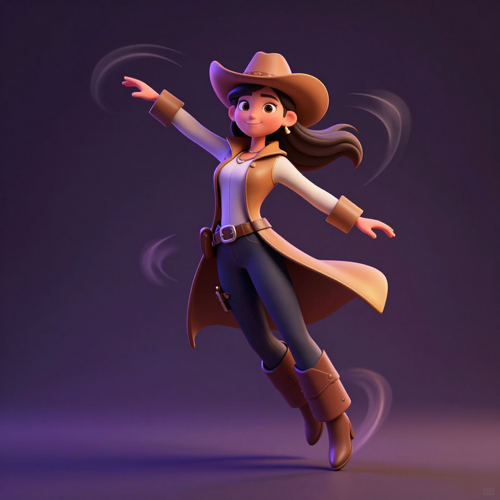
The problem
Character animation has never been hard because of the drawing. It is hard because of everything wrapped around it.
You finally get a shot you like, cut to a second angle, and it is a different person. Same prompt, same settings, new jawline.
Walk cycles that snap at the seam, a motion that overshoots or stops short, and a jitter at the end that only shows up once you export.
You recorded the line yourself, and the character still talks like it is reading something else off-screen.
Generate here, animate there, voice somewhere else, lip-sync in a fourth, grade in a fifth - and re-upload between every one of them.
Why choose us
Making a character move has always meant a chain of separate tools, and every handoff gave the face a new chance to change. Textideo keeps character animation in one place - design, motion, voice, and lip sync - so the character you approve is the character you publish.
Generating a character in one app, animating it in a second, synthesizing a voice in a third, then lip-syncing and grading somewhere else is how most character animation gets made today. Every export and re-upload is another chance for the face to change.
Doing the character animation end to end in one place removes the handoffs that cause drift, and the hour of file wrangling that comes with them.
Character drift is the complaint that comes up every time AI animation gets discussed: same prompt, different face.
Character animation here is built around a saved reference - face, outfit, proportions - that gets reused across scenes, so a multi-shot sequence reads as one person rather than three relatives.
Fast movement is where cheap animation falls apart. Limbs smear, feet slide, the face flickers, and a loop that does not quite close turns into a visible hitch at the seam.
Motion in this character animation workflow is generated with the whole body in mind: weight on the landing, follow-through in hair and cloth, and cycles that return to a default state instead of twitching.
Upload a recorded voice track or generate one, and mouth shapes follow it phoneme by phoneme instead of flapping on a loop.
If a line reads late, nudge the timing in the editor. You fix the beat, not the whole character animation.
Character animation should not depend on what you happen to have on hand.
Describe a character in words, animate an illustration you already finished, or record yourself acting out the movement and transfer that performance onto your character. Whichever you start from, the same reference keeps the identity stable.
Projects stay private until you choose to share or export them, which matters when the character belongs to a client, a brand, or an unannounced title.
You decide if and when a character animation leaves your account - and nothing you make is put in front of other users to browse.
Features
Three things decide whether character animation is usable: whether the character stays the same, whether the motion reads as a performance, and whether you can fix what came out wrong. These are the parts of the workflow Textideo puts in your hands.
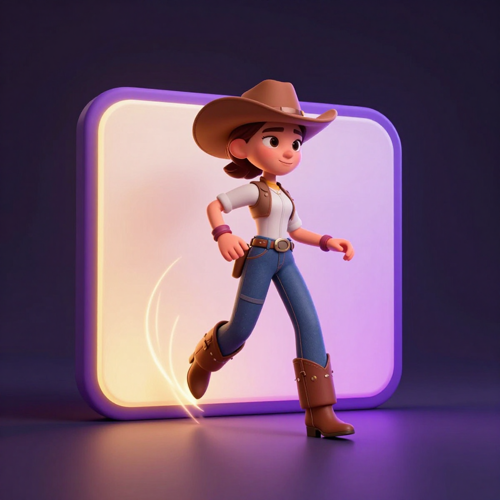
Write who the character is and what they are doing, and get a moving result back in one pass.
Text to character animation covers the whole setup - appearance, scene, camera, and motion - so a rough idea becomes something you can watch and judge, instead of a storyboard you still have to animate by hand.
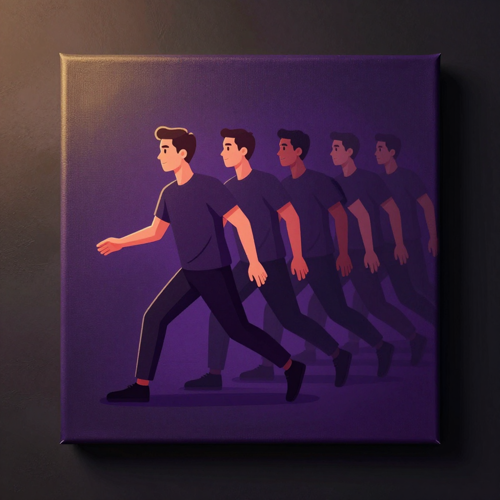
Upload a character sheet, an illustration, a 3D render, or art you made somewhere else and give it movement.
Image to character animation is the shortest path when the design is already approved and only the motion is missing - no re-drawing, and no re-prompting a look you already settled on.
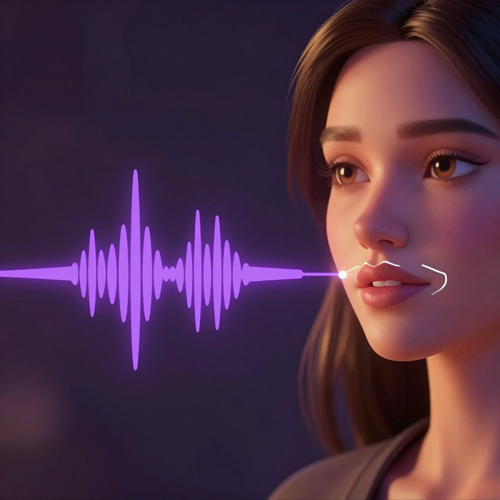
Drive more than the mouth. Set a walk cycle, a gesture, a reaction, or a camera move, and let lip sync follow your audio track.
When a take is close but not right, regenerate that beat instead of starting the character animation over - which is the difference between a tool you can iterate with and one you can only re-roll.
How it works
Character animation has a reputation for being slow because of everything that happens before the first frame moves. This workflow cuts that part out: describe the character, choose the motion, then fix only what needs fixing.

Type a description - style, outfit, age, mood - or upload an image you already have. The more specific the brief, the less correcting you do later.
A single reference image is enough to start character animation, and so is one paragraph of text.

Pick a motion preset, describe the action in words, or upload a reference clip and transfer that performance onto your character.
Add a voice track if the character talks, and the lip sync is matched to it automatically - no mouth shapes to draw.

Scrub through what came back, regenerate the beats that read wrong, and adjust timing in the editor.
Then export your character animation at the size and aspect ratio the platform expects - vertical for social, wide for a deck or a cutscene.
Showcase
A character animation is only useful if it survives contact with a real project: a second shot, a longer cut, a client who asks for one more version. These are the three things that decide whether it does.
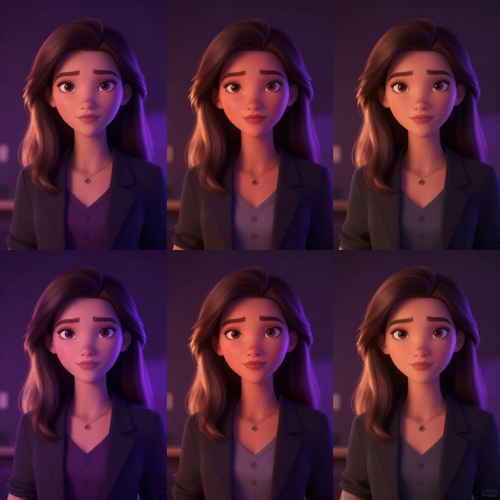
Same face, same outfit, same proportions in every shot. Consistency is what separates character animation you can build a series on from one lucky frame - and it is the first thing viewers notice when it breaks.
Save your character once and reuse the reference across scenes, instead of re-describing them and hoping the model remembers.
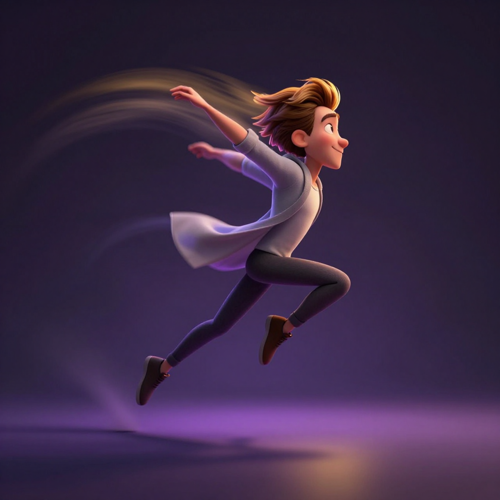
Weight, timing, and follow-through in the small details - a sleeve that settles, hair that lags behind a turn, a landing that absorbs instead of snapping.
Character animation that reads as performance keeps people watching. Animation that twitches gets scrolled past in about a second.
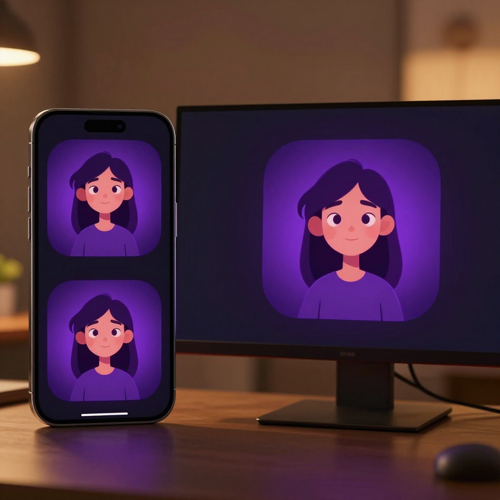
Export vertical for Shorts, Reels, and TikTok, square for feed posts, wide for decks, courses, and cutscenes.
One character animation adapts to wherever it is going without a re-shoot, which is what makes it practical to produce on a publishing schedule rather than as a one-off.
Who uses it
Character animation used to sit behind a skills wall - rigging, keyframing, motion capture. These are the people who now reach for it most, and what actually changes for each of them.
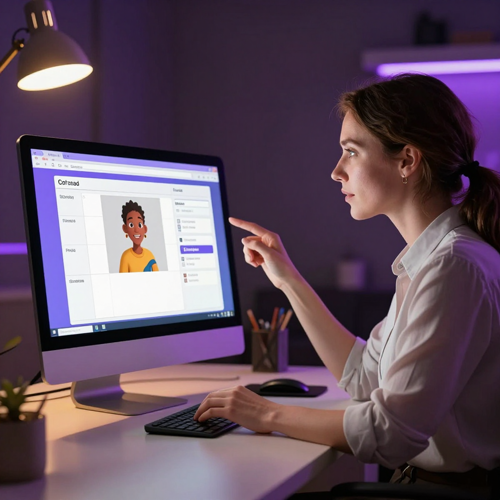
Publishing on a schedule is the whole job.
Character animation lets a solo creator put a recurring character in front of the audience without a studio, a mocap suit, or a shoot day - and keep that character recognizable across dozens of uploads. When a format takes off, you can turn a new performance around the same day.
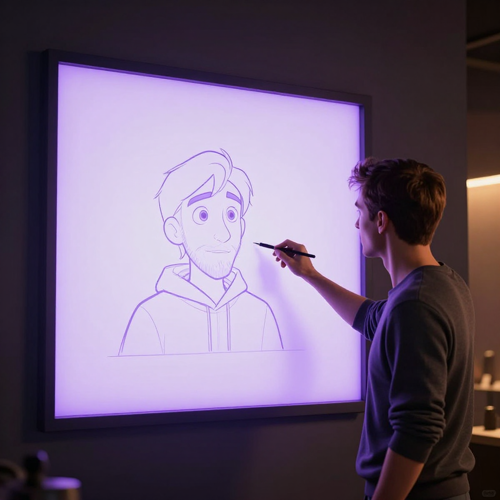
Treat it the way you would treat a mocap session: block the movement, check whether the performance reads, then take what works into your own pipeline.
Character animation is most valuable before the expensive part - it saves you from animating a sequence twice to find out the timing does not work.
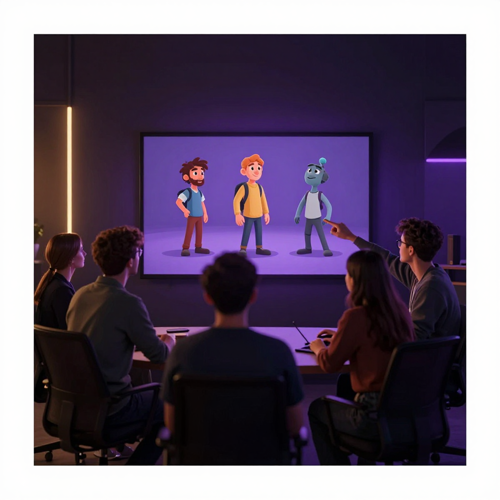
Get NPCs, dialogue beats, and cutscene timing moving before final assets exist.
Character animation for pre-production means motions can be built to return to a default state - idle, walk, run - so loops close cleanly when they hit a controller, instead of snapping at the seam.

Explanations land better when something on screen is doing the explaining.
Turn scripts, onboarding documents, and lesson plans into character animation without hiring an animator for each one, and update a single section when the material changes.
Use cases
The same character animation engine ends up in very different places - a fifteen second clip, a training module, a cutscene that ships. Here is where it usually goes.
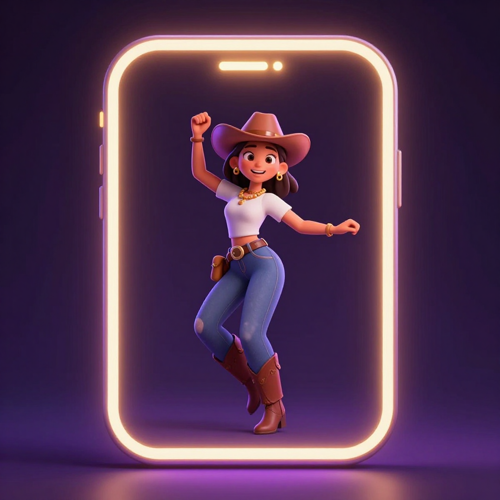
Dances, reactions, skit beats, and trend formats built around a character instead of a camera.
Character animation is what lets an anonymous channel still have a recognizable face, and what lets you post again tomorrow without booking a shoot day.
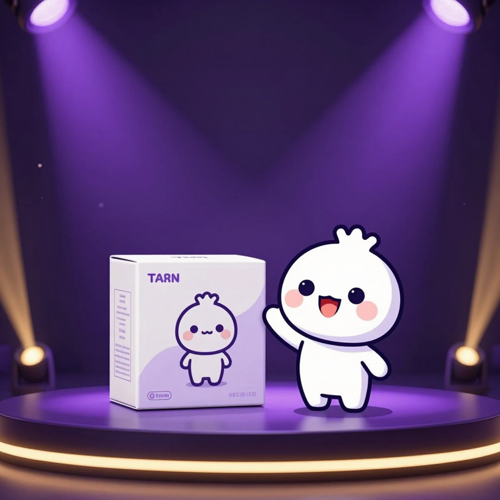
Give a mascot real movement for launches, campaigns, and product explainers.
Character animation keeps the mascot on model across a whole campaign, so brand assets match each other without an animation studio behind every single one.
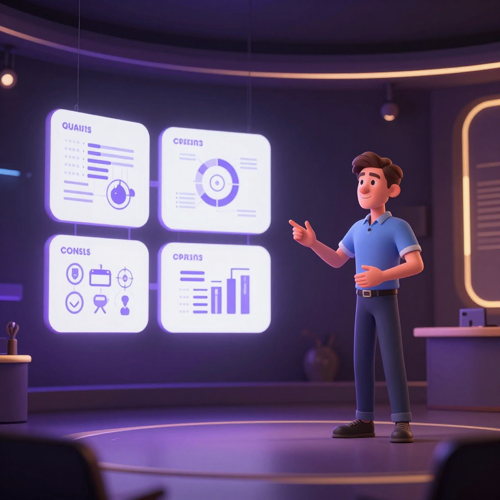
Onboarding, compliance, safety briefings, and course material - the content people skip when it is a wall of text.
Character animation gives it a presenter without a film crew, and lets you regenerate one section when the policy changes instead of re-recording the whole module.
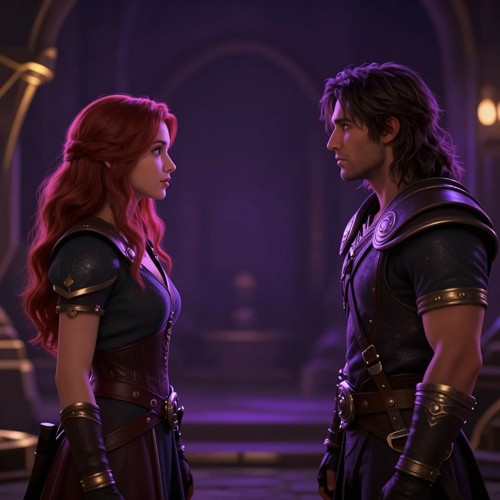
Animate NPCs, dialogue exchanges, and cutscene beats while the game is still changing shape.
Character animation in pre-production means design questions get answered with something moving on screen rather than a written description nobody agrees on.
Testimonials
Every NPC motion used to cost me a weekend in Blender plus a sprite sheet I had to clean up by hand. Now I block the movement first, see whether the walk actually reads, and only finish the ones worth finishing. The loop closing cleanly was the part I did not expect.
I came in skeptical, because most AI animation looks like a puppet having a fit. Used as a blocking tool it saves me the expensive mistake - animating a sequence twice to find out the timing is wrong. I still finish the shots that matter in my own software.
We had eleven compliance modules to refresh and no budget for a studio. An animated presenter got us through all of them, and when legal changed one paragraph we re-generated a single section instead of re-recording the whole thing.
FAQ
AI character animation is the use of AI to make a digital character move - facial expressions, gestures, body motion, and lip sync - starting from a text description, a still image, or a reference video.
Instead of rigging a skeleton and keyframing poses by hand, you describe the performance you want and the model generates the movement. It is used for social clips, explainer videos, training material, and game prototypes: anywhere a character needs to be on screen without a full animation pipeline behind it.
Traditional character animation is built pose by pose: you rig the character, set keyframes, and let the software interpolate between them. AI character animation starts from a description or a reference clip and generates the motion directly, which removes the rigging and most of the keyframing.
The tradeoff is control. Hand-keyed animation still wins when a shot needs frame-exact timing, so a lot of animators use AI character animation to block and preview a sequence, then finish the shots that matter in their own tools.
No. You do not need to know rigging, keyframing, or any animation software to produce character animation here.
You describe the character and the action, or upload an image you already have, and the motion is generated for you. Animation experience still helps when you want to fine-tune timing, but it is not the price of entry.
The workflow reads your input - a prompt, an image, or a reference video - and turns it into a character, a scene, and a motion plan before any frame is rendered. A reference image acts as an anchor for identity, so the face, outfit, and proportions carry across a shot instead of being redrawn each time.
From there the model generates the movement, including the secondary details that sell it: hair lagging behind a turn, cloth settling after a jump, mouth shapes matched to your audio track.
Character drift - the same prompt coming back with a different face - is the most common complaint people raise about AI character animation, and it is the problem a character reference is meant to solve.
Upload or save your character once and reuse that reference across scenes, so a three-shot sequence still reads as one person in one outfit. For long sequences, plan the shots around the same reference rather than re-describing the character from scratch each time.
Yes. Image to character animation is the shortest path when the design is already settled and only the movement is missing.
Upload a character sheet, an illustration, a 3D render, or art you generated elsewhere, then choose or describe the motion. The character animation is built from your image rather than from a fresh guess, so you do not have to re-prompt a look you already approved.
Yes. Bring your own narration or generate a voice inside the tool, and mouth shapes are mapped to the audio phoneme by phoneme rather than looping a generic flap.
Lip sync works across cartoon, anime, stylized 3D, and realistic character styles, and if a line reads late you can shift its timing in the editor instead of re-generating the clip.
Walk cycles, runs, jumps, gestures, reactions, idle states, dances, fight beats, and full-body performances taken from a reference clip, plus camera moves like pan, push-in, and orbit.
For game work, motions can be built to return to a default state - idle, walk, run - so the loop closes cleanly instead of snapping. If a beat is almost right, regenerate that section instead of the entire character animation.
Yes. You can put more than one character in a scene and animate them independently, each with its own motion and voice track.
That covers dialogue exchanges, group reactions, podcast-style conversations, and ensemble beats. Characters are tracked separately, so changing one does not force a rebuild of the others.
Yes. Character animation made on Textideo can be used for client work, marketing campaigns, product explainers, training material, and content you publish or sell.
Projects stay private until you choose to share or export them. As with any AI workflow, make sure you hold the rights to any reference image or audio you upload - that part sits with you, not with the tool.
Explore more
Match mouth shapes to any voice track, frame by frame.
Build full animated scenes, not just a single moving character.
Turn generated motion into clean game-ready frame sequences.
Animate the artwork and renders you already have on hand.
Read more
One prompt is enough to see your character move. Describe who they are, choose the motion, and export a clip you can post, pitch, or drop straight into a scene.
Character animation on Textideo runs in the browser, so there is nothing to install, nothing to rig, and no timeline to build one keyframe at a time.