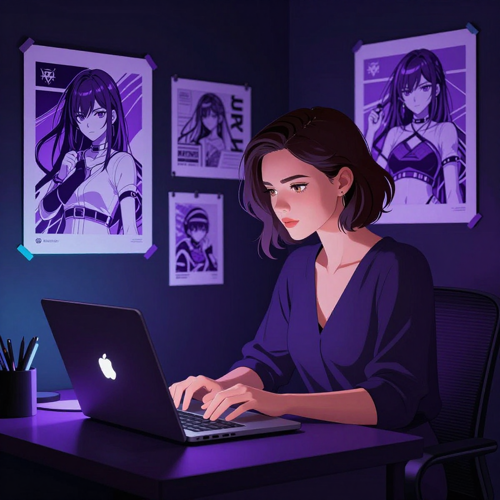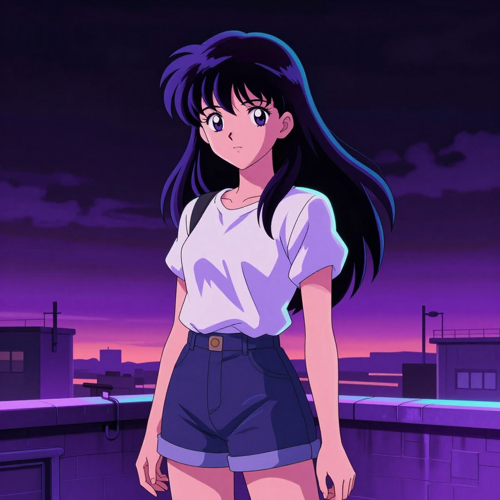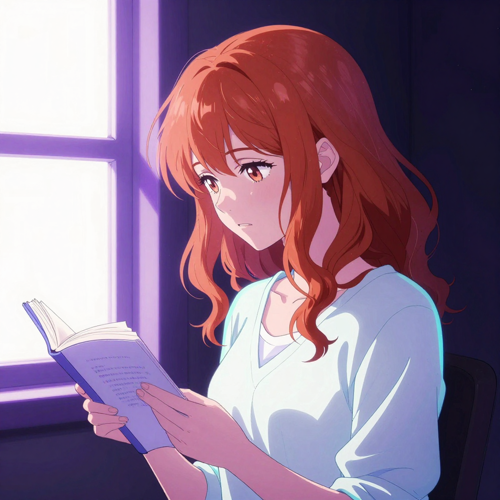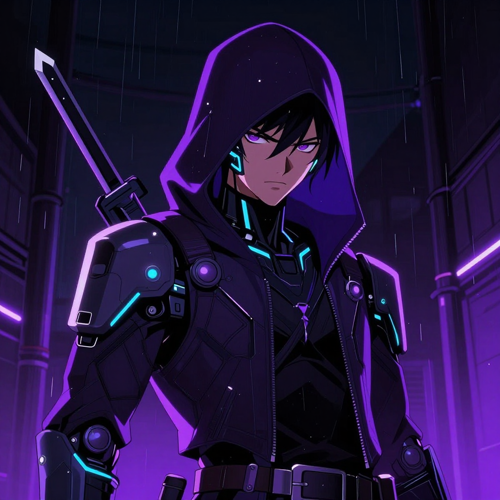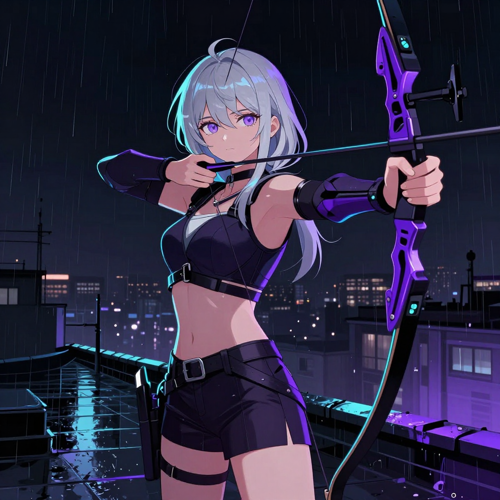
AI Anime Art Generator · Available on Textideo

Turn One Sentence Into Finished Anime Art With an AI Anime Art Generator

Describe a character, a mood, and a light source, and the AI anime art generator on Textideo returns finished cel-shaded artwork in seconds. No drawing skills, no checkpoints to install, no GPU to buy. Keep the same original character across poses with this AI anime art generator, correct a single hand or eye without redoing the picture, and export files that hold up in print.

Generate Anime Art Now
No drawing skills · runs in your browser · no credit card required
Used by original character designers, VTubers, and indie game studios
One referenceanchors the character across every pose
One regionat a time: redraw only what is wrong
Five wordsis enough for a first prompt
Runs onGemini OmniFlux 3GPT Image 2A2E AISeedance 2.5Hunyuan AI

Where Anime Art Gets Stuck

The Problem With Getting Anime Art Made Without an AI Anime Art Generator

Almost nobody stops because the idea ran out. They stop at one of these four places, somewhere between the picture in their head and a file they can actually use.

The character you pictured never comes back

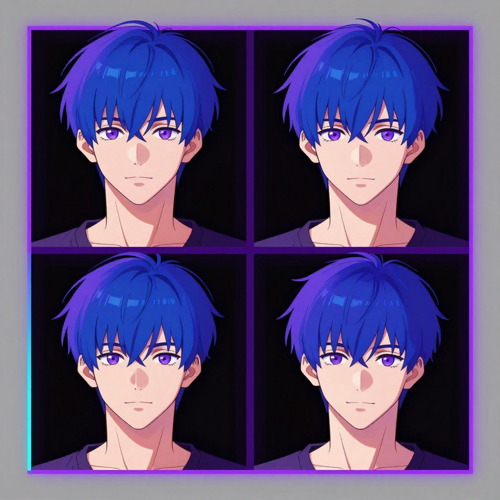
You get one great frame, ask for the same character in a new pose, and the hair, eye colour and outfit quietly change. Without something anchoring identity, every generation is a new person wearing a similar costume.
Everything comes out looking the same

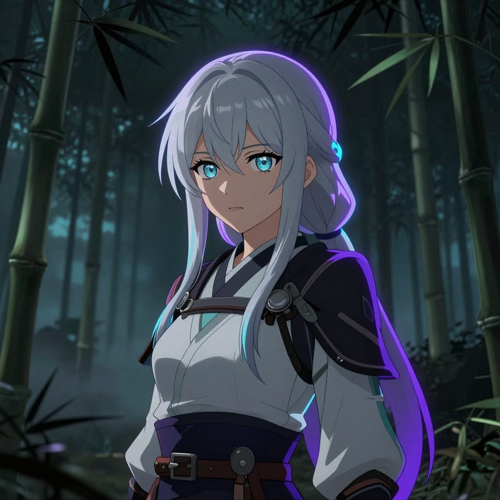
The default face, the burnt-out rim light, the melted fabric folds — after a dozen generations the results start to look like they came from one artist who only knows one trick — which is usually the AI anime art generator's own defaults showing through.

One bad hand undoes a good picture

The composition is right, the lighting is right, and the hands are wrong. On most tools the only move is to regenerate everything and hope the rest survives.

Setting up costs more than making the art

Local models mean a graphics card, checkpoint files, and evenings of configuration that produce no artwork at all. Plenty of people never get past that part, which is why an AI anime art generator in the browser is the version most creators actually finish with.

Features & Benefits

Three Features That Make the AI Anime Art Generator Worth Using

Plenty of tools can produce one attractive anime picture. These are the three that decide whether you can produce a whole set that holds together — the difference between a toy and something you can build a project on.

Anime Vocabulary the AI Anime Art Generator Actually Parses — AI Anime Art Generator feature

Anime Vocabulary the AI Anime Art Generator Actually Parses

Most tools see 'anime' as a single style tag and give you their house look back. This one separates era from technique from lighting, so 'retro 90s cel', 'watercolor shoujo', 'monochrome manga with screen tone', and 'modern key visual' produce genuinely different pictures. What that means for you: fewer re-rolls, because the words you already use to describe anime are the words the model responds to.

Reference-Locked Character Consistency — AI Anime Art Generator feature

Reference-Locked Character Consistency

Upload a reference and the model anchors identity — face, hair silhouette, palette, signature accessory — instead of reinventing the character on every prompt. Combine that with a description you reuse word for word and the same model across a whole set, and the drift that normally appears between frames largely disappears. What that means for you: a cast you can use again next week, not one lucky portrait — which is what an AI anime art generator is for.

Regional Redraw and Print-Ready Export — AI Anime Art Generator feature

Regional Redraw and Print-Ready Export

Mask a hand, an eye, or a background corner and regenerate just that region, keeping everything you already approved. Then export at working resolution and upscale before anything goes to print or a storefront. What that means for you: the picture gets finished instead of being abandoned at 90 percent because one detail refused to cooperate.

Why Choose Us

Why Use an AI Anime Art Generator Instead of a General Image Model?

A general image model can produce an anime-influenced picture. It is not built for the parts that decide whether the work is usable: line weight, cel shading, and a character who still looks like themselves in the next frame. Here is what changes when the AI anime art generator is made for this style.

The AI Anime Art Generator Understands Style Vocabulary

General models treat anime as one look. This one parses the words that actually describe it: cel shaded, screen tone, chibi, key visual, rim light, 90s OVA, modern TV anime. Naming an era or a technique moves the output in a direction you can predict, instead of leaving the look to whatever the model defaults to.

One Character That Survives a Whole Set

Ask a general model for the same character twice and the hair, eye colour, and costume quietly change. Here you anchor identity with a reference image and reuse the same written description verbatim, so the character stays recognisable across poses, outfits, and scenes — which is the actual job when you are building a cast.

Fix One Region Instead of Rolling the Whole Picture

A broken hand or an asymmetric eye usually means regenerating everything and losing the parts that worked. A serious AI anime art generator should let you fix that in place: mask the area that is wrong, regenerate only that region, and keep the composition and lighting you already approved. It is the difference between ten attempts and two.

A Range of Styles Instead of One House Face

The most common criticism of AI anime art is that it all looks alike — the same default face, the same burnt-out rim light, the same melted cloth folds. Style and era tags, plus your own reference image, push the result away from that default and toward a look you can call yours, which is the difference between an AI anime art generator you try twice and one you build a project on.

No GPU, No Checkpoints, No Setup Weekend

Running anime models locally means a capable graphics card, model files, and evenings spent on configuration that produce no art. The AI anime art generator on Textideo runs in the browser, so the workflow is identical on a laptop, and there is nothing to install, maintain, or update before you start.

From a Still Frame to Motion Without Changing Tools

Anime illustrations rarely stay still for long — they become a channel intro, a reveal, a short clip. Because the frame was made on Textideo, you can hand it straight to the image-to-video tool instead of exporting, re-uploading somewhere else, and losing the settings that produced it.

Use Cases

Who Uses an AI Anime Art Generator — Four Kinds of Creators

The searches behind an AI anime art generator come from very different people: someone designing an original character, someone dressing a channel, someone shipping a game, someone posting every day. What they share is the need for art that repeats reliably instead of a single lucky frame.

Original Character Designers and Fan Artists — who uses the AI Anime Art Generator

Original Character Designers and Fan Artists

If you write characters faster than you can draw them, the bottleneck is never ideas — it is the hours between an idea and a picture you can look at. An AI anime art generator turns a written description into a visual reference the same evening, then lets you iterate on hair, outfit, and expression until the design is settled enough to reuse.

VTubers and Streamers — who uses the AI Anime Art Generator

VTubers and Streamers

Channel art, emotes, overlay backgrounds, and seasonal rebrands all need the same character rendered consistently in different sizes. Anchoring one reference and staying on one model keeps a mascot recognisable across a thumbnail, a banner, and a starting-soon screen, instead of commissioning each piece separately and hoping they match.

Indie Game and Visual Novel Developers — who uses the AI Anime Art Generator

Indie Game and Visual Novel Developers

Small teams need sprites, expression sets, and event art long before they can justify an art budget. Generating a consistent cast from reference sheets covers the placeholder stage and, when the design is locked, the shipping stage as well — and still frames carry straight into animated scenes.

Social Creators and Small Online Shops — who uses the AI Anime Art Generator

Social Creators and Small Online Shops

Post art, seasonal promos, and product visuals need to look deliberate without a designer on staff. A batch of eight to twelve variations gives you a house style you can repeat, and because the same reference stays anchored, the art reads as one brand rather than a feed of unrelated images.

How It Works

How to Use the AI Anime Art Generator in Three Steps

The whole point of the tool is that none of this requires drawing ability. What it does require is a repeatable order: describe, anchor, then correct — and resist the urge to change five things at once, because you will not know which one helped.

Describe the Character Instead of Writing 'Anime' — step 1 of using the AI Anime Art Generator
1

Describe the Character Instead of Writing 'Anime'

Write in layers: who the subject is, what era or technique the art should look like, where the camera sits, and how the scene is lit. 'A silver-haired archer on a rain-soaked rooftop, modern cel-shaded anime, low-angle hero shot, cold neon rim light' gives the AI anime art generator something to aim at; 'anime girl, cool, masterpiece' makes it guess. Add a short negative prompt for the artifacts you already expect — extra fingers, blurry lineart, watermark.

Anchor the Look With a Reference and Style Tags — step 2 of using the AI Anime Art Generator
2

Anchor the Look With a Reference and Style Tags

Pick your style era and palette, set the aspect ratio to the place the art will actually live — square for an avatar, portrait for a character sheet, wide for a banner — and attach a reference image if you already have a character worth keeping. If this is the first pass, generate a batch of eight to twelve rather than one, because every AI anime art generator rewards batching: the strongest composition usually shows up in the third or fourth variation, not the first.

Generate, Correct the Details, and Export — step 3 of using the AI Anime Art Generator
3

Generate, Correct the Details, and Export

Choose the closest result and save it — that image becomes your reference for every later pose. Fix what is wrong region by region instead of rolling the whole picture again, then export at working resolution and upscale before print. When the still is finished, you can pass it to image-to-video on Textideo and turn it into a short animated clip without leaving the platform.

Style Range

Anime Styles You Can Pull Out of One AI Anime Art Generator

Anime is not one look. It is a family of techniques that differ by decade, by medium, and by how much the artist lets the line carry the image. These are three directions you can take from the same AI anime art generator, and each one responds to a different set of words in your prompt.

Modern TV Anime and Key Visual Rendering — AI Anime Art Generator style

Modern TV Anime and Key Visual Rendering

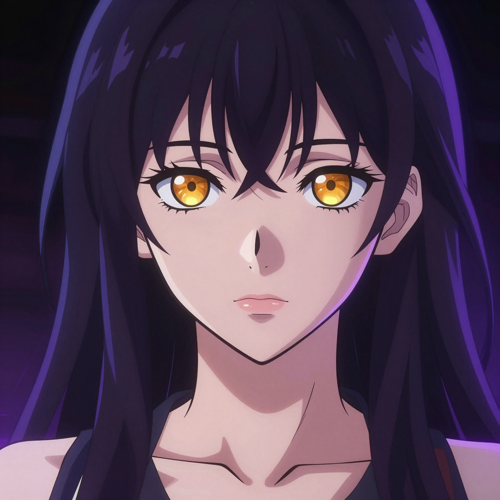
Clean lineart, flat cel shading, and the polished colour work you see on a seasonal key visual. This is the default destination for character portraits, cover art, and anything that has to read instantly at thumbnail size. Ask for the era explicitly — modern digital anime, crisp line weight, soft rim light — and the rendering stops drifting toward painterly realism.

Retro 90s Cel, Watercolor, and Manga Screen Tone — AI Anime Art Generator style

Retro 90s Cel, Watercolor, and Manga Screen Tone

Older anime was painted by hand, and that texture is a style choice now rather than a limitation. Retro cel animation gives you grain, softer palettes, and hand-painted backgrounds; watercolor shoujo trades line precision for atmosphere; monochrome manga with screen tone is the right call when the art has to sit next to printed panels.

Cyberpunk Neon and Dark Fantasy — AI Anime Art Generator style

Cyberpunk Neon and Dark Fantasy

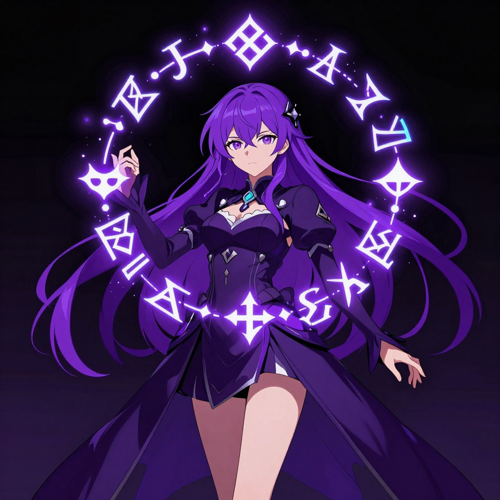
High-contrast lighting is where an AI anime art generator most often goes wrong, because a default rim light burns the character out. Used deliberately it is the whole point: neon reflections on wet streets, rim-lit armour against a dark background, glowing runes in a low-key scene. State the light source and the palette, and the contrast works for the image instead of against it.

Showcase

Where AI Anime Art Generator Outputs Actually End Up

A picture that only looks good in the generator window has not finished the job. These are the four places the artwork usually has to survive — small, repeated, large, and printed — and what each one asks of the file you export from an AI anime art generator.

Avatars, Banners, and Channel Art — AI Anime Art Generator showcase

Avatars, Banners, and Channel Art

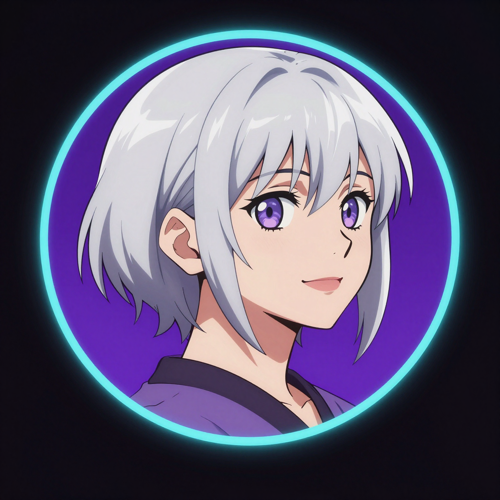
A profile picture is the smallest canvas and the hardest one: it has to survive being cropped to a circle and shrunk to a few dozen pixels. Anime art generated at square ratio with a strong silhouette and a simple background holds up at avatar size, and the same file scales to a channel banner when you regenerate it in a wider ratio.

Character Sheets and Expression Sheets — AI Anime Art Generator showcase

Character Sheets and Expression Sheets

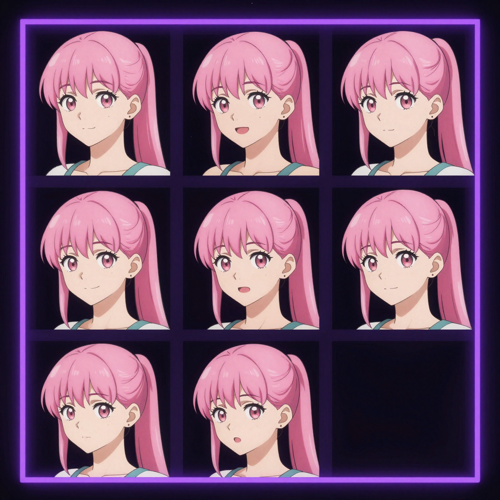
A character sheet is the reference you build once and reuse forever: front view, three-quarter, side profile, and a row of expressions. Generating that set from one anchored reference is the difference between a character you can draw again next month and a character you got lucky with once.

Key Visuals, Cover Art, and Game Assets — AI Anime Art Generator showcase

Key Visuals, Cover Art, and Game Assets

Key visuals, cover art, and game assets need a composition that carries at full size rather than just a good face. Give the model a camera angle — low-angle hero shot, wide establishing shot, over the shoulder — and the output stops being an endless row of flat front-facing portraits.

Print, Stickers, and Merch Mockups — AI Anime Art Generator showcase

Print, Stickers, and Merch Mockups

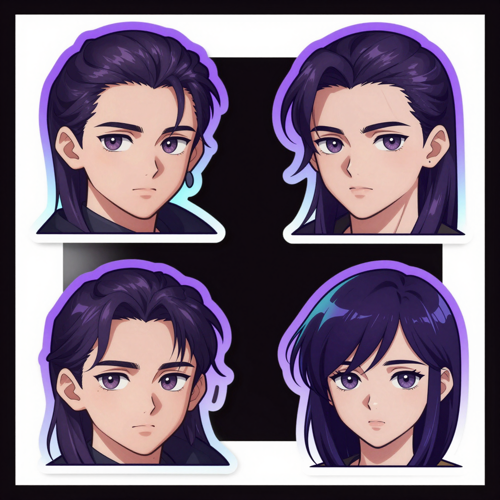
Print is unforgiving about resolution and about line weight collapsing at small sizes. Export at working resolution, upscale before you send anything to a printer, and keep the linework bold if the art is going on a sticker or an acrylic stand where fine detail disappears at three centimetres wide. An AI anime art generator is only as useful as the file it hands over.

From People Who Make Anime Art

What People Say About This AI Anime Art Generator

Marion ValeOriginal character designer

I used to commission a single pose, wait two weeks, and then commission the next one separately, and the two never quite matched. Now I anchor one reference and build the whole set from it. The character finally looks like one person across all of them.

Derek ShawIndie visual novel developer

Our dialogue sprites were the thing that kept slipping: four expressions, four slightly different faces. Generating the expression set from one locked reference took an evening instead of a month, and the scenes finally cut together.

Nora WhitfieldVTuber and stream designer

Seasonal rebrands used to mean starting from scratch every time — new banner, new emotes, new overlay, all slightly off-model. I keep one reference now and restyle around it, and the channel actually looks like one brand.

FAQ

Frequently Asked Questions About the AI Anime Art Generator

These are the questions that come up first when someone starts generating anime art with AI: what the tool is, what free actually gives you, how to prompt, how to keep a character stable, and what you are allowed to do with the result.

What is an AI anime art generator?

An AI anime art generator is a text-to-image tool trained or tuned for anime and illustration styles. You describe a character, a style era, and a lighting setup, and the tool returns finished artwork. What separates it from a general image model is the vocabulary it understands: cel shading, screen tone, line weight, chibi, key visual, rim light. Those words move the output in a predictable direction rather than leaving the look to chance.

Is there a free AI anime art generator, and what does the free version include?

Yes. You can start on Textideo without paying, and the free allowance is enough to test whether the AI anime art generator handles your character idea before you commit to anything. Paid tiers raise the number of generations, the resolution, and the commercial usage rights that come with the files. Check the plan page for the current allowance, since free quotas change.

How do I write a prompt that actually looks like anime?

Write in layers: subject, style era, camera, lighting, and mood. Five to eight descriptors that support each other beat thirty tags that fight each other, and contradictory pairs such as photorealistic with screen tone produce mush. Name the era ('modern TV anime', '90s OVA', 'watercolor shoujo') instead of writing 'anime' and hoping, and always say what to avoid — extra fingers, blurry lineart, watermark — in the negative prompt.

Can the same anime character stay consistent across multiple images?

Yes, if you give the tool something to anchor to. Upload a reference image of the character you like, keep the written description identical across every generation rather than rewording it, and stay on the same model for the whole set. Switching models midway introduces drift in proportion, line weight, and colour that has nothing to do with your prompt. Once a result looks right, feed that image back in as the reference for every new pose.

Why do the hands and eyes come out wrong, and how do I fix them?

Hands, eyes, and line weight are where anime generations fail most often, and it is normal — a single eye has to match its pair in shape, size and shading. Rather than regenerating the whole picture, mask the region that is wrong and redraw only that, keeping the composition and lighting you already approved. Generating slightly larger and then downscaling also produces cleaner lineart, because the model has more resolution to work with before you resize.

Which anime styles can the AI anime art generator produce?

The anime art generator covers modern cel-shaded TV anime and key visuals, retro 90s OVA and hand-painted looks, soft watercolor and shoujo rendering, monochrome manga with screen tone, chibi and semi-realistic proportions, plus high-contrast cyberpunk and dark fantasy. Each of those is a different instruction to the model, so naming the one you want matters more than piling on quality adjectives.

How is an AI anime art generator different from a general AI image generator?

A general image model can produce anime-influenced pictures, but anime is not its home ground, so it tends to drift toward painterly rendering and a house style that makes every character look related. An AI anime art generator is tuned for line work and flat cel shading, keeps a character stable across a set, and gives you style and era controls that a general model does not expose.

Do I need drawing skills or a powerful computer to use it?

No on both counts. You describe the picture in plain language; the drawing, shading, and composition are handled for you. And because the AI anime art generator on Textideo runs in the browser, there is no graphics card to buy, no checkpoints to download, and nothing to configure — the workflow is the same on a laptop as on a workstation.

Can I use the generated anime art commercially, and who owns it?

Under an eligible plan you receive commercial usage rights to what you generate, which is the practical permission most creators need. Two boundaries are worth knowing: a style is not something anyone owns, but a specific character, scene, or logo from an existing work is, so keep your subjects original and avoid protected names in titles and tags. If a client or marketplace asks, disclose that the work was AI-assisted and keep your prompt and edit history on file.

Can I turn my anime art into a video?

Yes. Because the artwork is created on Textideo, you can pass the finished frame directly to the image-to-video tool and turn a still illustration into a short animated clip — useful for channel intros, reveal shots, and social posts. If you want the motion to be anime throughout rather than a single animated still, the AI anime video generator is the better starting point.

Get Started

Start Your First Piece With the AI Anime Art Generator

Open the anime art generator on Textideo, type the character you already have in mind, and get a batch of variations back in under a minute. Keep the closest one as your reference, build the rest of the set from it, and export when it looks right. Nothing to install, and no credit card required to try it.

Generate Anime Art Now

Available on Textideo · free credits on your first login