
Transform Your Photos into Stunning Pixel Art with Our AI Pixel Art Generator
With our pixel art generator from photo, anyone can create retro-style pixel art in just seconds. Ideal for social media, gaming avatars, NFT creations, and personalized digital gifts. No design skills required—just upload your photo, select a style, and generate high-resolution pixel art ready to share. Pixel art has never been this fast, accessible, and fun. Whether you're a creator, gamer, or social media enthusiast, this AI pixel art generator brings your images to life with nostalgic 8-bit or 16-bit styles.
Powerful Features of Our Pixel Art Generator
This AI pixel art generator combines speed, flexibility, and quality, making it easy for anyone to create professional pixel art.
Instant Pixel Conversion
Upload any photo and instantly see it transformed into pixel art. The pixel art generator from photo uses AI to analyze the image, map pixels, and optimize colors automatically. No manual editing required—everything happens in seconds with this online pixel art generator. Supports PNG, JPG, and WebP formats for convenience.

Multiple Pixel Styles and Resolutions
Choose from 8-bit, 16-bit, HD pixel, or custom retro filters. Adjust pixel density for more refined or blocky looks. Dithering and color palette optimization are applied automatically to ensure authentic retro visuals. Perfect for avatars, NFT assets, and social media visuals using our AI pixel art generator.

High-Resolution Output Without Watermarks
Export pixel art up to 4K resolution for printing or online use. Preserve facial details, edges, and colors accurately. No watermark ensures your creations are ready for professional use. Ideal for commercial projects or personal gifts made with the online pixel art generator.

Real Results You Can Achieve with Pixel Art Generator
Our pixel art generator is designed to deliver tangible results. More engagement, faster content creation, and consistent visual identity are just a few of the benefits.

Boost Engagement on Social Media

Create Consistent Brand Identity

Save Time Compared to Manual Design
Use Cases: Pixel Art for Every Scenario
From social media avatars to NFT collections, our pixel art generator adapts to every creative need.
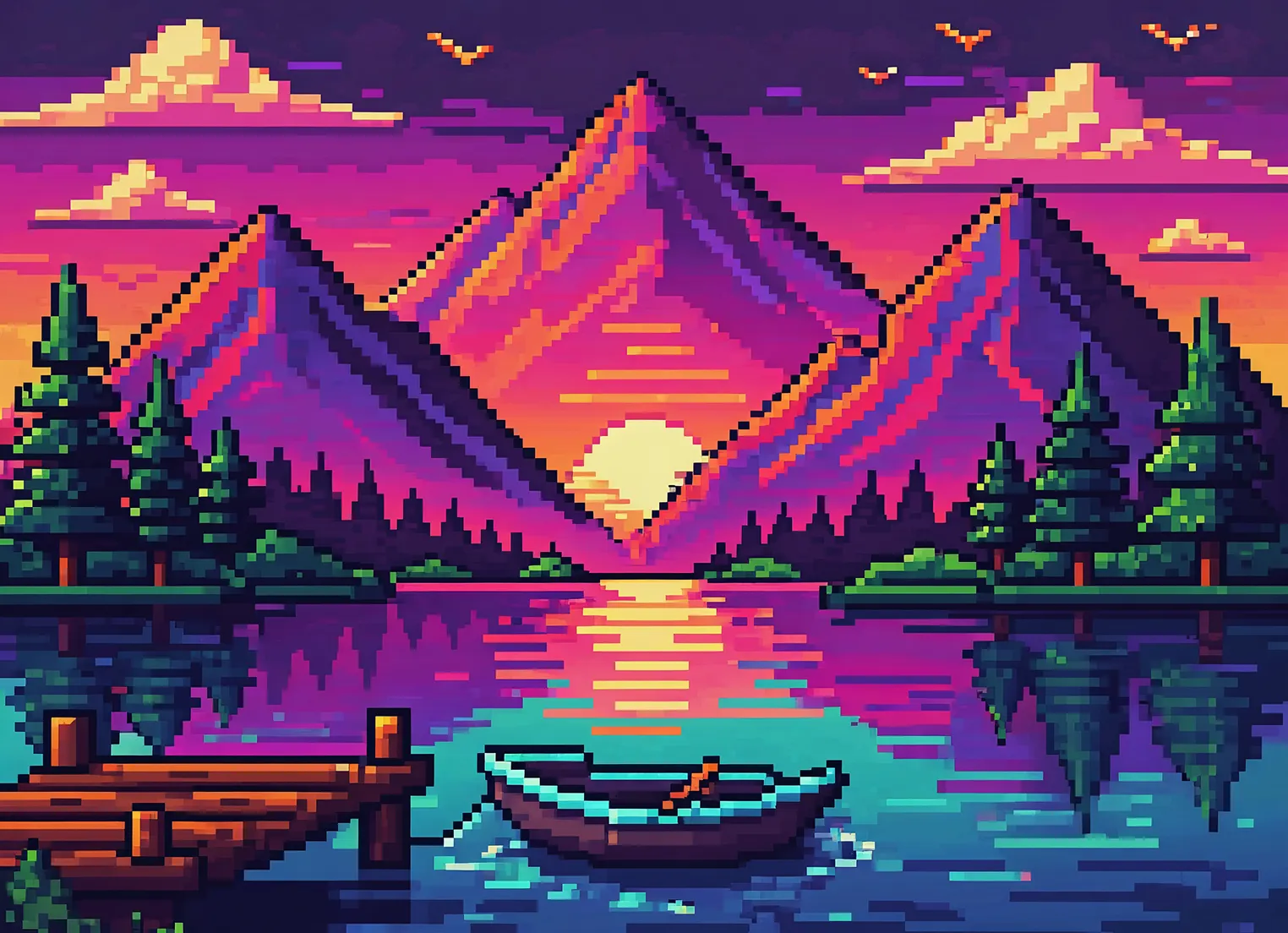
Social Media Avatars
Transform selfies into retro pixel avatars with this pixel avatar generator. Enhance your profile and stand out on Instagram, TikTok, and Pinterest. Pixel avatars get more attention and engagement with the pixel art generator.
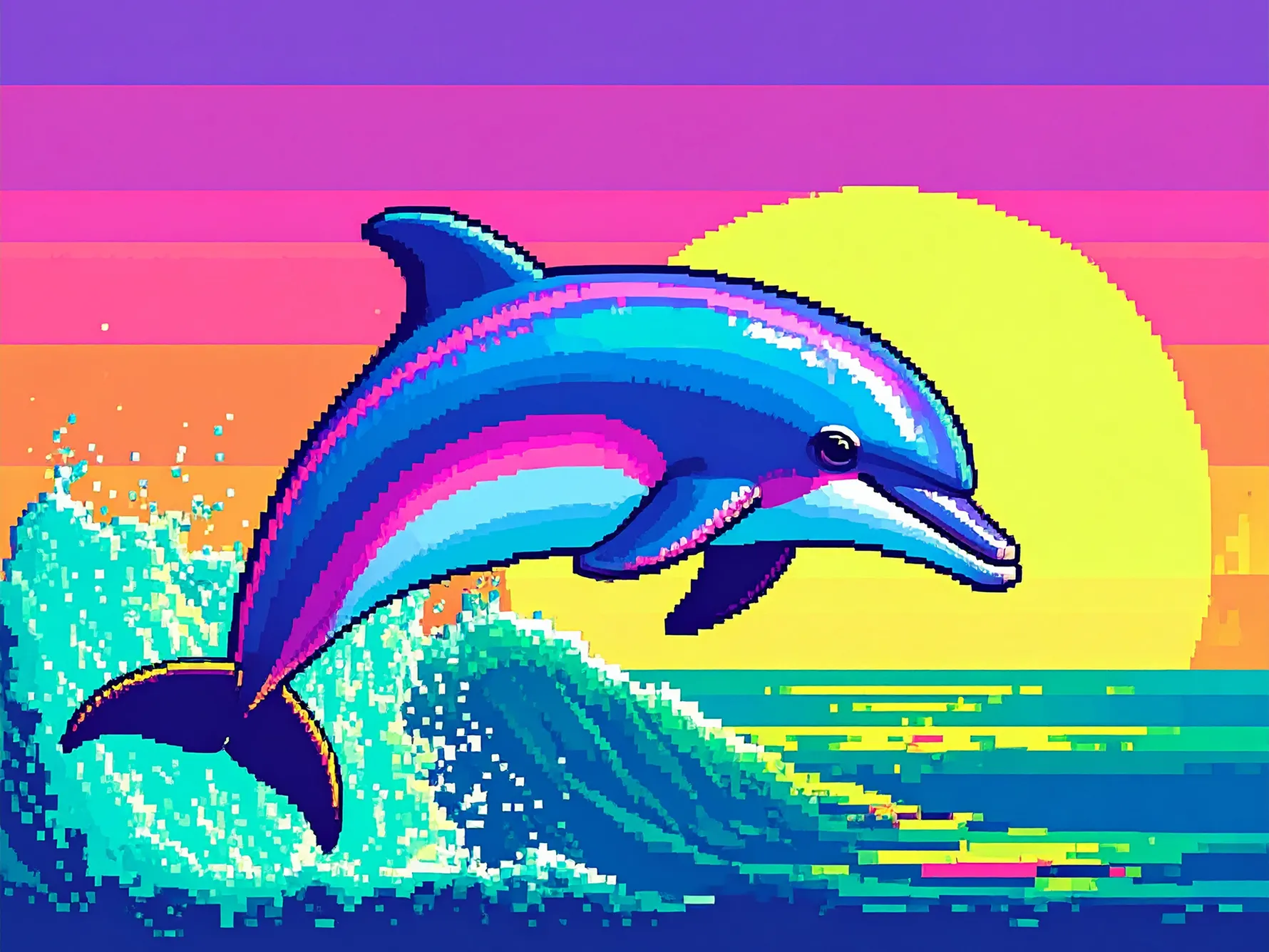
Gaming & NFT Assets
Generate 8-bit and 16-bit avatars, skins, and sprites for games or NFTs. Perfect for indie developers and NFT creators. Streamline your asset creation workflow with this AI pixel art generator from photo.
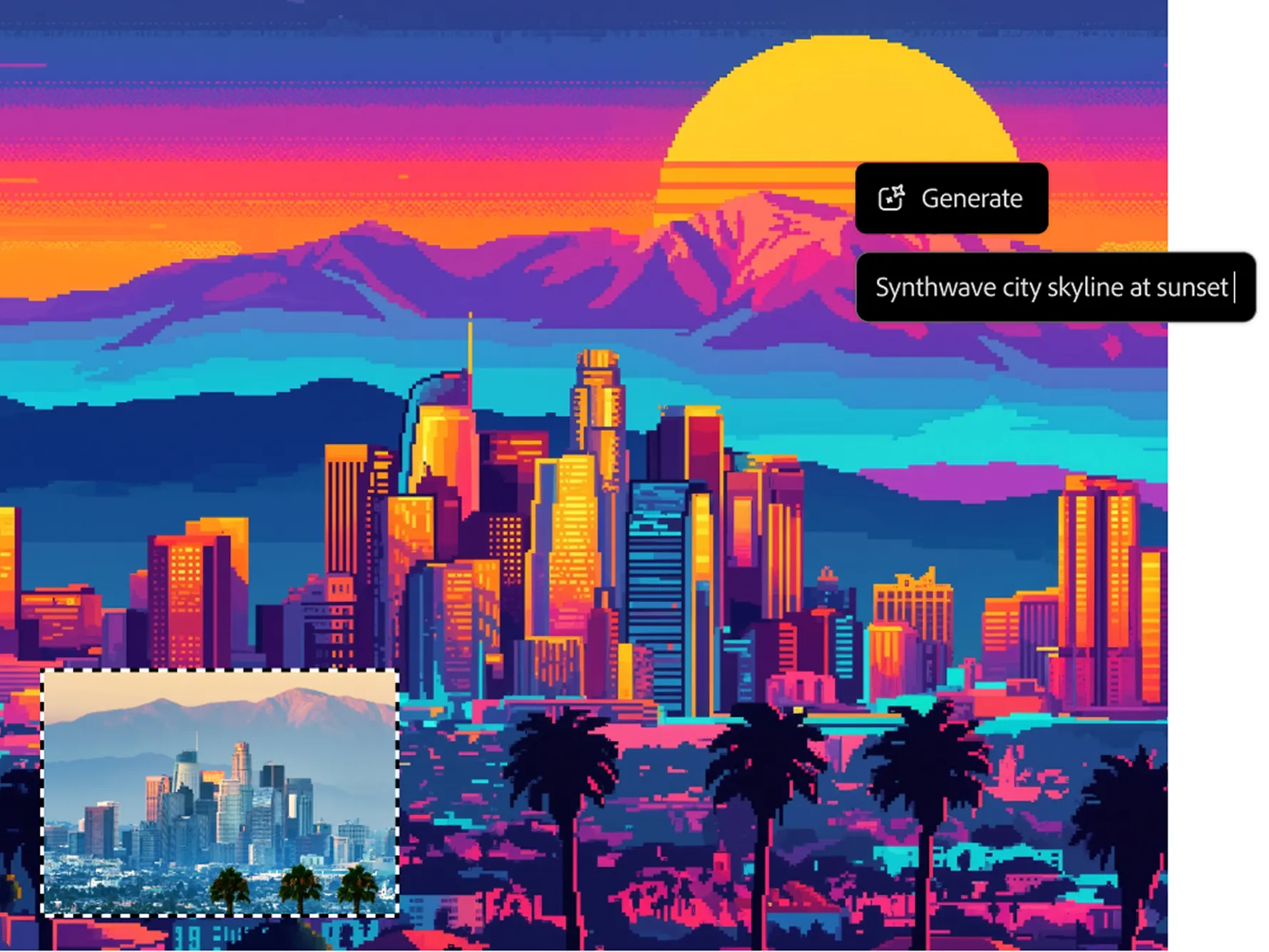
Educational Projects
Use pixel art for teaching design and coding in classrooms. Students can experiment with pixel density, color palettes, and dithering. Learn creativity and technical skills simultaneously using the online pixel art generator.
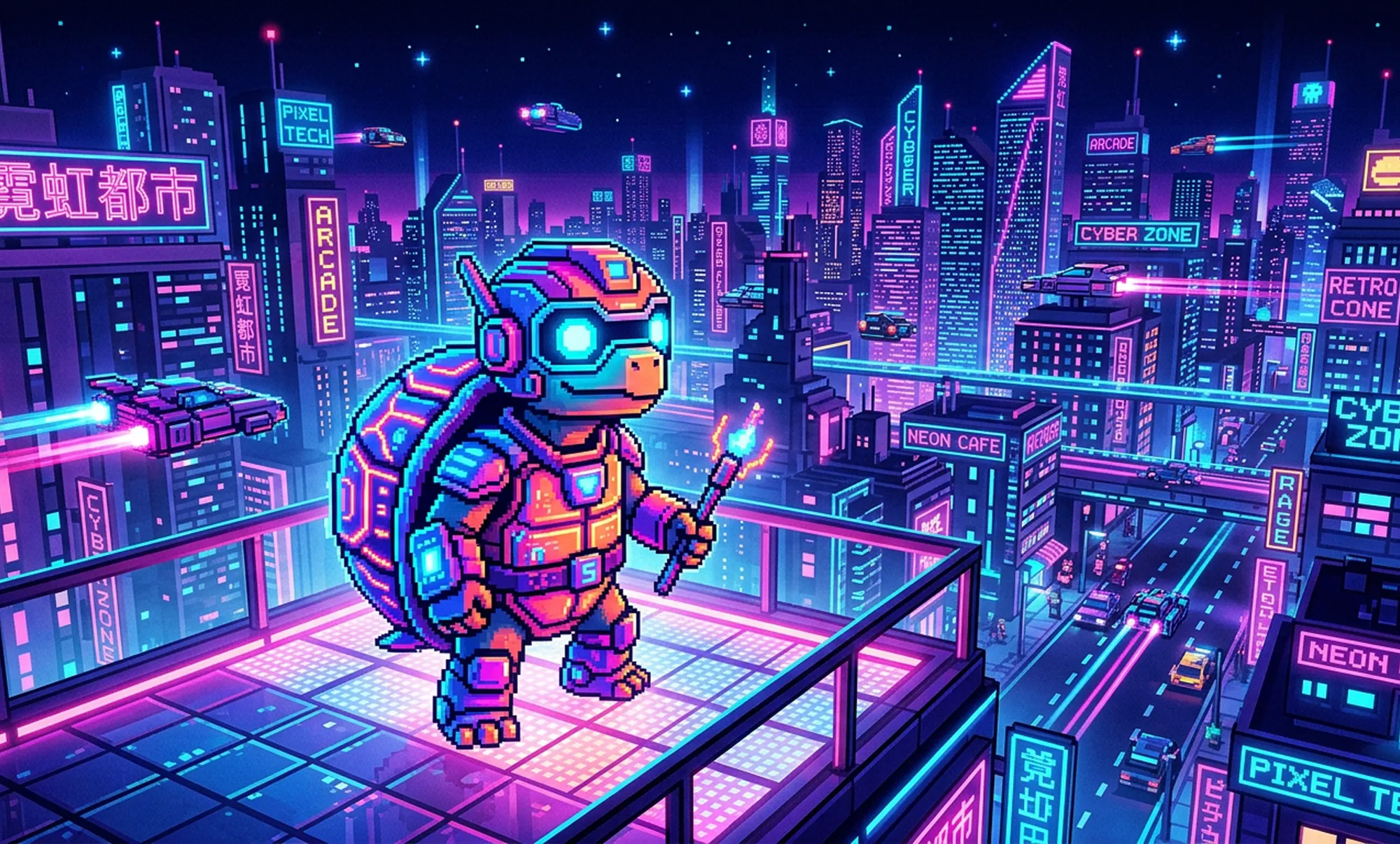
Marketing & Branding
Create visually consistent pixel art for campaigns, posters, or social media content. Maintain a nostalgic retro aesthetic for your brand. Pixel art enhances audience recall and engagement with this AI pixel art generator.
Why Our Pixel Art Generator Stands Out
Discover why thousands of creators trust our pixel art generator for their projects.
Ultra-Fast Conversion in Seconds
Transform images in under 3 seconds with this AI pixel art generator.
Multiple Pixel Styles
Supports 8-bit, 16-bit, HD pixel, retro filters, and custom pixel density.
High-Resolution Output Without Watermarks
Export images up to 4K resolution for professional use with the online pixel art generator.
Fully Browser-Based, No Skills Required
Accessible on all devices without Photoshop or plugins.
Automatic Dithering and Color Optimization
Ensure authentic retro aesthetics with the AI pixel art generator from photo.
Social Media Optimized Outputs
Boost engagement on Instagram, TikTok, Pinterest, and Twitter.
Cross-Device Compatibility
Works on desktops, tablets, and smartphones for seamless workflow.
Trusted by Thousands of Creators
Used by 50,000+ creators, developers, and NFT artists.


Create Pixel Art for Any Visual Medium
Our pixel art generator adapts to multiple content types, making every creation visually engaging and shareable. Use it for avatars, NFTs, social media posts, or gaming assets.

Pixel Avatars
Turn selfies, portraits, or profile photos into 8-bit or 16-bit pixel avatars using this AI pixel art generator. High-resolution outputs make avatars perfect for social media, games, and NFTs.

Content Series & Retro Feeds
Keep a consistent pixel art style across posts with this pixel art generator from photo. Ideal for social media series, portfolios, or storytelling visuals.

Event & Holiday Designs
Create themed pixel art for holidays, birthdays, or campaigns. Outputs are high-resolution, watermark-free, and ready to share.

NFT Collections
Generate multiple pixel art images for NFT projects. This online pixel art generator ensures style consistency and professional-quality, ready-to-mint outputs.
How to Use the Pixel Art Generator – 3 Simple Steps
Create stunning pixel art from any photo in just three easy steps—no experience needed.
Frequently Asked Questions About Pixel Art Generator
Everything you need to know about creating pixel art with our AI pixel art generator.
Yes, the pixel art generator can easily convert any portrait or selfie into a Minecraft-style skin. It uses advanced AI to map facial and body features accurately onto a pixel grid. You can choose between 8-bit or 16-bit styles, depending on your preference for retro or detailed pixel aesthetics. The generated skins are fully compatible with Minecraft and other game engines. This process is fast and efficient, taking just seconds with the AI pixel art generator from photo. It's a fun way to create personalized game avatars or character skins without any design skills. Whether for gaming, streaming profiles, or personal use, this pixel avatar generator ensures every skin is unique and high-quality.
Yes, the basic version of our online pixel art generator is completely free to use. You don't need to download or install any software; it runs entirely in your browser. Optional premium features are available for higher-resolution exports, batch processing, and advanced pixel styles. This ensures both casual users and professional creators can generate pixel art easily. The AI pixel art generator is optimized for speed, allowing you to create multiple pixel art images quickly. Even in the free version, you get high-quality outputs suitable for social media, avatars, or NFTs. It's a reliable AI video maker for anyone looking to transform photos into retro pixel art without any cost.
The pixel art generator is designed for ultra-fast performance, typically processing images in under 3 seconds. Its AI analyzes the photo, applies grid mapping, optimizes colors, and automatically applies dithering and retro filters. You can convert multiple images efficiently, making it ideal for content creators who need bulk pixel art. Compared to manual pixel editing, this AI pixel art generator from photo saves hours of work while delivering professional results. Speed does not compromise quality—the generated pixel art retains the details and structure of the original image. This makes it perfect for social media, gaming assets, NFT projects, and digital gift creations. Even large images and high-resolution photos are processed quickly without errors or delays.
The pixel art generator supports all commonly used formats including PNG, JPG, and WebP. It automatically optimizes each file for pixel clarity while maintaining the original quality. Whether you upload a smartphone selfie, a digital artwork, or a professional photograph, the AI pixel art generator handles it seamlessly. No additional file conversion or preparation is needed, making the workflow smooth and hassle-free. This flexibility allows users to experiment with different photo sources while ensuring consistent pixel art outputs. It's also ideal for batch processing multiple formats using the online pixel art generator. Your images are always optimized to produce the best retro-style pixel effects, ready for social sharing or game use.
No, the pixel art generator is fully online and browser-based. You do not need Photoshop, Illustrator, or any other graphic software to create high-quality pixel art. The tool's intuitive interface makes it accessible for beginners, hobbyists, and professionals alike. Simply upload your photo, choose a style, and generate pixel art with just a few clicks. Advanced AI algorithms handle all technical processes, including color mapping, dithering, and retro filters. This means anyone can create stunning pixel art quickly, without prior design experience. It's the perfect solution for content creators, gamers, and NFT artists who want efficient and accessible pixel art creation.
Yes, your privacy is fully protected when using the pixel art generator from photo. Uploaded images are processed securely and are not stored permanently on servers. No third parties have access to your photos, ensuring full confidentiality and control over your creations. The tool is built with security in mind, making it safe for both personal and commercial projects. All outputs are delivered directly to you without watermarks, ready for any use. Even when generating multiple images, your data remains private and secure. You can confidently create avatars, NFTs, or gifts using this AI pixel art generator, knowing your images are protected.
The pixel art generator offers a wide range of styles including 8-bit, 16-bit, HD pixel, mosaic effects, and customizable retro filters. You can also adjust pixel density, color palette, and dithering levels to create unique, personalized results. Experimenting with different styles is easy and instant with the AI pixel art generator from photo. Each style produces authentic retro aesthetics suitable for gaming, NFTs, or social media posts. You can combine multiple effects to achieve complex and creative pixel designs. The flexibility of styles ensures your creations stand out, whether for professional projects or personal use. Our tool also allows you to preview different styles before exporting, ensuring satisfaction with every design.
Yes, all outputs from the pixel art generator online are high-resolution and watermark-free. This makes them suitable for commercial projects, social media branding, game assets, and NFT sales. You retain full ownership of your creations, allowing unlimited use for professional purposes. The AI pixel art generator ensures your images are production-ready, saving time and design costs. It's trusted by creators, developers, and indie game studios for generating polished pixel art assets. Whether you're selling NFTs, creating game avatars, or branding content, this tool delivers professional-quality results. You can confidently use your pixel art for any project without worrying about licensing or restrictions.
For optimal results, upload high-resolution and high-contrast photos to the pixel art generator from photo. Clear details help the AI preserve facial features, edges, and textures. Experiment with pixel size, retro filters, and dithering intensity to achieve your desired look. The AI pixel art generator automatically optimizes color palettes for better clarity and visual appeal. Try different styles to see which version works best for social media, NFTs, or gaming avatars. Adjust brightness and contrast in your original image to further enhance pixel fidelity. This approach ensures crisp, detailed, and visually engaging pixel art every time.
Yes, the online pixel art generator is fully responsive and works on smartphones, tablets, and desktops. The interface is optimized for touchscreens, allowing easy uploads, editing, and downloads. You can generate pixel art on the go, without needing a computer or extra software. All features, including style selection, pixel density adjustment, and high-resolution export, are fully functional on mobile. The AI pixel art generator from photo ensures your creations remain high-quality across devices. This flexibility makes it perfect for social media creators who need pixel avatars instantly. Whether you're commuting, traveling, or working remotely, you can create stunning pixel art anywhere.
Create Stunning Pixel Art in Seconds – Try Free
Trusted by 50,000+ creators, gamers, and indie developers. Upload your photo and instantly generate high-quality retro pixel art using the pixel art generator. No signup, no skills, just fast results.